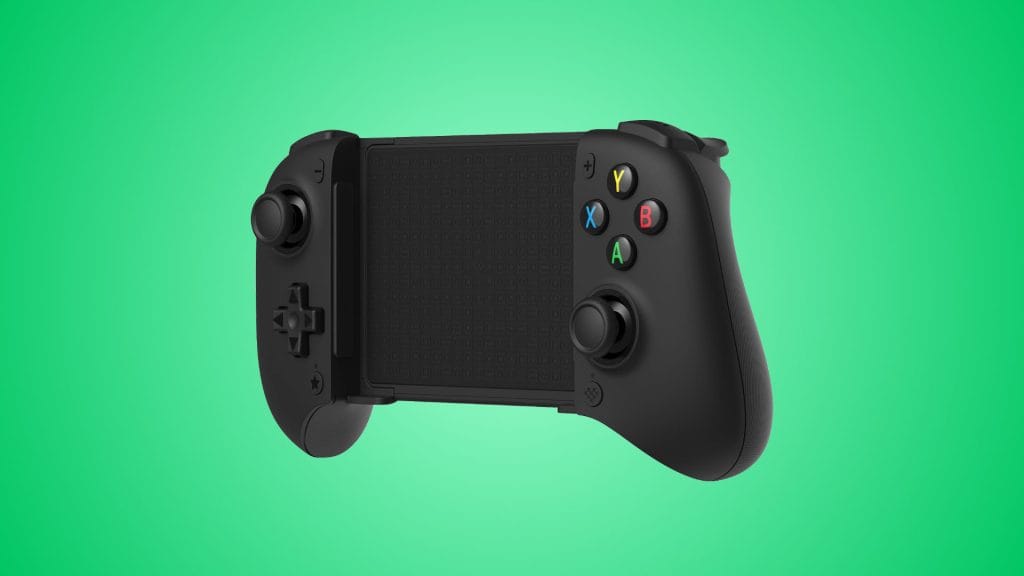
8BitDo Ultimate Mobile Gaming Controller Xbox Edition
design
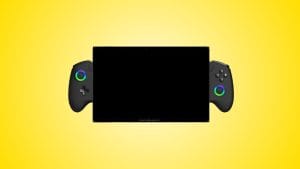
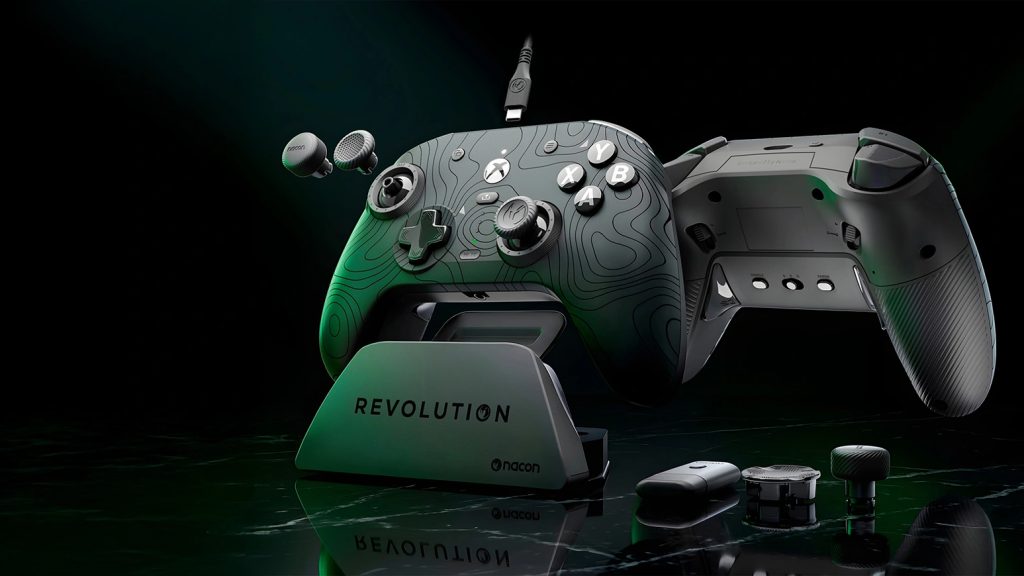
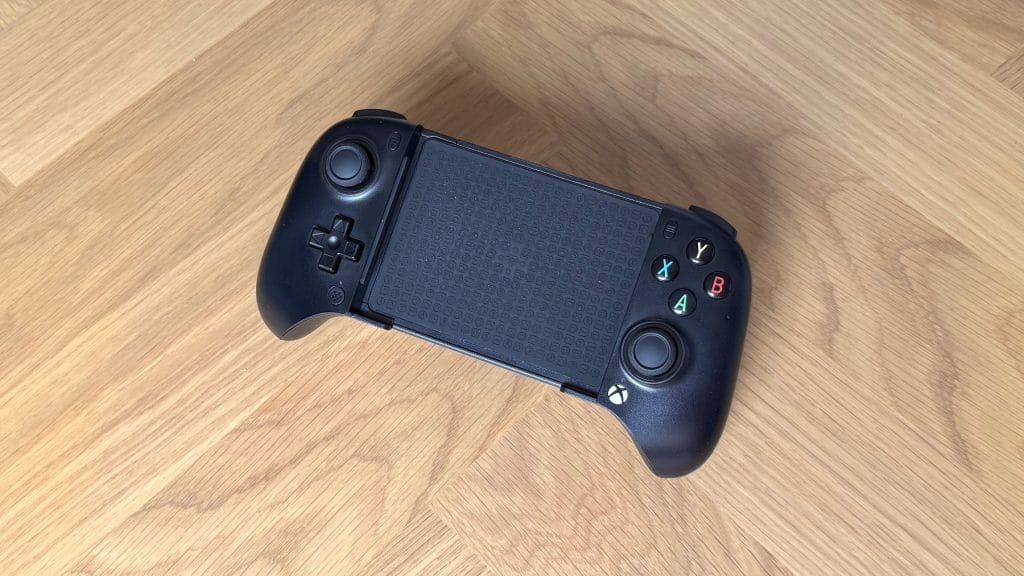
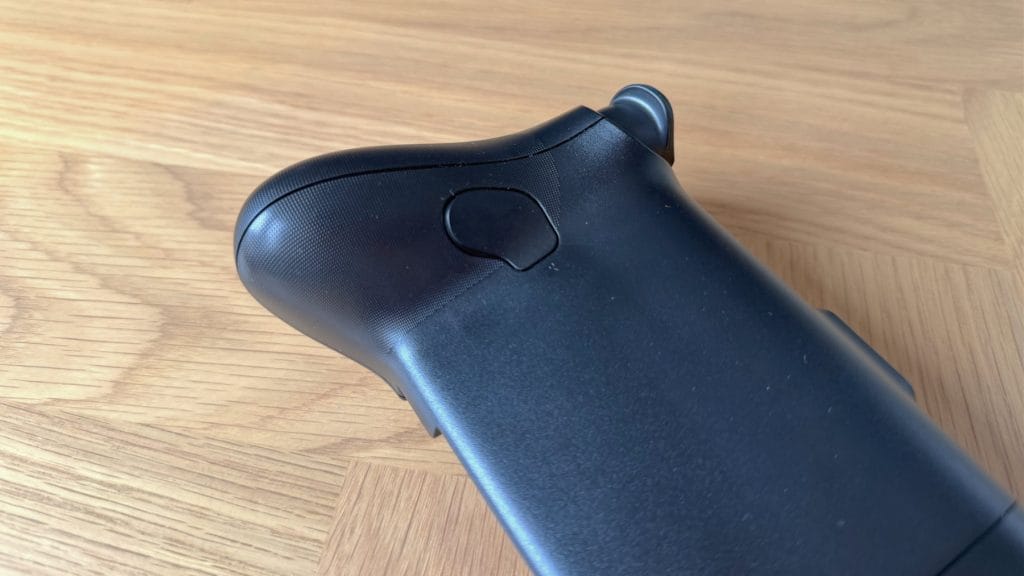
The 8BitDo Ultimate Mobile Gaming Controller Xbox Edition carries that familiar 8BitDo styling with rounded edges everywhere that almost look like it’s gently melting. It’s not, thankfully, and build quality is actually quite good across the board for a grip that runs at nearly half the price of rivals. The textured rubber surface on the back of the phone deck is a highlight with a fun input-themed pattern, and the small amount of texture on the back of the main grips feels nice under your fingers. I’ve been testing the black model and while its finish looks nice out of the box, it’s a magnet for greasy marks and fingerprints, with signs it’s likely to end up rather shiny over time. Keep a microfibre cloth handy.
I don’t have massive hands but the Ultimate Mobile Gaming Controller Xbox Edition feels slightly small to hold, and it’s the length of the main grips that is the culprit. The left stick falls in a natural position, but the right one ends up nearly at the base of my thumb and I essentially had to claw grip the right side to reach it. It’s not a dealbreaker, I got used to it after an hour or two, though coming from the stock Xbox Series X controller or even another mobile grip like the GameSir G8, it’s certainly a downgrade in comfort.
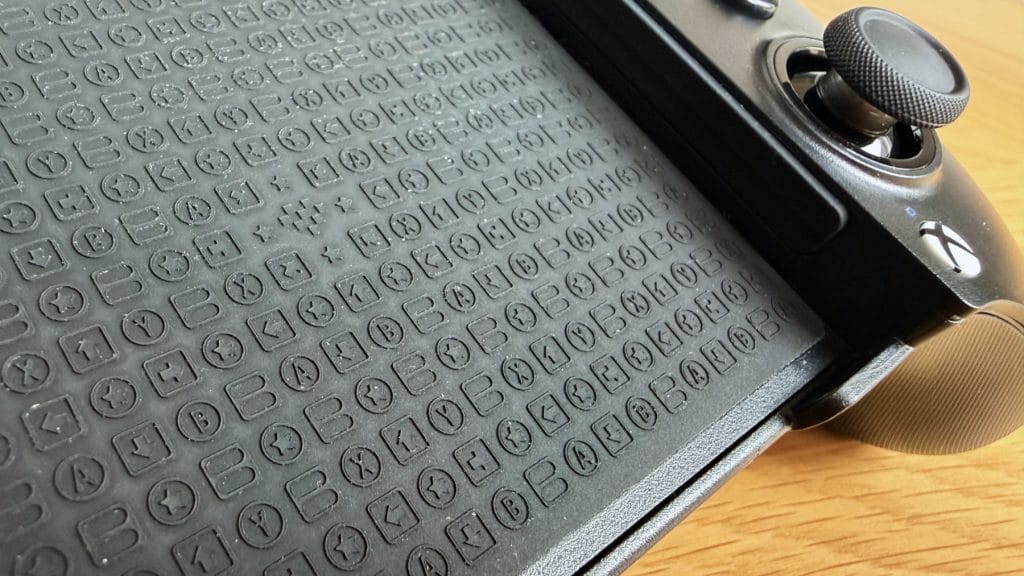
Where this controller does impress is the phone deck. The telescopic action extends smoothly and in testing it held both my phones in a reassuringly sturdy way. This is the first mobile controller grip I’ve tested that confidently holds both a super slim POCO X5 Pro 5G and a chunky iPhone 17 Pro with a case still on without any sense that the phone might pop loose. There are no replaceable pads or removable elements to fiddle with, it’s just a good base design that’s wonderfully fit for purpose.
Feedback from the bumpers is sharp and clicky, with a responsiveness that feels better than you’d expect at this price point. The face buttons are standard fare, neither exceptional nor disappointing, though they are a little rattly. The D-pad has a noticeable wobble before the input registers, though the actual click is short and responsive once it fires. There are Hall Effect sticks and triggers on offer here, which is impressive for the price, and the sticks feel great with just the right amount of resistance. The triggers have a good level of detail but have a quirk: they complete their full input range before the trigger is physically all the way down, leaving roughly 5% of dead travel at the bottom of the press. They don’t have the longest travel to begin with so it’s a shame to not be using all of it.
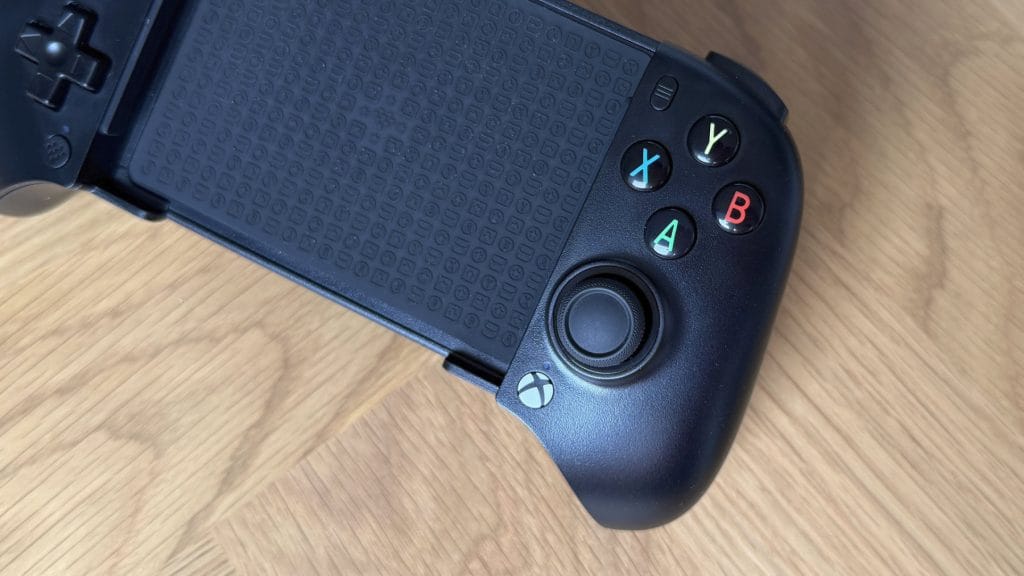
The 8BitDo Ultimate Mobile Gaming Controller Xbox Edition gains a dedicated Xbox home button on the front, replacing the turbo button from the standard version. Mirroring it on the left side is a heart-shaped button for hot swapping between controller profiles. Neither button is a game-changer, but I’ll admit I habitually used the Xbox button to open the guide a few times in testing and wouldn’t have looked twice at a turbo button.
performance
Given its name, it should be no surprise that the 8BitDo Ultimate Mobile Gaming Controller Xbox Edition is at its best when playing games via Xbox Cloud Gaming. I’d even go so far as to say that if you’re not a Game Pass subscriber, you can probably stop reading now and look to another mobile grip instead. Initial pairing with devices is straightforward and thankfully there are no multiple connectivity modes to fumble with like on the GameSir G8 Bluetooth. The whole experience works smoothly out of the box and I didn’t even need to consult the user guide for pairing mode instructions, I took a punt on holding a button until a light flashed, and I was right.
Switching the controller between devices wasn’t quite so simple, though admittedly my testing environment is a real stress test for this kind of thing. I attempted to jump around between my iPhone, MacBook Air, and Android phone and things got rather temperamental. The controller seemed to want to cling on to a previously paired device, even if Bluetooth was now switched off on it, so moving between a phone and a laptop usually required repairing from scratch rather than reconnecting to a previously paired device. If you’re not hopping back and forth like I have been this won’t be an issue, though after a few days of testing I’ve ended up with four separate “Ultimate MGX” entries in my Android Bluetooth list.
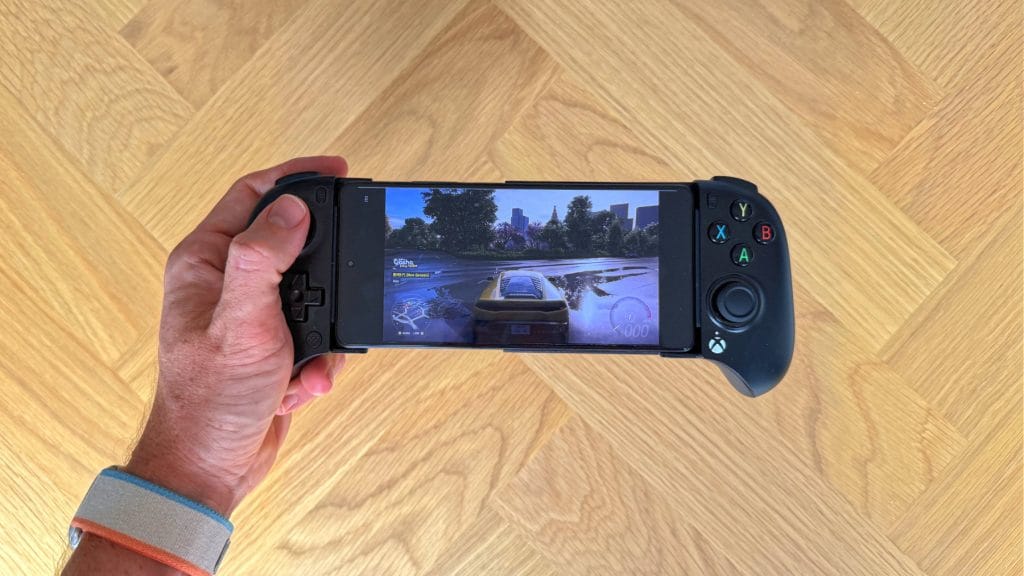
No matter which of those devices I was connected to, however, the Xbox Cloud Gaming experience was excellent. I drove around Japan in Forza Horizon 6 without a hitch, controls were responsive and there was no noticeable Bluetooth latency. The triggers offer plenty of granular control for working the throttle, though that deadzone at the end I mentioned earlier took some getting used to when it came to small throttle lifts around high-speed corners. There’s no rumble or vibration support but I’ll happily admit I didn’t miss it, cloud gaming and mobile titles rarely lean heavily on haptic feedback anyway.
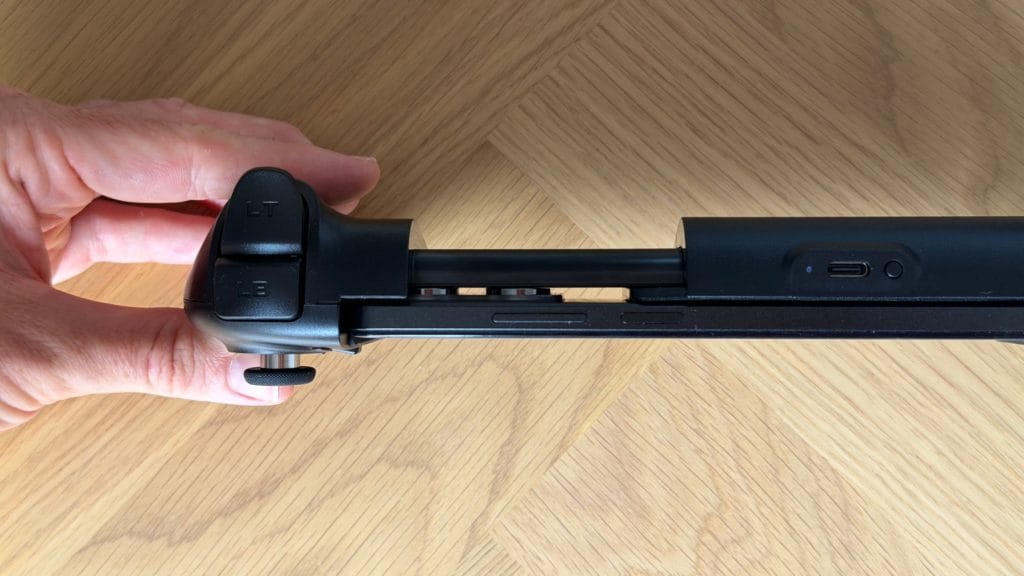
Steam had a love-hate relationship with the controller, depending on the platform. Connecting to my MacBook Air over Bluetooth had Steam recognising it as a different, previously paired controller which then failed to work in game. Plugging it in via USB-C looked promising at first with macOS referencing it by name, but it was never seen by Steam or Xbox Cloud Gaming when cabled. Windows fared much better across both Steam and cloud, over USB-C it was instantly set up as a general XInput device, fully mapped and compatible with both.
The moment you descend from the clouds and into native mobile games, however, things start to get messier and you’re at the mercy of individual developers. Fortnite recognised the Ultimate Mobile Gaming Controller Xbox Edition immediately on both iOS and Android, and the gameplay experience was responsive and reliable. But the on-screen button labels display PlayStation symbols (Circle, Cross, Square, Triangle) despite the controller’s physical ABXY layout and Xbox branding. That’s a little awkward for a licensed device. This usually happens because the controller identifies itself as a generic gamepad rather than as an actual Xbox controller, which means the Xbox licensing doesn’t extend to how games see it. Call of Duty Mobile, one of the biggest mobile shooters on the planet, simply doesn’t recognise the controller at all. Not on iOS, not on Android, and unlike the GameSir G8 there’s no hardware mapping workaround here either.
Depending on your play style, the back paddle buttons are perhaps the most frustrating limitation. They’re physically well-designed, nicely positioned and require just the right amount of force to trigger, but they weren’t recognised in any scenario I tested. Not in Fortnite, not in cloud gaming, not anywhere. Even after binding them to specific inputs through the 8BitDo Ultimate Software V2 app, games simply didn’t see them.
Speaking of the app, it’s incredibly basic and falls far behind competitors in this space. There are confusingly two versions on the App Store, V1 doesn’t recognise the controller at all, and V2 requires you to manually select and pair your controller model during setup despite the device already being Bluetooth-paired to your phone. Once you’re in, the customisation options are barebones: button remapping, deadzone adjustments, and trigger tuning. It worked on both iOS and Android, though anything you configure is device-specific and doesn’t save onboard the controller itself.
summed up
If your primary focus is on cloud gaming, the 8BitDo Ultimate Mobile Gaming Controller Xbox Edition is a well-built, well-priced controller grip that delivers an excellent experience across devices. The phone deck is the most secure I’ve tested, Hall Effect sticks and triggers are impressive at this price, and it works with both iOS and Android out of the box. At $49.99 it’s significantly cheaper than rivals the Backbone One and GameSir G8+ Galileo Wireless, and it’s frequently found on sale for even less.
The trade-off is everything outside cloud gaming, which is quite a lot. Native mobile game support is a roll of the dice, with some titles displaying the wrong button labels and others refusing to recognise the controller at all. The back paddle buttons are functionally decorative, the companion app is bare-bones, and the smaller grip profile won’t suit everyone. If you’re not too fussed about the Xbox branding, it’s also worth noting that the original non-branded version now shares the same compatibility and is often found at a lower price.
For Game Pass subscribers who primarily play on their phone, this is a strong recommendation. For anyone else, there are more versatile options out there.