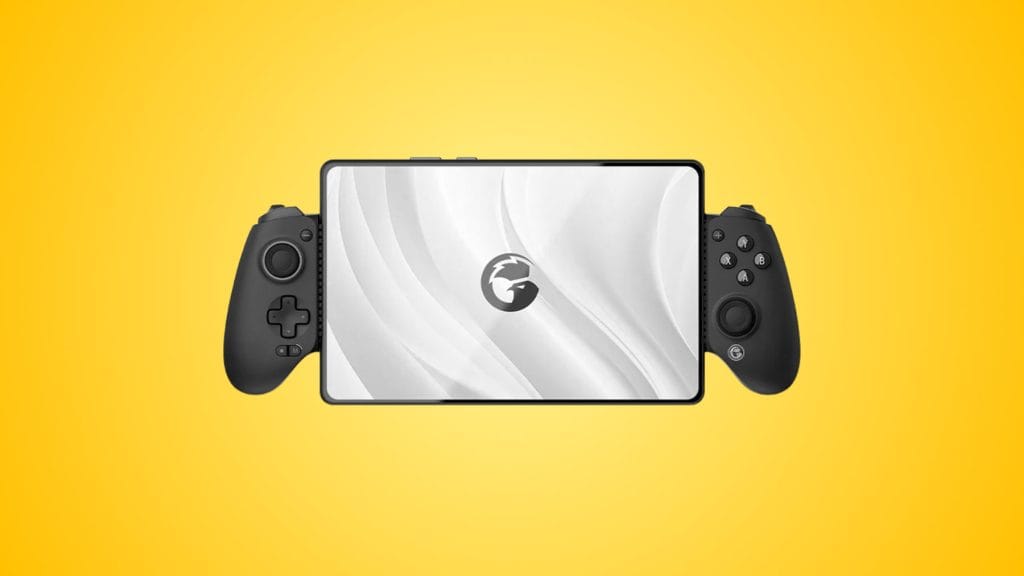
GameSir G8 Plus Bluetooth Stretchable Mobile Gamepad
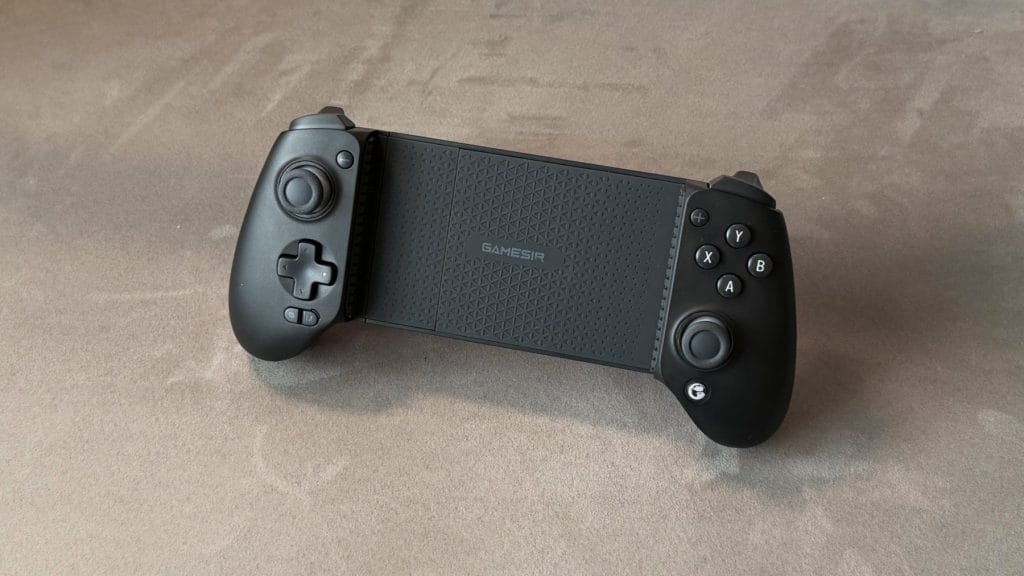
design
It looks very similar, but the G8 Plus’ Bluetooth’s approach brings a fundamentally different relationship with your phone compared to the wired G8 controllers. There’s no USB-C connector going into the device, so no pivoting port to navigate, which in theory means less physical stress on both the controller and the phone. In practice, this also means you lose the benefit of passthrough charging of your device while you play and there’s no 3.5mm headphone jack either, both of which are available on the wired GameSir G8+ MFi.
Platform compatibility is greatly expanded compared to the rest of the line-up. The GameSir G8+ Bluetooth works with iOS, Android, the Nintendo Switch, PC (via wired USB-C or Bluetooth, with a wireless dongle sold separately), and macOS. That’s an impressive range on paper, but the reality of managing it is less elegant. Each platform requires its own Bluetooth pairing mode, triggered by holding different button combinations. For a single-device user this is a pair-once-and-forget affair and you won’t have any problems. For anyone hopping between platforms, as I was during testing, it becomes tedious. Switching modes regularly caused reconnection failures with devices the controller had previously been paired with, and remembering which combination goes with which platform isn’t intuitive.
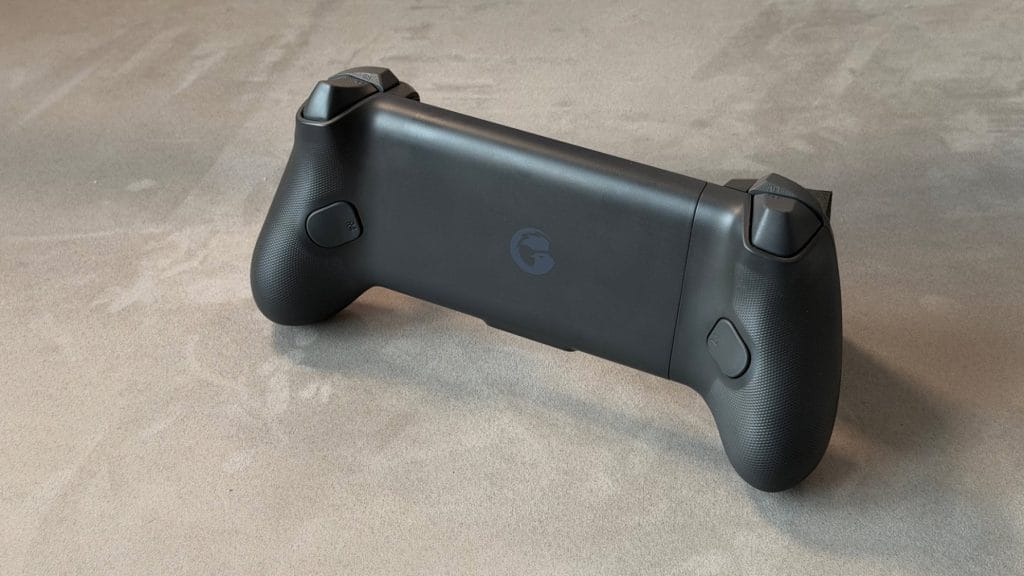
A 1000mAh battery sits split across both grips, charging via a single USB-C port. Curiously, the GameSir app tracks each side independently on Android, which is how I discovered the left and right grips drain at slightly different rates despite charging as a single unit. The published eight-hour battery life felt about right based on the numbers I observed during testing, though I do wonder what would happen if one half of the battery died before the other. Opening the controller automatically powers it on and closing it powers it down, which is a small but fun convenience that worked reliably.
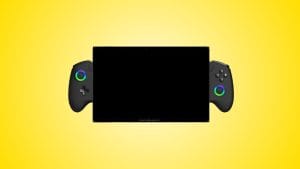
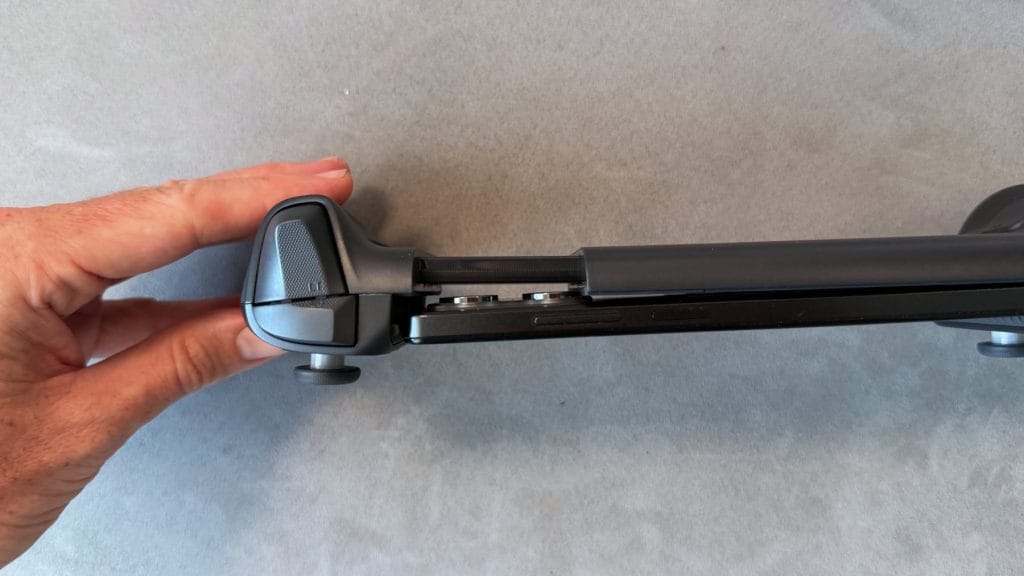
The build quality and overall shape match the rest of the G8 family. The same full-size, Xbox-like grips with textured backs, the same solid chassis, and the same comfortable hold for longer sessions. At 314g it’s the heaviest of the three variants on paper but the balance is good and the extra weight didn’t register during testing. It is very much a backpack controller though, not something you’re slipping into a pocket, and no carrying case is included.
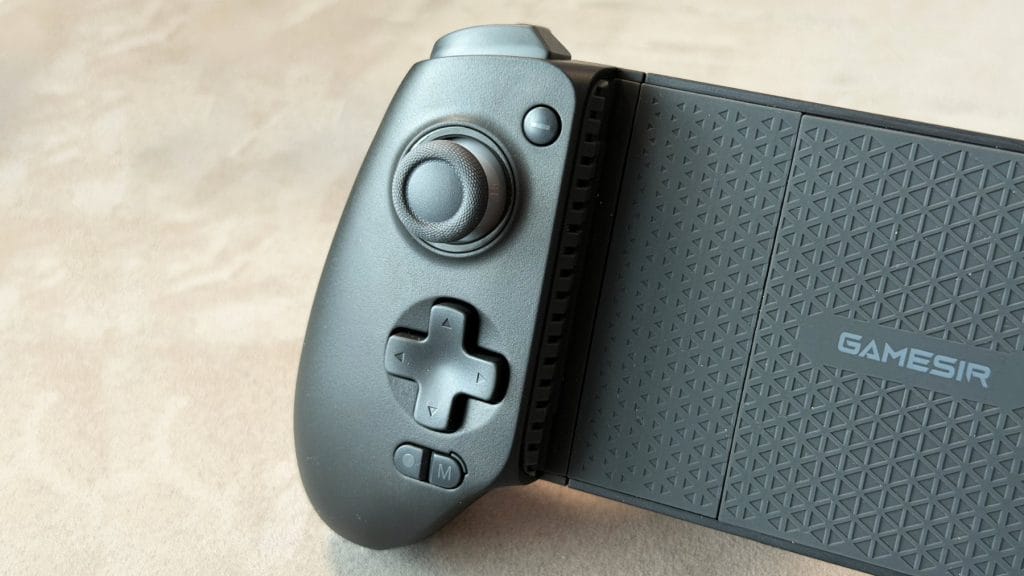
The black colourway looks like a classic, traditional controller and is a clean step away from the grey and grey-and-white of its wired siblings. GameSir has also released Hulk and Thanos themed special editions in some regions, making this the only G8 variant with any cosmetic variety, though they’ll cost a little more. It’s a shame the standard colourway options are still limited to just one.
Case compatibility is less fraught than on the wired models since there’s no USB-C connector angle to worry about, but the physical cradle can still be tight. My iPhone 17 Pro fit with a slim case on but sat at a noticeable angle, protruding more on one side than I’d like. There’s a rubber pad on the phone deck that GameSir’s marketing suggests is removable for camera bump clearance, similar to the magnetic panel on the G8+ MFi. Unlike the MFi’s clean magnetic system though, this one appears to be glued down. It really didn’t feel like it wanted to come off, and I wasn’t willing to force it. If you do manage to remove it, don’t expect it to go back on neatly.
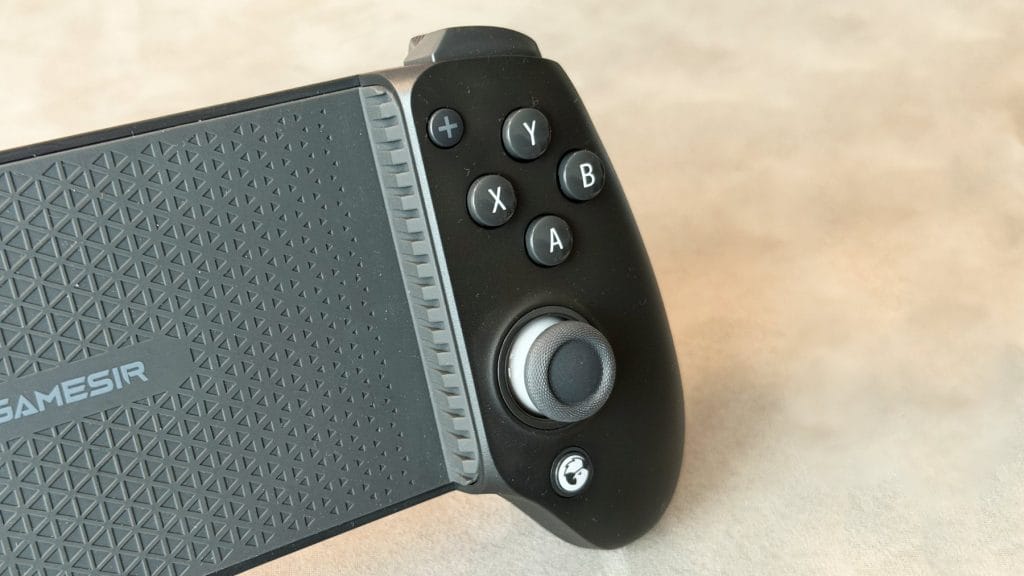
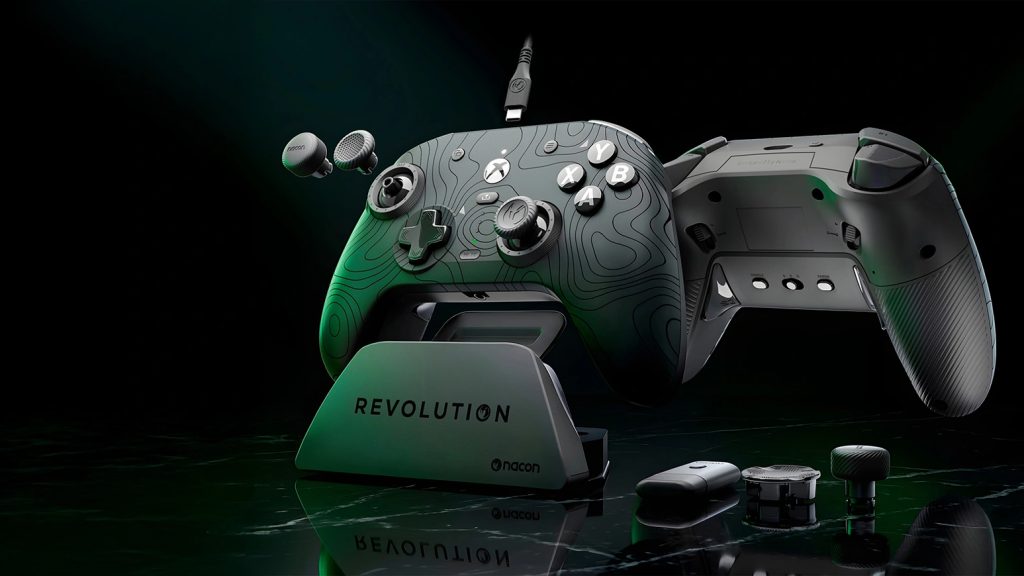
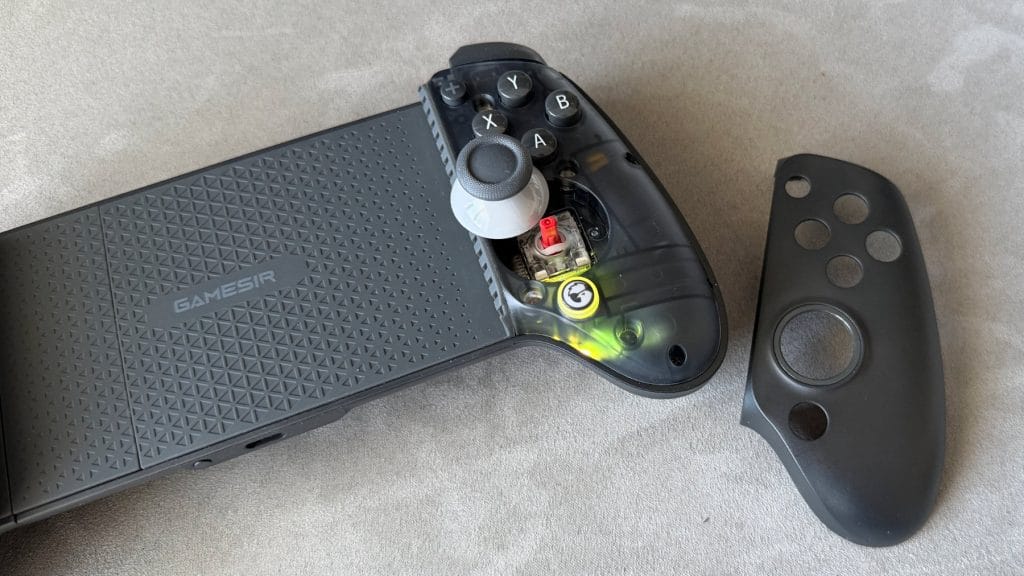
Swappable ABXY caps and thumbstick caps carry over from the rest of the range, with three alternate stick options (short, tall, dome) accessible via the magnetic faceplates. GameSir still only includes one of each replacement, so matching pairs remain off the table. One new wrinkle here: on iOS, the controller connects as a DualShock, so all on-screen prompts display PlayStation button labels. You can physically rearrange the caps, but GameSir doesn’t include any PlayStation-legended alternatives. For a controller that actively markets itself to iPhone users, that’s an odd gap.
performance
A few minutes into my first game of Fortnite on the GameSir G8+ Bluetooth, the core experience felt immediately familiar. The Hall effect joysticks are smooth and precise with a high level of sensitivity, and the resistance is well judged. I was able to hold the sticks at a midpoint for fine adjustments without the feeling they were itching to snap back to centre. The triggers offer full analogue travel with a hair-trigger mode for faster response in shooters, though whether you can actually enable it depends on your platform (more on that shortly). In analogue mode, modulating the throttle in Forza Horizon 6 via Xbox Cloud Gaming gave me a satisfying level of detail and control. The D-pad shares the same slightly mushy initial feel as the rest of the G8 family, clicking through with a short travel distance once you commit to an input, and the ABXY buttons are nice enough without being particularly special.
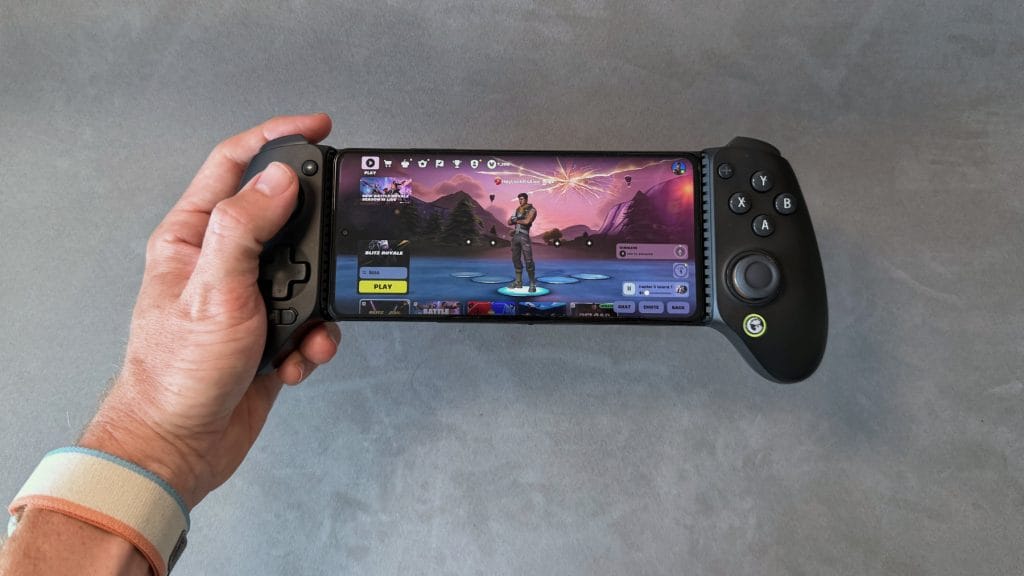
The Bluetooth connection, however, introduced a subtle difference in feel that I hadn’t experienced with the wired G8 controllers. It’s difficult to quantify precisely, but I didn’t feel as locked-in. It’s not obvious latency or any kind of stutter, it might even have been entirely a placebo effect, but small thumbstick inputs occasionally felt like they weren’t quite registering or were getting lost along the way. Everything was perfectly playable and my skill level is certainly not high enough for this to be a deciding factor, but if precision is a priority for you, the wired experience is probably tighter.
The iPhone experience is where the GameSir G8+ Bluetooth falls behind its siblings most significantly. Because iOS identifies the controller as a DualShock 4, the GameSir app doesn’t recognise it at all. That means no stick calibration, no deadzone adjustment, no hair-trigger configuration, and no back button mapping. The two rear programmable buttons (M1 and M2) ship unbound and there’s simply no way to configure them on iOS. They don’t appear in the iPhone’s native controller settings either, because iOS thinks this is a DualShock 4 which doesn’t have back buttons. On macOS I was able to rebind some buttons through the native system options, but back button mapping wasn’t available there for the same reason. It’s a frustrating situation that effectively strips out several of the G8+’s most compelling features for an entire platform.
On Android, the picture is much better. The app recognised the controller (admittedly after a couple of attempts initially) and once connected, all the usual customisation options were available. Fortnite and Call of Duty Mobile both ran well on the POCO X5 Pro 5G after the usual game-side controller recognition quirks.
Strangely for a mobile controller grip, it was PC gaming was the most pleasant surprise. Connected via USB-C or Bluetooth, the controller was recognised immediately as a PlayStation 4 pad and was fully mapped out of the box for both local and cloud gaming. Gyro tracking worked too, which is a nice bonus for games that support it. macOS was less smooth, a recurring theme with mobile controllers I’m finding. The controller initially tried to connect as a “GameSir G8” which required manual Steam configuration and then wasn’t recognised in-game. Reverting to DualShock mode resolved it and games worked with automated mapping from there.
The vibration motors are present but remain largely a spec-sheet feature. They work in the GameSir app’s test mode on Android, producing capable rumbles at both strong and subtle levels, but no game I tested on any platform actually triggered them. This appears to be a mobile gaming ecosystem problem rather than a GameSir fault, but it means the motors are effectively dormant until developers start supporting external controller vibration.
summed up
The GameSir G8+ Bluetooth keeps a lot of what makes the G8 one of the best mobile grips going, but in this form it’s a controller that works better on some platforms than others. On Android and PC, it’s a flexible wireless option with excellent inputs, full app support, and the convenience of one controller across multiple devices. The Hall effect sticks and triggers remain some of the best in the mobile controller category, and the full-size grips are comfortable enough for extended sessions without complaint.
On iPhone though, the experience takes a meaningful step backwards. No app recognition means no calibration, no deadzone tuning, no hair-trigger mode, and no back button functionality. For a controller that costs the same as the wired G8+ MFi, which delivers all of those features on iPhone without issue, it’s a hard sell to iOS users. The Bluetooth connection itself also introduces a subtle looseness to the input feel that the wired models don’t have.
If you’re an Android user who wants wireless freedom and multi-platform versatility, the G8+ Bluetooth is a strong option at £79.99. If you’re on iPhone, save yourself the frustration and go with the wired G8+ MFi instead. Same price, better experience.