ProtoArc EM11 Pro Ergonomic Vertical Mouse
design
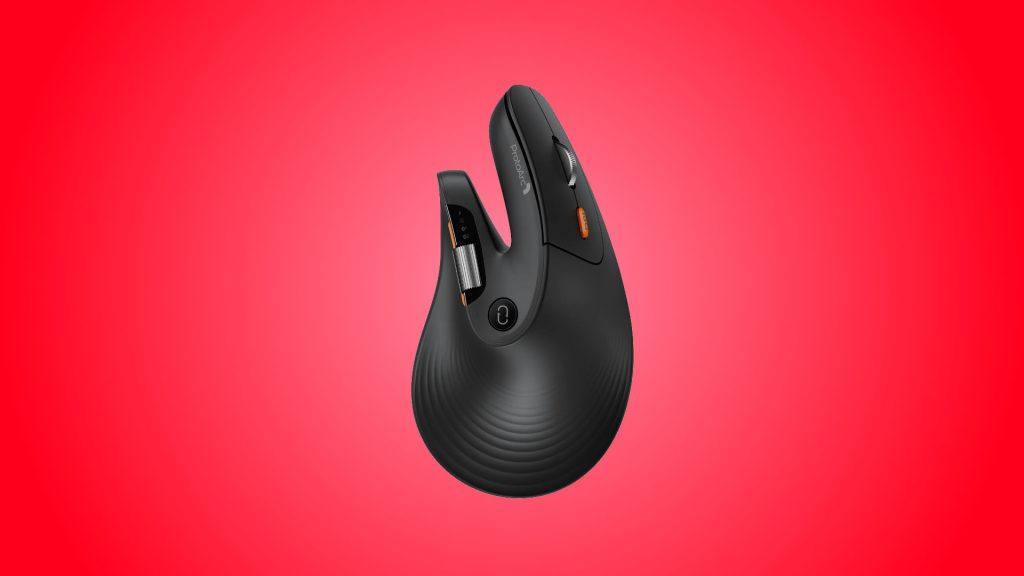
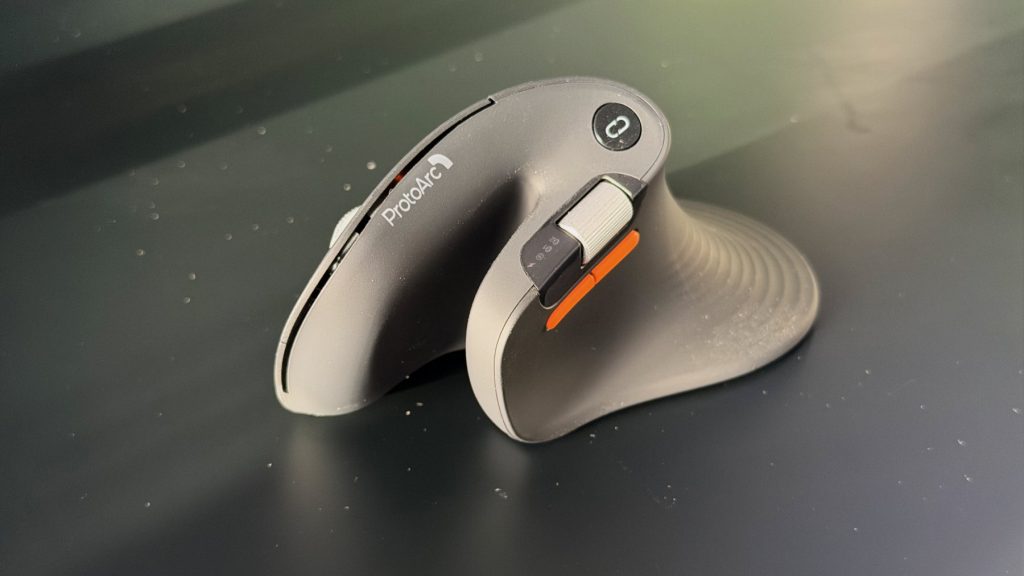
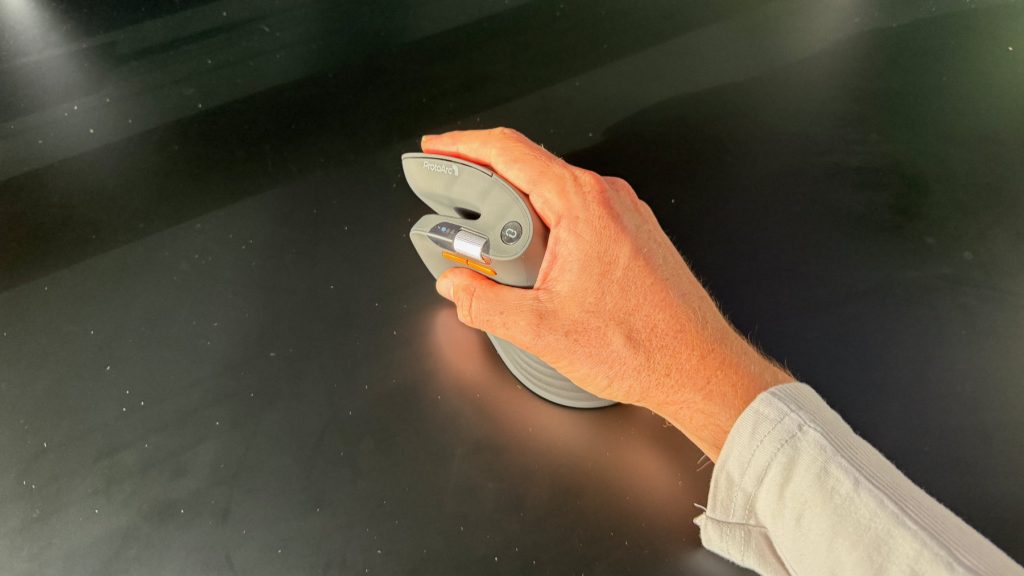
If you aren’t used to vertical mice the ProtoArc EM11 Pro will look pretty striking. It’s a chunky horseshoe that comes in blue, black and white, with a rubberised finish that feels nice in your palm, although it isn’t particularly grippy. The 58 degree angle stands the whole thing up on its side, and ProtoArc has shaped it with a U-shaped cutout at the thumb web, a raised arch under the palm and an enlarged tail. It’s surprisingly light for its size, too.
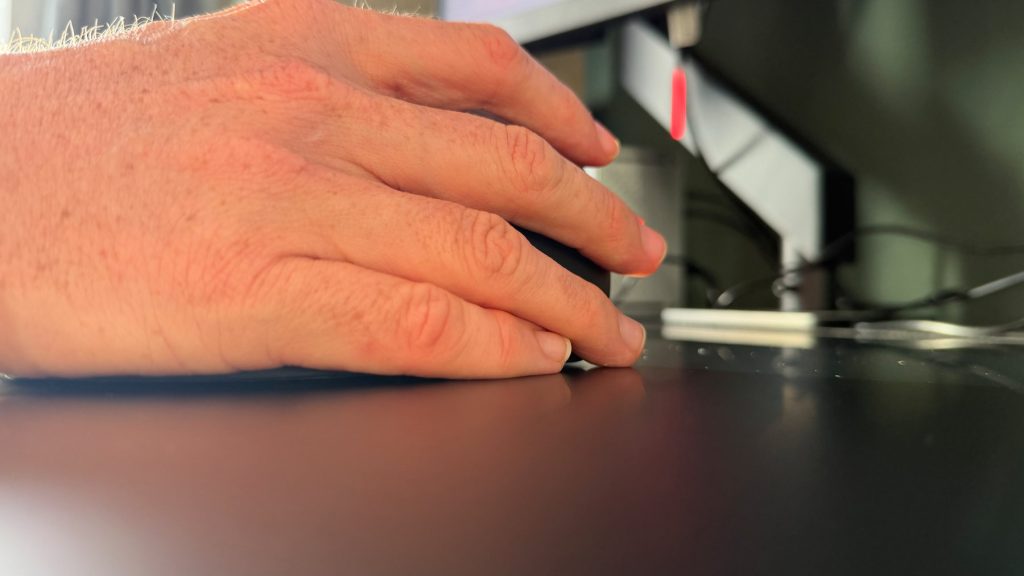
I usually use an MX Master 4, so a big mouse is my comfort zone, and the size of the EM11 Pro wasn’t a problem. I’d call my hands pretty normal sized and nothing about the body felt cramped. The tail is a different story. It’s there to give the outer palm, ring finger and pinky somewhere to rest and cut down on friction against the desk, but my pinky was always hanging off the bottom edge and dragging along the desk. Everything else about the new size worked, so it’s a shame that’s the bit that missed.
In the box you get the mouse, the receiver and a USB-C cable that’s for charging only, so there’s no wired fallback. There’s a little cubby underneath for the USB receiver, which stops the dongle going walkabout if you’re connecting with Bluetooth or taking it on the go.
performance
I found a week or so was enough to get used to the angle, although it definitely takes some adjusting. That’s true of any vertical mouse though, so I don’t see it as a mark against the EM11 Pro. What I did notice is that, for general office work, it felt a little more sluggish than a standard mouse and fine adjustments were less precise. Because this is the first vertical mouse I’ve used consistently I can’t say for sure whether that’s down to the EM11 Pro specifically, or a quirk of the genre. I suspect it’s somewhere in between.
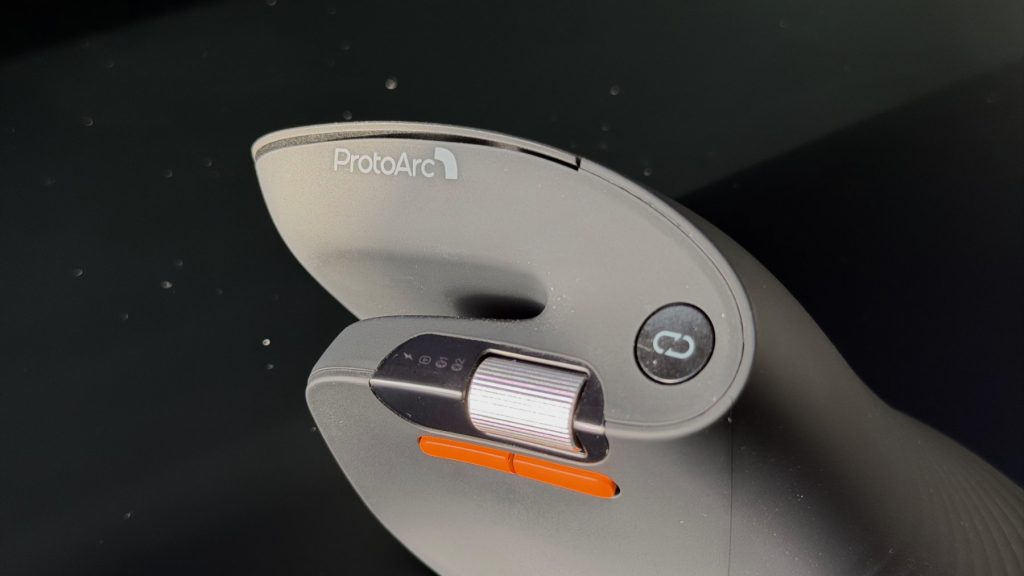
Tracking gave me no issues, though the EM11 Pro felt much more sensitive at higher DPIs than other mice I’ve used. There are six levels ranging all the way up to 7200, so there’s plenty of room to find one that suits you, and connections were reliable throughout.
The left and right clicks are nice and quiet, with a creaminess I enjoyed. They feel soft and cushioned and remained comfortable through a full day of work with no misclicks either. The scroll wheels are more of a mixed bag. There’s no free scroll option on the main wheel, which is a shame, and the horizontal side wheel is quite light in terms of resistance and I bumped it a couple of times while aiming for the back buttons below it. I’ve never found a side wheel particularly useful and I ignore the one on my MX Master 4, which held true here too, so if you live in wide spreadsheets it may matter more to you than it did to me.
Customisation runs through ProtoArc’s web hub in Chrome or Edge, with nothing to install and settings saved to the mouse’s onboard memory. The tool is very basic in both design and feature set, so don’t expect to achieve a lot. I can’t say much with real certainty about battery life after just a couple of weeks of testing, but there’s a 500mAh cell inside the EM11 Pro which ProtoArc says should last up to 200 days per charge.
summed up
If you’re chasing a vertical mouse, the ProtoArc EM11 Pro is easy to live with in plenty of ways. It’s light, the clicks are quiet and soft, and the connections held up. But the shape didn’t quite work for my hand, and the customisation tool is too basic for a mouse that leans on it so much.
As a first vertical mouse, it’s a cheap enough way to find out whether the format suits you, and some of what I found, like the less precise fine adjustments, may simply be what vertical mice are like.