EPOMAKER LUMA100 Low Profile 96% Layout Keyboard
design
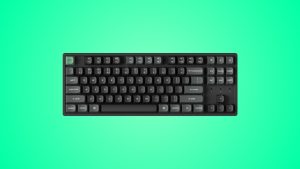
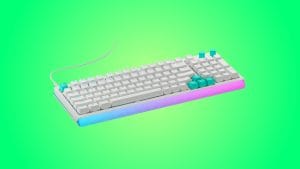
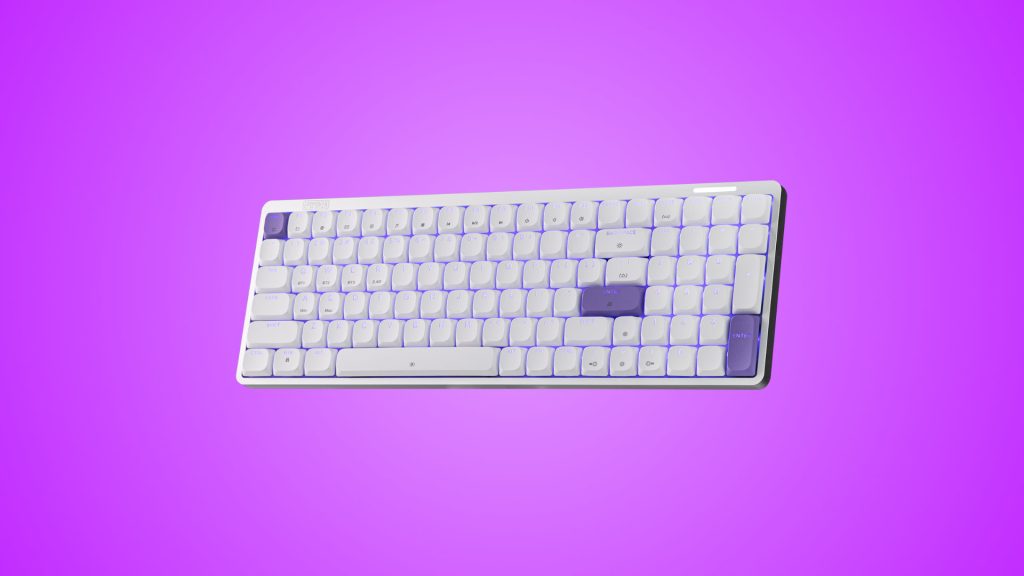
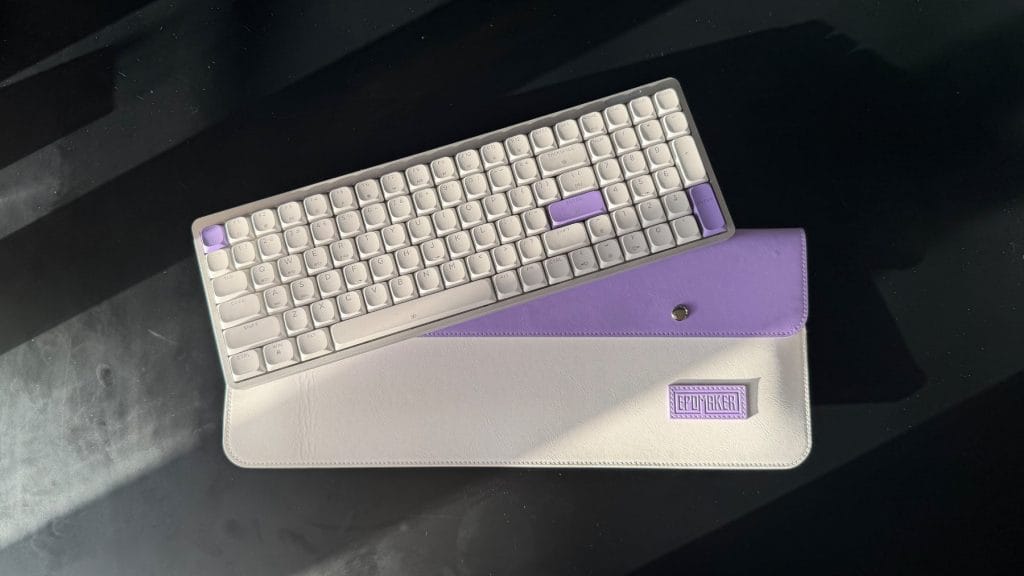
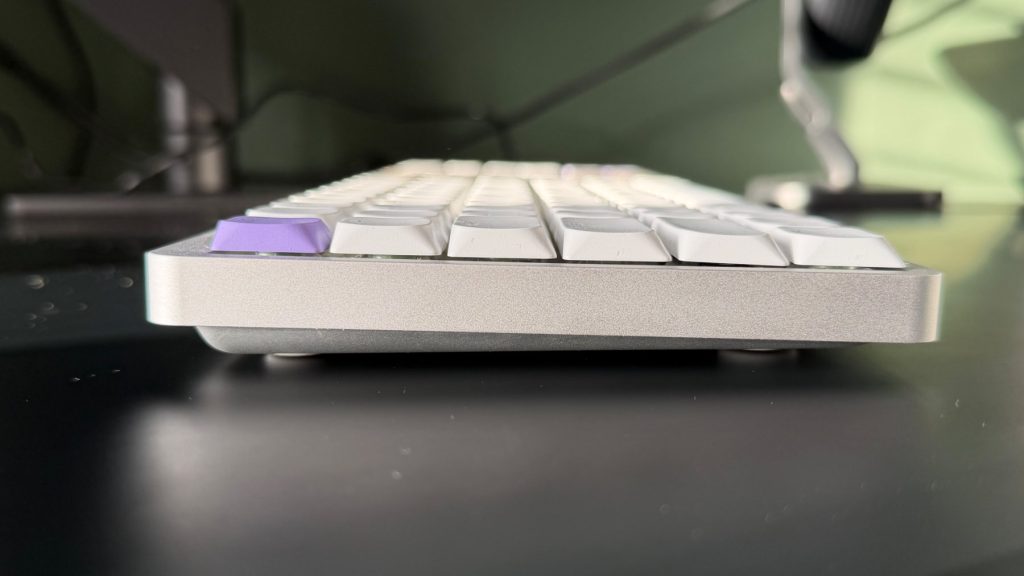
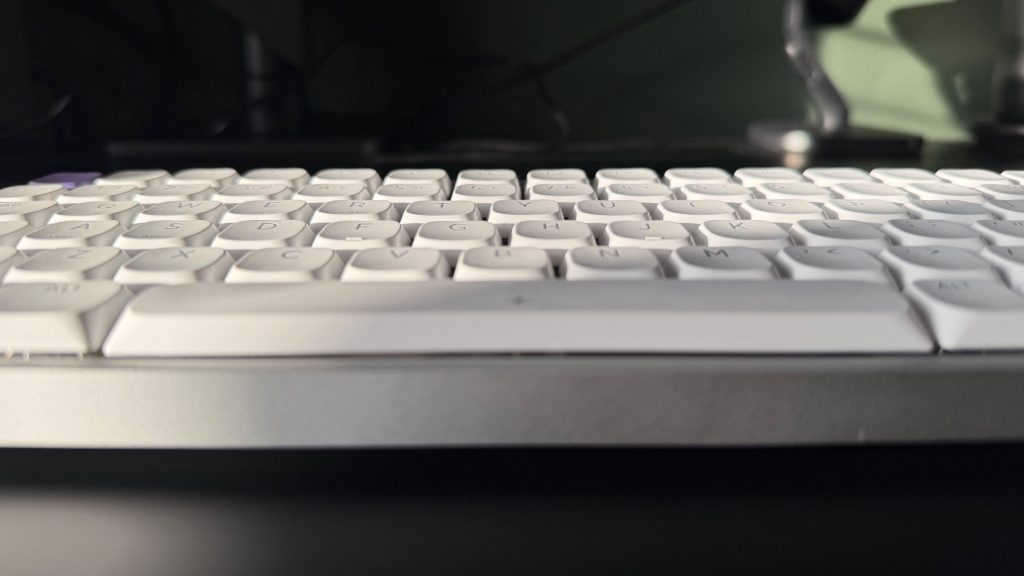
Epomaker’s keyboards have previously tended to favour presence over subtlety, with tall cases, chunky keycaps and, on plenty of models, even a little screen or a volume knob thrown in for good measure. The Epomaker Luma100 is a different proposition. It’s sleek and understated, more at home next to study notes on a tidy desk than at the heart of a gaming setup. It’s noticeably thin too, but despite that, the aluminium case gives it impressive strength and rigidity, there’s no flex when you pick it up and nothing about it feels flimsy.
There’s only the one colourway, a white board in a silver shell with lavender accents on the Esc and Enter keys. Epomaker includes plain white replacements in the box if you’d rather keep things monochrome, along with Mac modifier keycaps, which is always welcome. There’s a lot in the box in fact, with a faux leather carry pouch, a cleaning cloth, and a couple of spare switches in there too. The 2.4GHz dongle comes tied to the USB cable in a little container rather than having its own hidden cubby on the board itself. It’s not the slickest solution, but on a keyboard this thin I can understand why there’s no room for one, and it’s a thoughtful inclusion that makes the dongle far harder to lose.
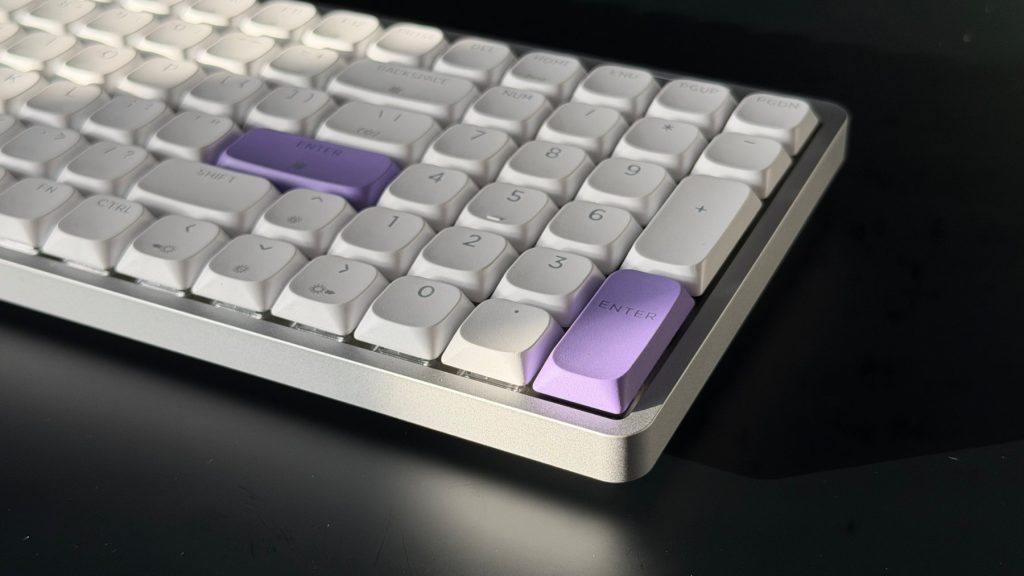
The keycaps themselves are a DSA profile, uniform in height across every row, with slightly circular tops that give the Luma100 a bit of character. They’re shinethrough, so the per-key RGB lights up the legends cleanly, and those legends are clear and easy to read. I also appreciate the secondary labels printed on a number of keys marking out their function shortcuts, which spares a trip to the manual.
The Luma100 sits almost flat on the desk by default though Epomaker does include a set of taller rubber feet if you want to introduce some angle. They’re stick-on rather than hot-swappable however, so once they’re on that’s your angle decided for good. The natural slope of the frame suited my typing well enough, but would it have been so hard to add a couple of little flip-out legs so I could try something different? Who knows, maybe I’d have liked it more if so.
performance
As someone who does far more typing than gaming on a keyboard, the Mint linear switches were always going to be the deciding factor for me. They aren’t heavy, and the return is quick enough that nothing ever feels sluggish, which is more than I could say for the firm switches on the Keychron K3 HE. What they do lack is a feeling of crispness. There’s a soft, almost marshmallowy quality to each press rather than a sharp, defined input, and at times it strays close to the feel of a membrane board. When I’m typing quickly I want each key to have a little snap, and here they just don’t.
That softness is most obvious on the extended keys. Shift in particular has a wildly different feel to the keys around it and is distinctly mushier, a contrast that’s really obvious in everyday typing. It’s worth bearing in mind the Luma100 is hot-swappable with other low-profile switches, so there’s scope to swap the Mints out for something snappier, though that’s an added cost and there isn’t anything special to the shell to make that worthwhile in my opinion.
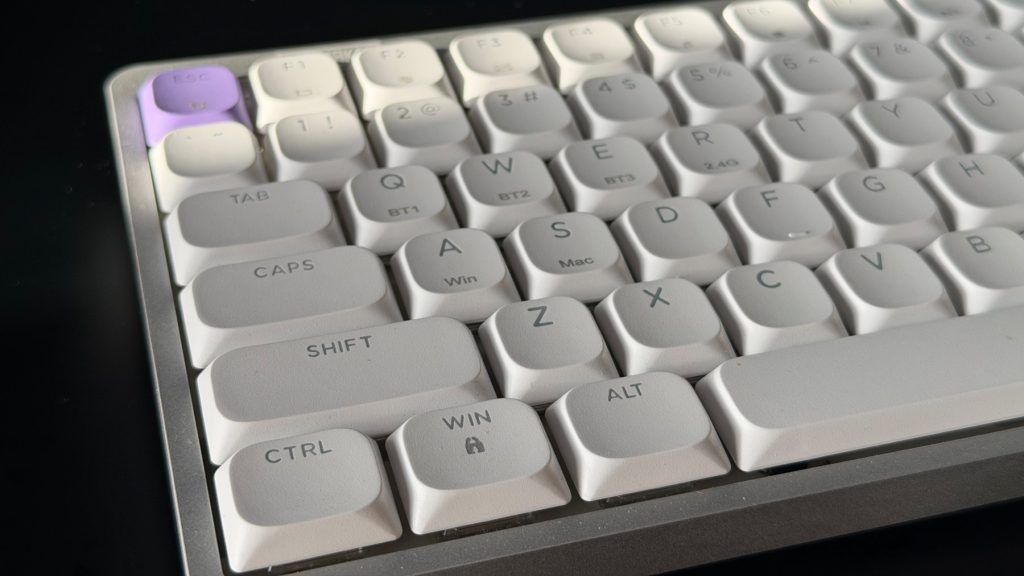
The 96% layout brings its usual trade-off too. Fitting a full numpad and arrow cluster into a footprint this compact leaves you facing a wall of keys with very little room to breathe between them. That comes with the territory, but it does take some getting used to if you’re stepping down from a full-size board.
Sound is a happier story. The Epomaker Luma100 is soft and quiet, with a lighter, fresher tone than the deep thock some boards go after. It won’t win over anyone wanting something bassy, but it’s pleasant to listen to and well suited to productivity work, including in shared spaces where nobody else needs to hear you hammering out emails.
Connectivity was trouble free across wired, 2.4GHz and Bluetooth, with no dropouts at any point during testing. Customisation runs through VIA, and as with plenty of Epomaker boards that means importing a JSON file rather than having the keyboard recognised straight away. VIA always seems a little indecisive about whether it wants that file or not, and even after importing it here it took a few refreshes before every feature was fully available. Mac support is far less fussy, with a dedicated Mac mode and those included keycaps making it easy to move between machines.
summed up
The Epomaker Luma100 is a well-built, good looking keyboard that does the fundamentals reliably. The aluminium case is strong despite how thin it is, the sound is gentle enough for an office, and the connection never let me down. It isn’t trying to be a gaming board loaded with the latest features, and I can’t really fault it on value as a result.
What decides it for me is feel. The Mint switches are pillowy rather than crisp, the extended keys are mushier still, and for a board I’d say is aimed so squarely at typing that’s a sticking point. It’s light enough to move around, but the Luma100 is a deskbound keyboard rather than something I’d be packing into a backpack, and if a softer keystroke suits you it’ll serve that desk well.