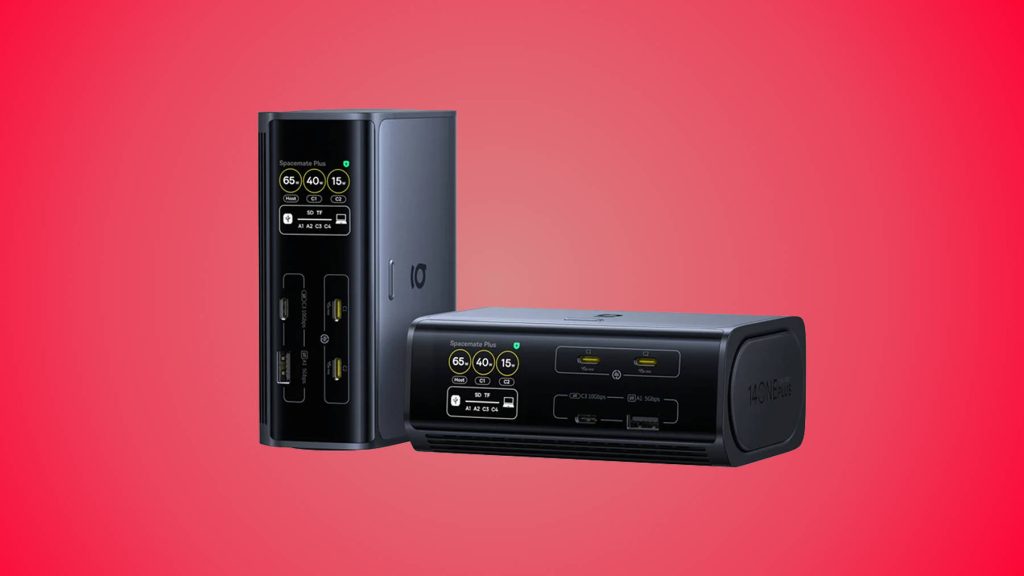
Baseus Spacemate RD1 Plus 14-in-1 Docking Station
design
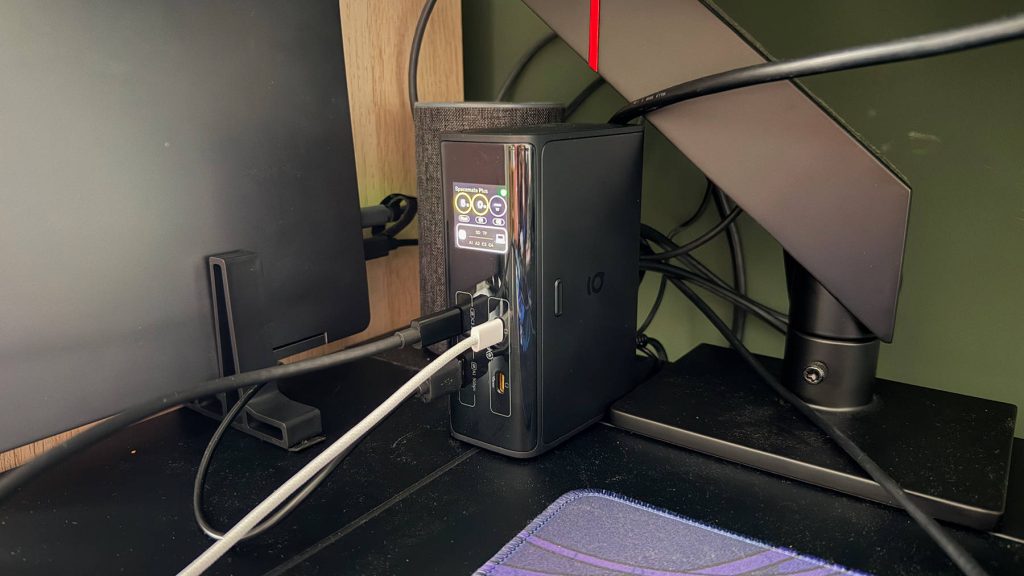
Where a dock lives matters more than people give it credit for, because it’s the one bit of kit with every cable on your desk converging on it. The Baseus Spacemate RD1 Plus can stand upright like a small tower or lie flat, and for something packing its own 140W power supply inside, it’s impressively compact. It looks slick on the desk and feels solid and premium enough for the money. I ran the RD1 Plus upright throughout testing, where it stayed firmly planted even with reasonably stiff HDMI cables tugging at the back. The included host cable also reached where I needed it without any fuss, though it’s only 70cm long and that may be tight for some.
The front screen automatically rotates to stay readable whether the dock is vertical or flat, which is a clever touch. It displays live wattage and port status, so if you like numbers it’s a neat bit of desk candy. Whether you’ll actually rely on it day to day is another matter. I can’t say I did.
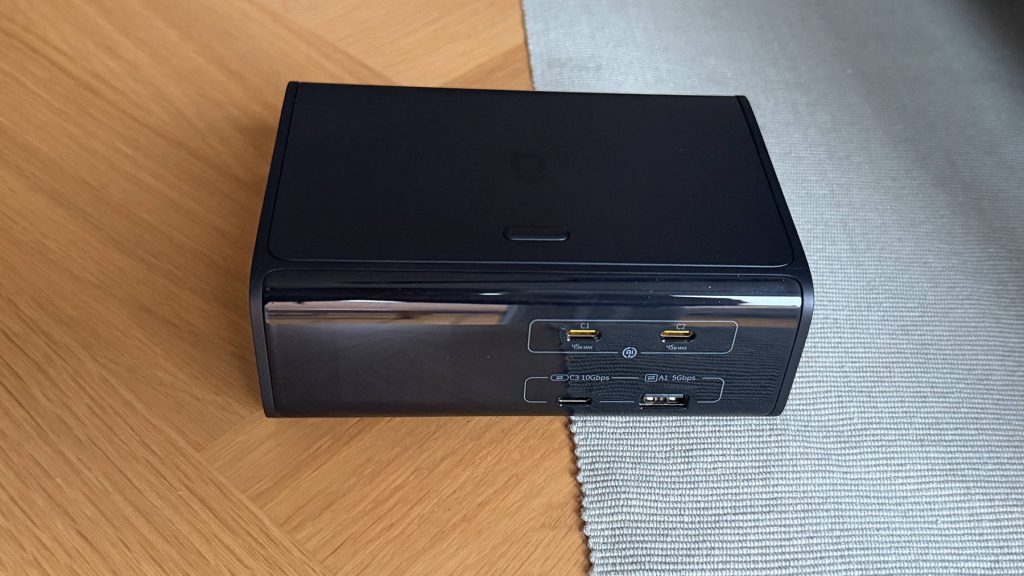
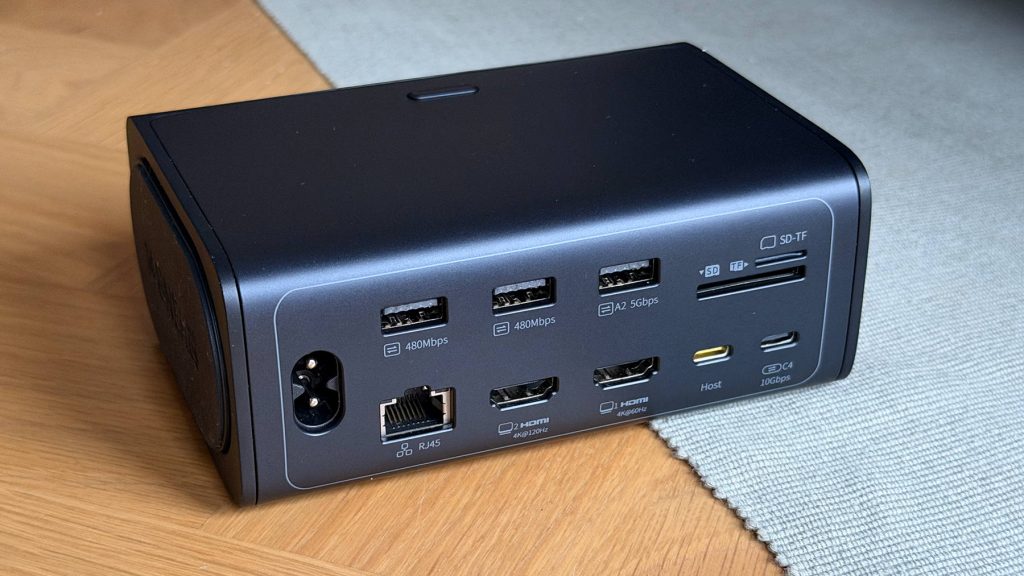
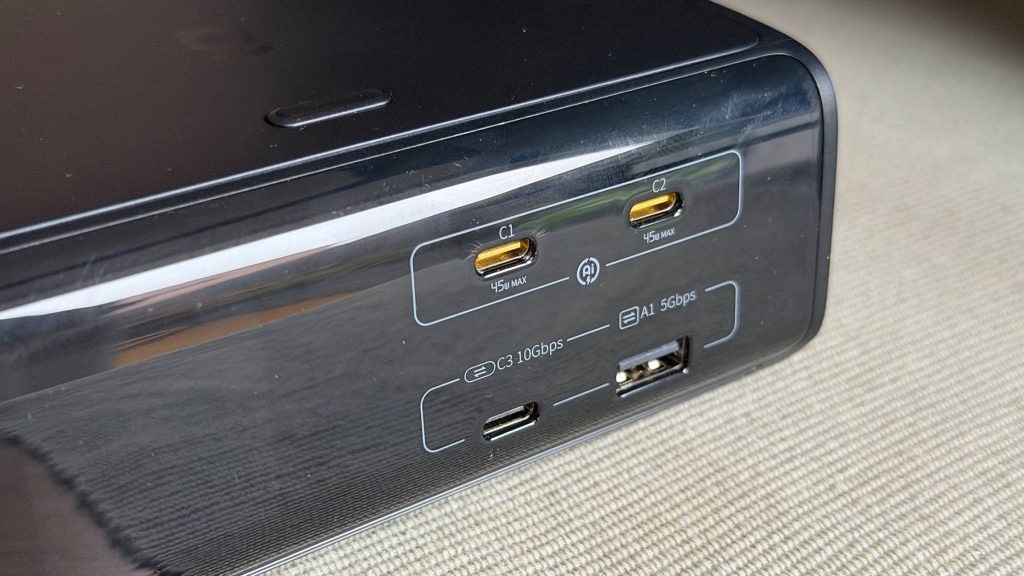
Across its 14 ports, the front holds one USB-A port, one 10Gbps USB-C data port and two USB-C charging ports rated at up to 45W each. Around the back sit the USB-C host input, a second 10Gbps USB-C data port, three more USB-A ports, Gigabit Ethernet, two HDMI outputs, and SD and microSD card readers. For standard desk use, tucking the card slots round the back makes sense to me, as they’re low-use compared to USB ports. There’s no 3.5mm audio jack, though I wasn’t bothered by its absence.
What did raise an eyebrow is the speed mix behind those numbers. Two of the four USB-A ports are 5Gbps USB 3.0, while the other two drop to 480Mbps USB 2.0, and the two HDMI ports aren’t identical either: HDMI 2 handles up to 4K at 120Hz on its own, while HDMI 1 tops out at 4K at 60Hz. I’ve got gripes with the USB-C ports too, but we’ll get to those later.
performance
I tested the Baseus Spacemate RD1 Plus with my Samsung Galaxy Book5 Pro 360 using the cables and power lead from the box. It drove two 34-inch ultrawide monitors, a Philips 34B2U3600CH and an AOC CU34G4CA, at 3440 × 1440 and 100Hz over HDMI, which is the most either monitor accepts over that connection, and it’s the only video connection the dock offers. In dual-display mode, that’s right around the same pixel throughput as dual 4K at 60Hz, so the dock was hitting what it promised. I didn’t test 4K or single-screen 120Hz modes specifically, so I can’t speak to those, but across daily use there was no flicker, no dropouts and no black screens. The laptop also woke quickly and cleanly from sleep every time.
The Galaxy Book5 Pro 360 is quick to moan when it isn’t fed enough wattage, so I kept a close eye on power delivery. It got on with the RD1 Plus without a single complaint from Windows, even on the handful of occasions I plugged extra kit into the front charging ports. It’s worth noting the laptop was sitting at 80% and staying topped up rather than charging hard from flat, so it wasn’t pulling peak load, though the dock stayed completely silent and only ran slightly warm throughout.
My Philips monitor has an integrated webcam with IR for Windows Hello, which is a hurdle plenty of other docks have tripped over for me in the past. The RD1 Plus passed it straight through without drama, which is a welcome point in its favour. I didn’t run formal storage benchmarks, though in everyday work I never hit a data bottleneck.
A button on the top edge toggles the front display, and holding it for two seconds locks your PC. The lock function works as advertised, though holding a button on a separate box isn’t meaningfully quicker than hitting a keyboard shortcut or a macro key. In practice, I mostly triggered it by accident while steadying the dock to plug cables in, which switched the screen off each time and rather defeated the point of having it there.
My real frustration with the RD1 Plus comes down to its USB-C and video choices. Those two front 45W USB-C ports charge phones and accessories as expected, but they carry no data at all. That leaves you with just one accessible USB-C data port on the front and one on the back, and on a $259.99 desktop workstation dock that’s a major disappointment and a waste of two prime ports.
The video setup compounds it. There’s no video output over USB-C, which feels like a given on a dock in 2026, and no DisplayPort alongside the pair of HDMI ports. Both of my monitors have DisplayPort and USB-C inputs that sat completely unused here, even though DisplayPort would take the Philips to 120Hz and the AOC to 180Hz, against the 100Hz that HDMI allows. Meanwhile four slower USB-A ports take up prime real estate. It’s an odd mix, and it reads like a port layout drawn up a few years ago that Baseus forgot to update through development.
summed up
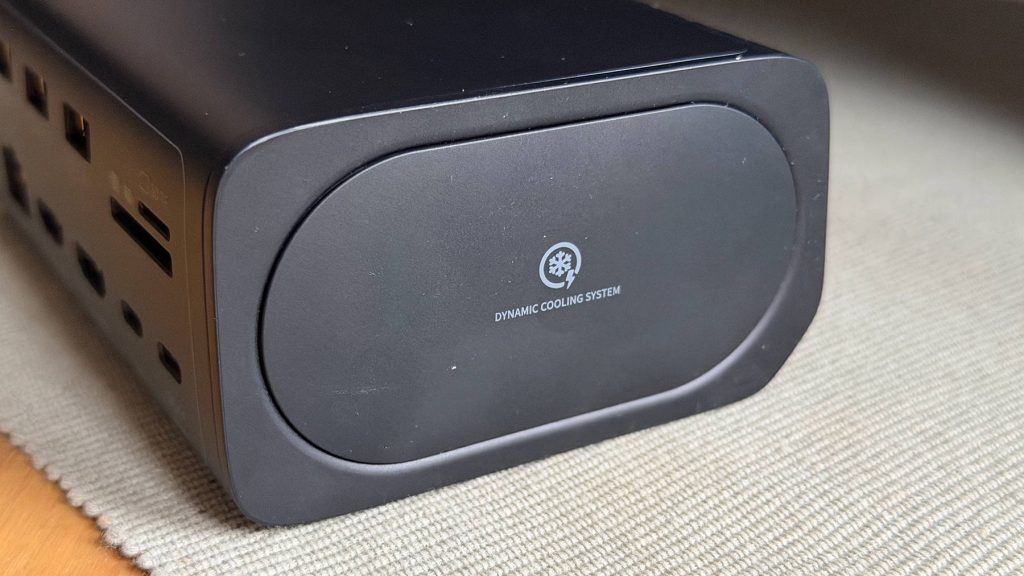
The Baseus Spacemate RD1 Plus nails the fundamentals of being a pleasant desk companion. It’s stable, completely silent, compact and reliable out of sleep, and building the 140W power supply into the chassis neatly cleans up cable clutter.
If your desk runs on HDMI monitors, older USB-A peripherals and a couple of devices you’d like to fast-charge from the front, it’s a neat, low-fuss box. For anyone running modern USB-C accessories or DisplayPort and USB-C monitors, though, the compromises are hard to ignore. Sacrificing data passthrough on both front USB-C ports and omitting USB-C video and DisplayPort altogether holds the RD1 Plus back, especially at $259.99 where full Thunderbolt docks sit within easy reach. It’s a well-built dock, just not the one I’d choose for my own desk.