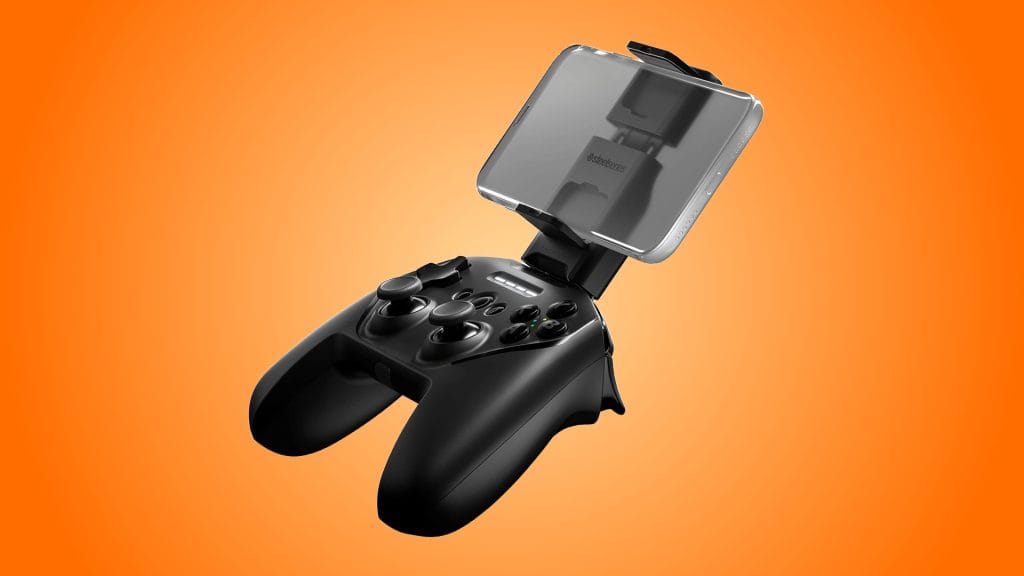
SteelSeries Stratus Plus Wireless Gaming Controller
design
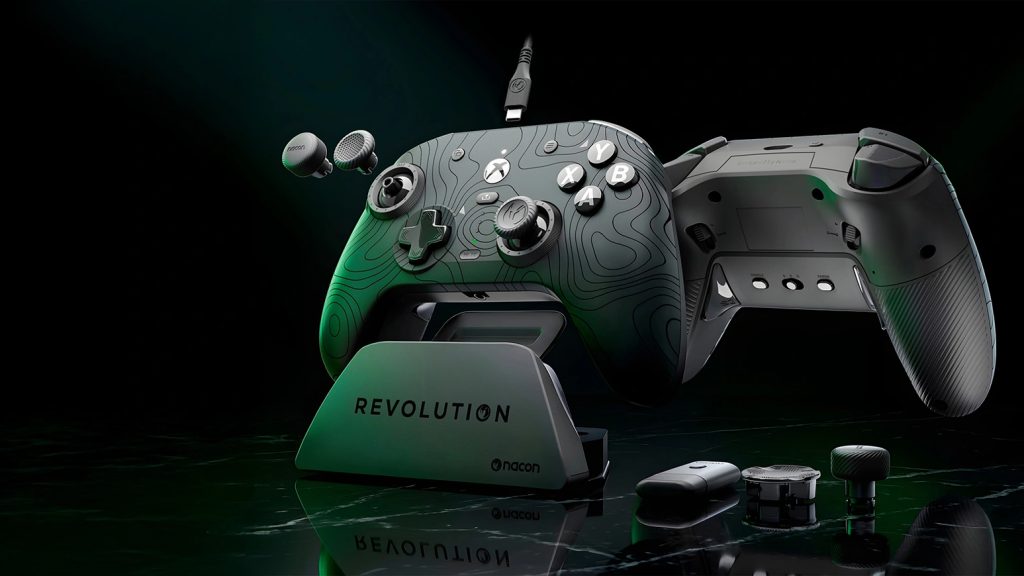
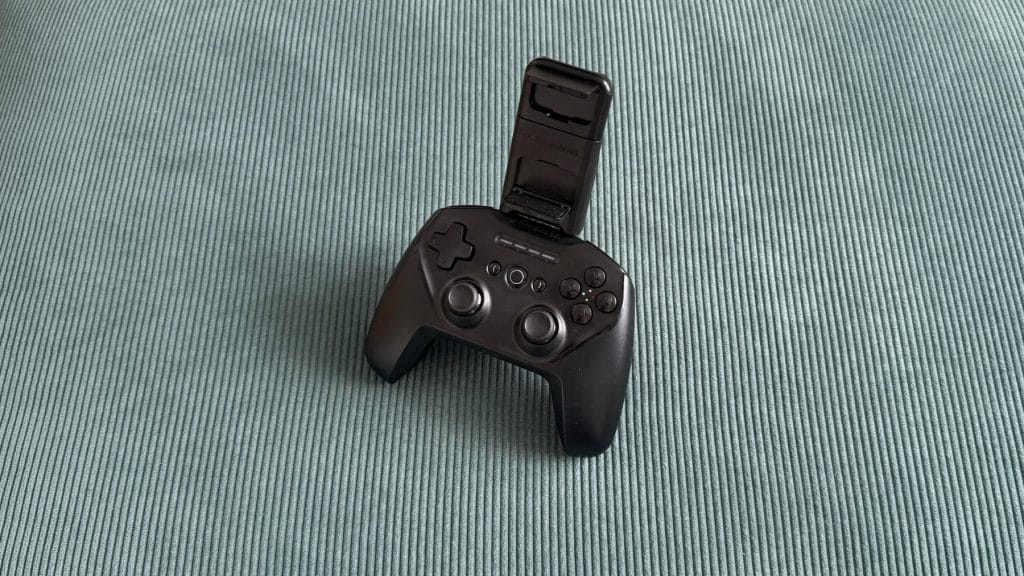
Before you start messing around with the phone mount, the SteelSeries Stratus+ looks like a perfectly generic controller. It’s the sort of thing you’d spot in the background of a film where the set designers didn’t want to pay licensing fees to Microsoft or Sony. It borrows PlayStation’s symmetrical thumbstick layout and pairs it with Xbox-style ABXY buttons wrapped in an all-black shell. It’s inoffensive, unremarkable, and if you saw it on a shelf you probably wouldn’t look twice.
Pick it up, though, and something feels slightly off. Despite being almost identical in width to an Xbox Series X controller and actually a touch taller, the Stratus+ somehow feels cramped and small. I think the symmetrical stick placement is partly responsible, as it naturally sits lower on the body and makes the whole thing feel shorter than it physically is. I’ve got reasonably large hands and I’m very used to an offset stick layout, so it never quite settled into a natural grip for me. If you’re coming from a DualSense you’ll probably adapt quicker, but I’d be surprised if that slightly squeezed sensation goes away completely.
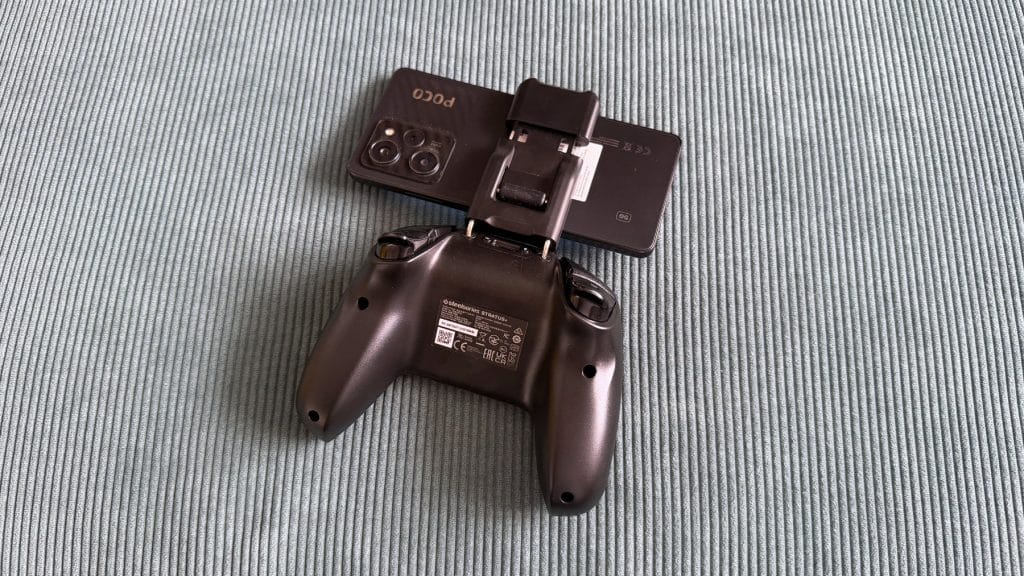
The phone mount is the bit that’s supposed to separate the Stratus+ from any other budget Bluetooth pad, and unfortunately it’s the bit that lets it down the most. SteelSeries includes a detachable clip that slots into the top of the controller via two metal bars, and honestly, it almost feels like a third-party modkit rather than a first-party selling point. It’s fiddly to install, and with the bars fully pushed in there’s still noticeable wobble before you’ve even mounted your phone and it only gets worse when weight is added.
Once you do seat a device, the whole controller becomes top-heavy and unbalanced. It constantly wants to tip backward when you set it down on a surface and feels like it’s trying to spill out of your hands during play. The mount also clamps your phone from the sides rather than end-to-end, which is a plus for universality but means it’s also constantly trying to press your phone’s power and volume buttons. I had to significantly offset my POCO X5 Pro to the right of the cradle to stop it turning my phone off mid-session.
On the input side, the D-pad is probably the highlight of the entire controller, which isn’t something I get to say very often so fair play to SteelSeries on that one. It’s firm with a satisfyingly soft press and absolutely rock solid with zero wiggle. The ABXY face buttons are generic but functional, and the bumpers are quiet, soft, and responsive. There are Hall Effect sensors in the triggers with a mid-length travel and linear mapping in-game, though there’s no hair trigger mode and no companion app to configure deadzones.
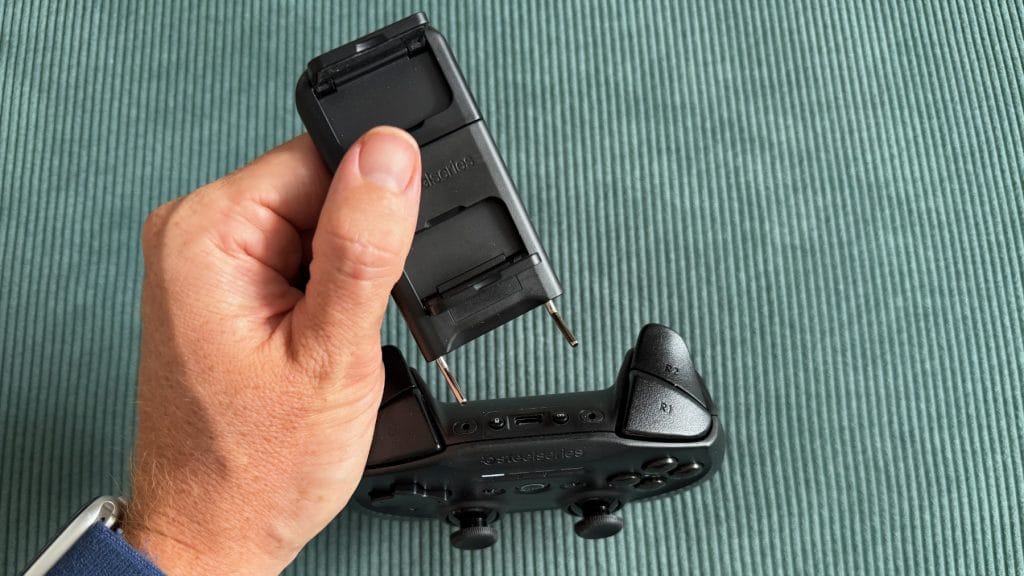
The ALPS thumbsticks offer fairly high resistance and felt perfectly fine during my testing with no drift out of the box, though it’s worth bearing in mind that these sticks don’t carry the same drift-resistance guarantees as Hall Effect alternatives. The recessed central buttons are a touch odd too, sitting lower than they should and requiring more deliberate effort to press than feels natural.
performance
The SteelSeries Stratus+ is trying to be two controllers at once, and the experience neatly splits into two very different stories depending on how you’re using it.
Plugged into a Windows PC via USB-C, the Stratus+ was instantly recognised as an XInput controller and fully mapped as a generic gamepad in Steam. It just works, which sounds like faint praise but isn’t always a given with third-party controllers. I jumped across a handful of titles in both Steam and Xbox Cloud Gaming and there’s nothing here that would give you a reason to reach for something else. It plays like a generic controller, it looks like a generic controller, and at its current level it’s priced like one too. That’s not a bad thing, but it’s also hardly a ringing endorsement.
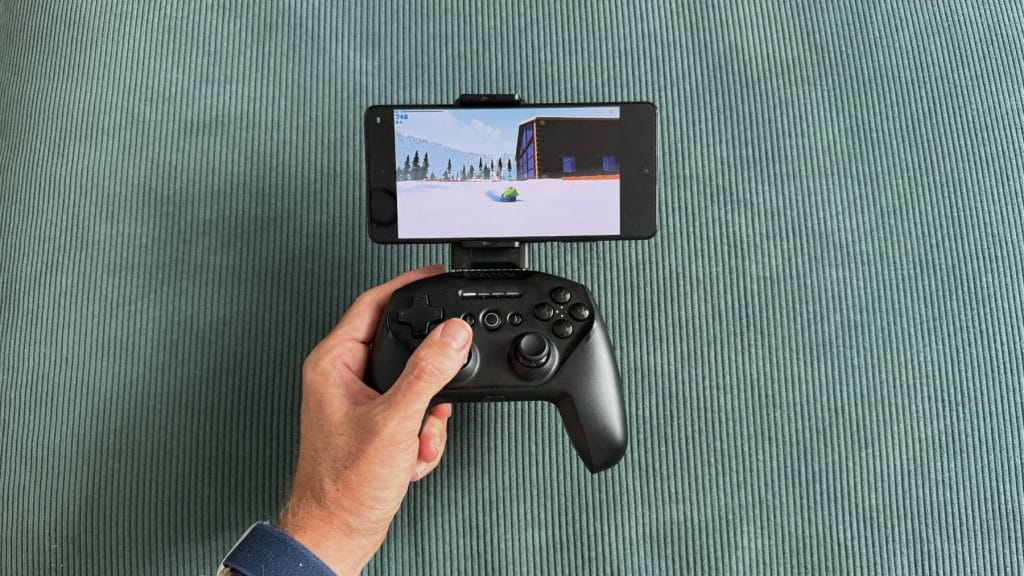
Head to Android, though, and the experience is considerably less convincing. The Stratus+ connected to my POCO X5 Pro without fuss, but game support is a guessing game. Fortnite recognised the controller and played well enough, though it displayed PlayStation button prompts on screen despite the Stratus+ using an ABXY layout. The firm resistance of the sticks gave me plenty of fine control and any input lag was small enough that I couldn’t honestly separate it from my own skill-based shortcomings. Call of Duty Mobile and NFS No Limits simply didn’t work at all, with no controller recognition and no hardware mapping workaround. This isn’t unique to SteelSeries, but competitors like GameSir have built compatibility solutions into their companion apps, so it’s a solvable problem if manufacturers put the effort in.
Xbox Cloud Gaming fared better, recognising the controller natively and without any button mapping issues. Forza Horizon 6 played OK, but this is where the Bluetooth latency became most noticeable when stacked on top of the inherent input lag of remote gaming. Racing games demand reactive inputs and a sense of being connected to your car, and with the Stratus+ there was enough delay to force me into adapting how I played. Rather than reacting naturally to what was happening on screen, I found myself having to preempt my next input while still executing the last one, building in a mental delay to compensate. It’s not catastrophic, and it’s far less noticeable in games that don’t demand constant precision. Sledding Game and Stardew Valley both played fine over cloud gaming, for example, but for the titles where a dedicated controller arguably matters most, the latency is a real limitation.
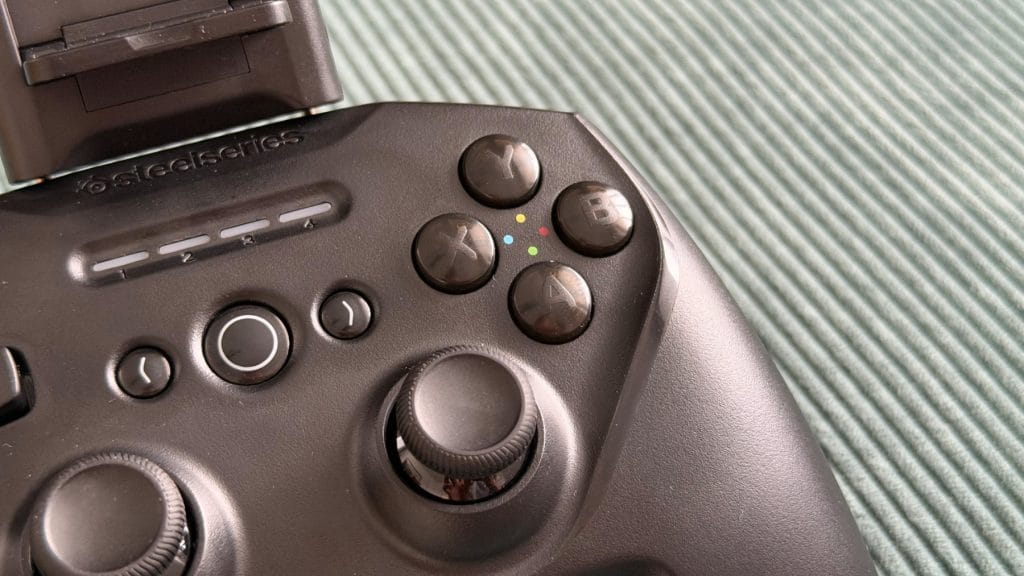
SteelSeries claims 90+ hours of battery life, and while I unfortunately couldn’t devote nearly four straight days to testing, I can see those numbers being in the right ballpark. Despite regular use over a week, the battery percentage reported by Android barely seemed to drop, and any time I was gaming on PC was passively charging it anyway. Curiously, when charging, I noticed a consistent discrepancy between the controller’s own LED indicators and what my phone reported. At one point I had three solid lights and one flashing, suggesting around 75%, yet my phone’s Bluetooth settings showed just 47%. There’s fast charging on board so it’s not a dealbreaker, but I’d be inclined to trust the more pessimistic software number.
summed up
Ron Swanson once said: “Never half-ass two things, whole-ass one thing.” SteelSeries obviously hasn’t seen that episode of Parks and Recreation, because that’s exactly the situation the Stratus+ finds itself in. This is a controller that tries to be both a mobile controller and PC gamepad, and ends up falling short on both counts.
As a wired PC pad it’s perfectly functional, but it does nothing to stand out against the mountain of alternatives at every price point, including just picking up an Xbox Wireless Controller which also pairs to Android phones over Bluetooth anyway. As the mobile controller it’s trying to be, the flimsy phone mount, noticeable Bluetooth latency, patchy game compatibility, and total lack of software support make it a hard sell against something like the GameSir G8+ Bluetooth, which solves almost every problem the Stratus+ has.
At its current sale prices it’s cheap enough to be worth a punt as a basic PC gamepad, and if your mobile gaming habits are limited to Fortnite and the occasional cloud gaming session you’ll probably get by. But that’s a pretty thin pitch for a product that launched at £64.99 and put “mobile controller” front and centre on the box.