Keychron G3 Ultra Light Wireless Mouse
design
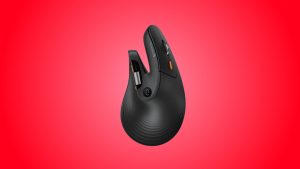
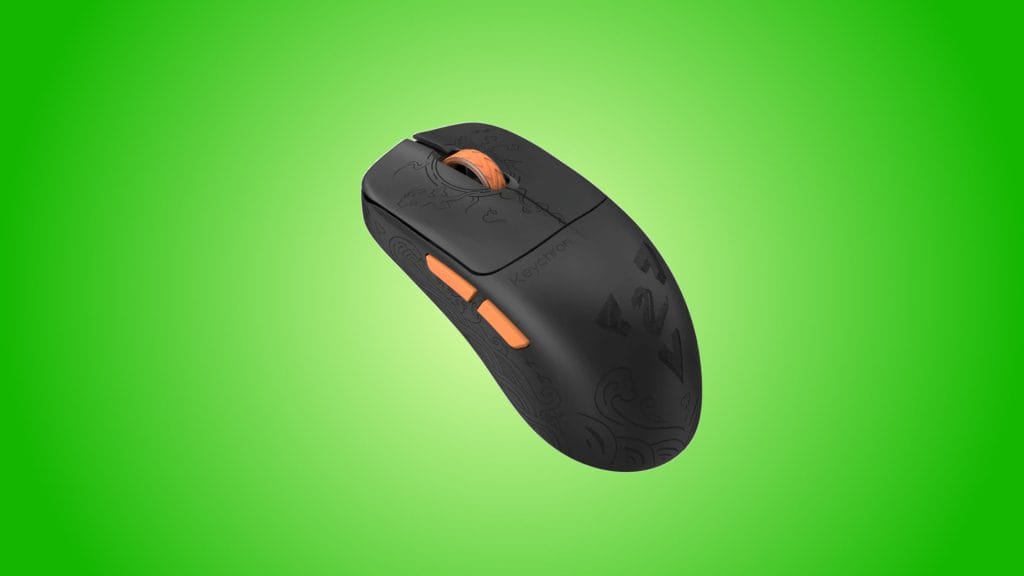
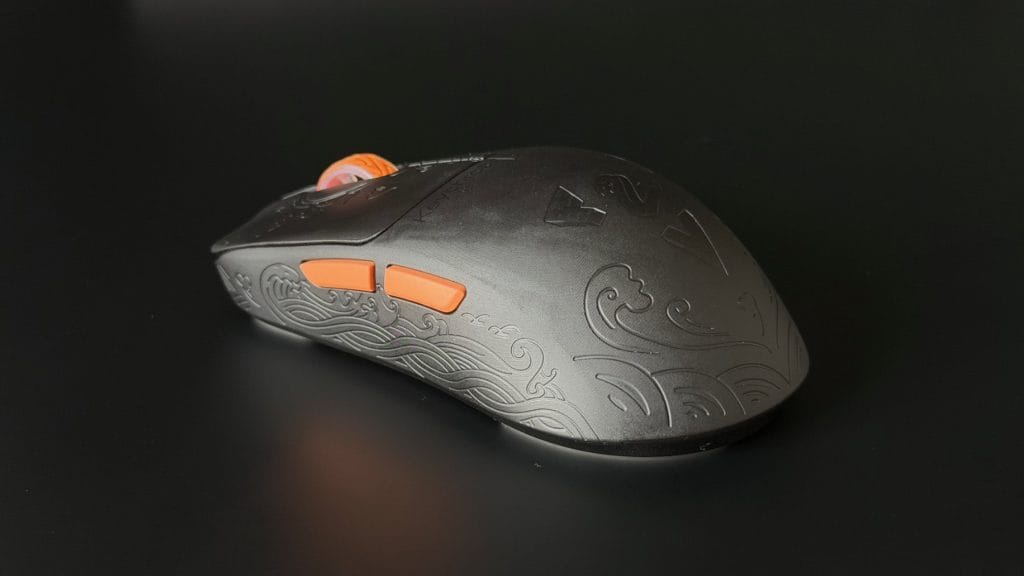
Keychron offers the G3 in two flavours that share identical internals. The Frosted Gray has a retro translucent polycarbonate shell while the Black Carbon Fibre model I’ve been testing wraps things in a matte finish with a fine, almost sandpapery texture that feels pleasant under your fingers. Scattered across the body is a random assortment of engraved waves and animals that seem to serve no particular purpose beyond decoration. I have absolutely no idea why they’re there, I don’t know what relevance the nature theme has, but I’ll admit they look pretty cool. Pair that with the orange scroll wheel and matching side button accents and you end up with a mouse that has character without trying too hard. I dig it.
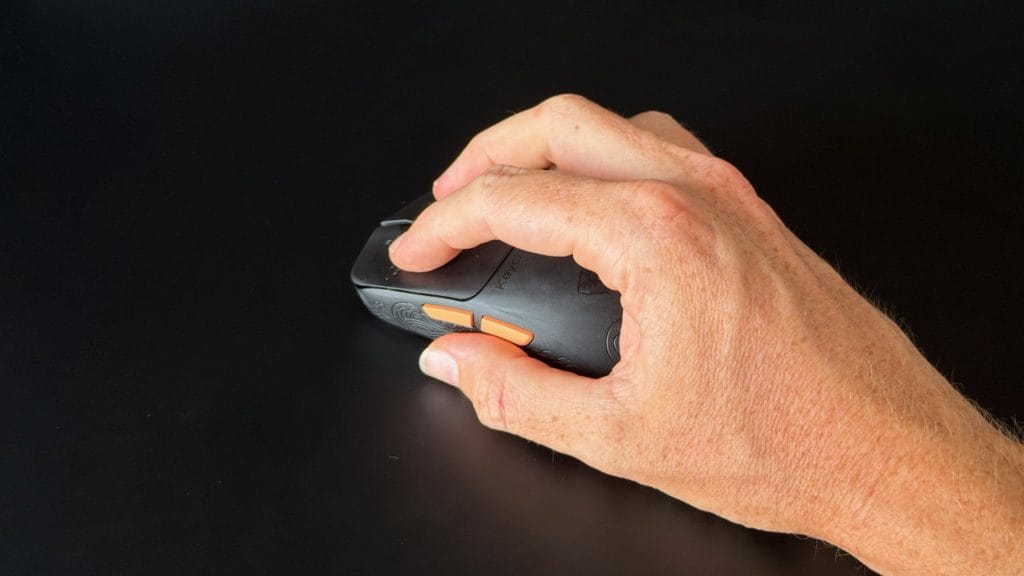
Shape-wise, the Keychron G3 keeps things simple with a symmetrical profile and a fairly subdued hump, coming in at 120 x 63 x 38.8mm. That puts it right in the middle of the pack alongside the likes of the Razer Viper V4 Pro and Logitech G Pro X Superlight 2 in terms of footprint, and it sat comfortably in my relaxed claw grip from the first session. I should point out that I’m typically an MX Master kind of person, a big heavy productivity mouse is my natural habitat, so the fact that I took to the G3 without any real adjustment period says a lot about how natural the shape feels.
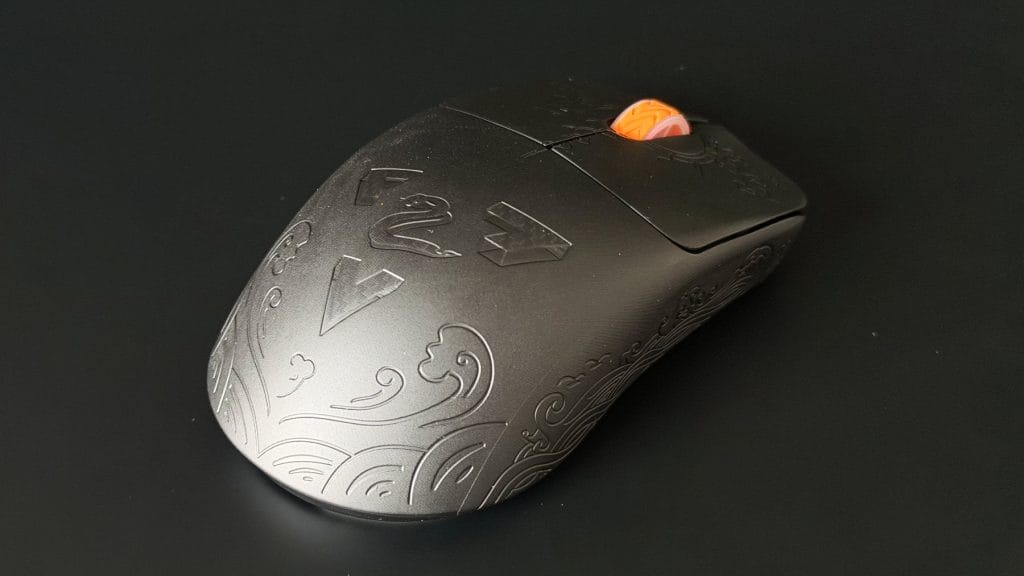
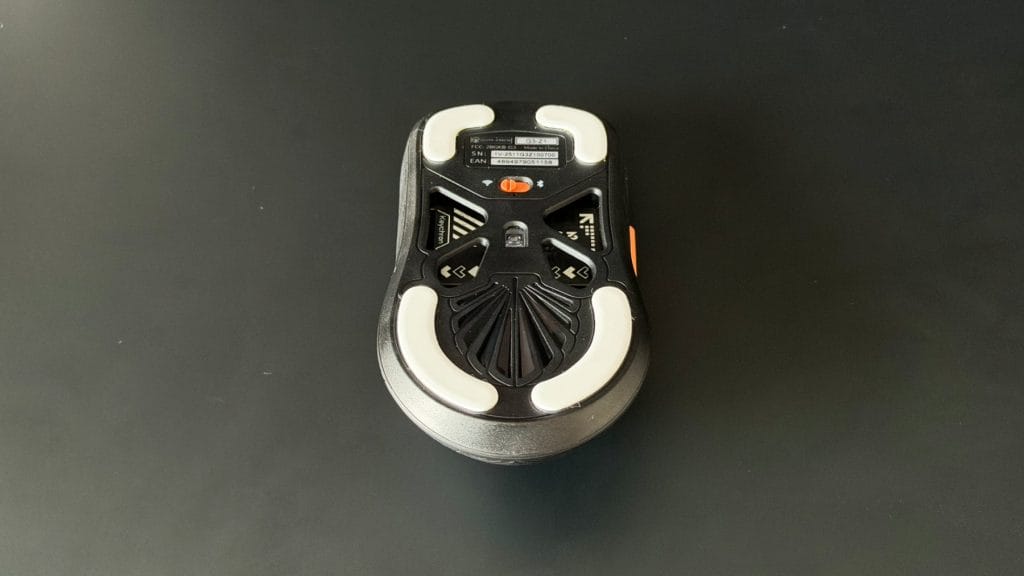
Build quality impressed me more than I expected at this weight. There’s absolutely no flex or creaking anywhere across the top shell, even under deliberate pressure. Keychron has achieved the 44g figure by hollowing out the underside rather than punching holes through the top, which keeps everything feeling complete and sturdy rather than fragile. The one thing I will say is that the carbon fibre, while nice looking and nice to hold, doesn’t feel like a $25 upgrade over the translucent option. If someone had put this in my hand without telling me what it was made of, I’d have guessed it was just a really well-finished piece of textured plastic. It’s not a dealbreaker by any means, but it’s worth knowing before you pay the premium.
performance
Under the shell sits a PAW3950, one of PixArt’s top-tier sensors, capable of up to 30,000 DPI and 750 IPS tracking alongside that headline 8K polling rate when connected via the 2.4GHz dongle or USB-C cable. For the vast majority of people those numbers are overkill and I’d include myself in that category, but what matters is that in a week of daily use across both gaming and productivity, tracking was impeccable. No jitter, no inconsistencies, no drama. It worked on every surface I put it on, glass included, and that’s really all you can ask for.
The Huano micro switches behind the main clicks are perfectly fine without being particularly interesting. They’re reliable, they didn’t draw any attention to themselves during use, but they lack any real character in terms of sound or feel. For a mouse switch you could argue that’s a good thing, the best ones are often the ones you forget are even there. Same goes for the scroll wheel, it does its job without standing out in either direction.
Where Keychron has really nailed it is the software. The Keychron Launcher runs entirely in your browser, so no background processes or extra icon in your system tray. DPI curves, button remapping, macros, polling rate, lift-off distance, and profile management are all handled through a clean, intuitive interface that feels immediately familiar if you’ve configured one of Keychron’s keyboards before. Settings save directly to the mouse across five onboard profiles, meaning everything travels with you between machines. It’s one of my favourite configuration experiences on any peripheral.
On the connectivity side, the 2.4GHz dongle handles the full 8K polling rate at a claimed 0.41ms latency. Keychron includes an extension cable and adapter to help with receiver placement, which is worth using since you’ll want clear line of sight for the best performance. One thing to note if you’re already running a wireless Keychron keyboard is that despite the adapters looking identical, there’s no multi-device support on a single dongle, so you’ll be using two USB ports.
Bluetooth 5.3 is there for when outright speed isn’t the priority, and USB-C handles wired use and charging. Battery life from the 500mAh cell broadly matched Keychron’s estimates during my testing, with the brand quoting around 37 hours at 8K polling and up to 160 hours over Bluetooth at a more conservative 125Hz.
summed up
The Keychron G3 is a mouse that earns its recommendation through consistency and quiet achievement, rather than spectacle. The sensor is faultless, the software is excellent, the build quality defies the weight, and the price undercuts most of what it’s competing against. It’s just missing that one thing, whatever it might be, that would make it the obvious choice rather than one of several strong options. There’s no standout feature that forces you to pay attention, no moment where it does something its more established rivals can’t.
That’s not necessarily a criticism. Sometimes the best tool for the job is the one that quietly gets on with it, and the G3 does exactly that. If you’re after an ultralight wireless mouse that handles everything competently and doesn’t ask you to spend a fortune, it deserves to be on your shortlist. And keep an eye on price with this one, because a small sale is where the G3 could really shine.