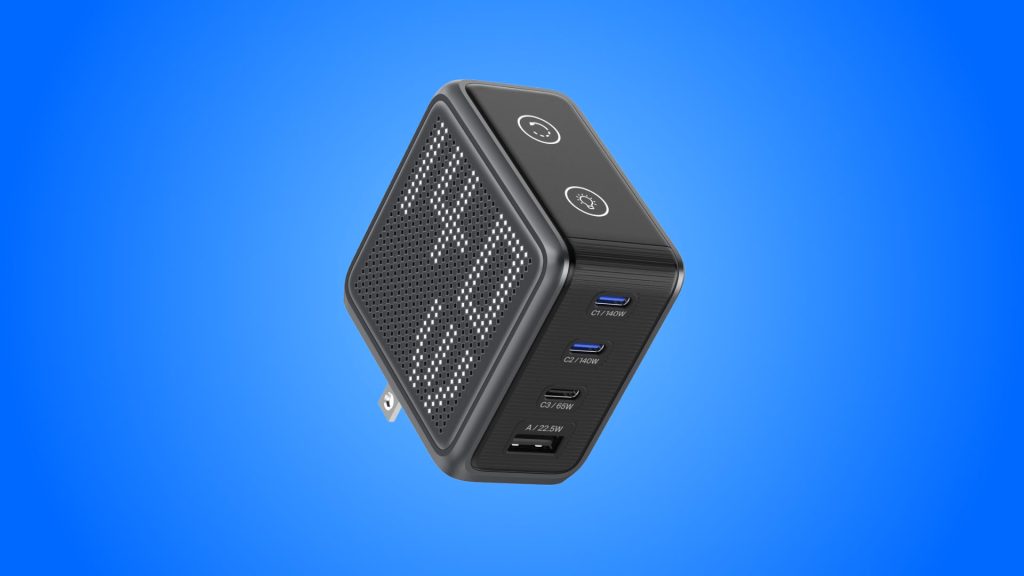
BMX GaNsta Pixel 140W Charger
design
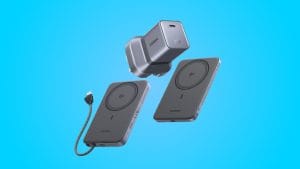
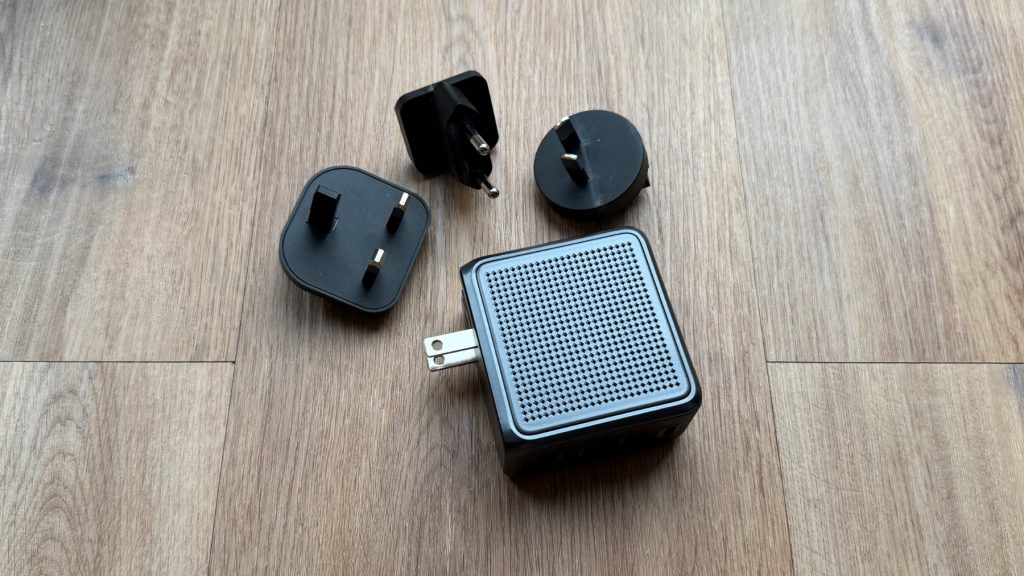
Out of the box, the BMX GaNsta Pixel 140W makes a decent first impression. Alongside the charger itself you get a one metre braided USB-C cable, a soft travel pouch and the three regional plug adapters. It’s nice to see a cable included at all, let alone a braided one, and it feels like a decent quality one at that. I’m less fussed about the pouch, personally, but I’m not upset it’s there either. Though admittedly if you’re taking the GaNsta Pixel away with you, it’s a tidy way of keeping the charger and its adapters together in a bag.
My review unit came in grey, with blue and orange also available if you’d rather your charger made more of a statement. It feels premium enough, as far as chargers go, and certainly doesn’t come across as cheap. BMX quotes the 140W model as being 43% smaller than the charger Apple bundles with the MacBook Pro and while it’s not what I’d call tiny, for a four-port charger it’s compact enough to throw in a bag without much thought.
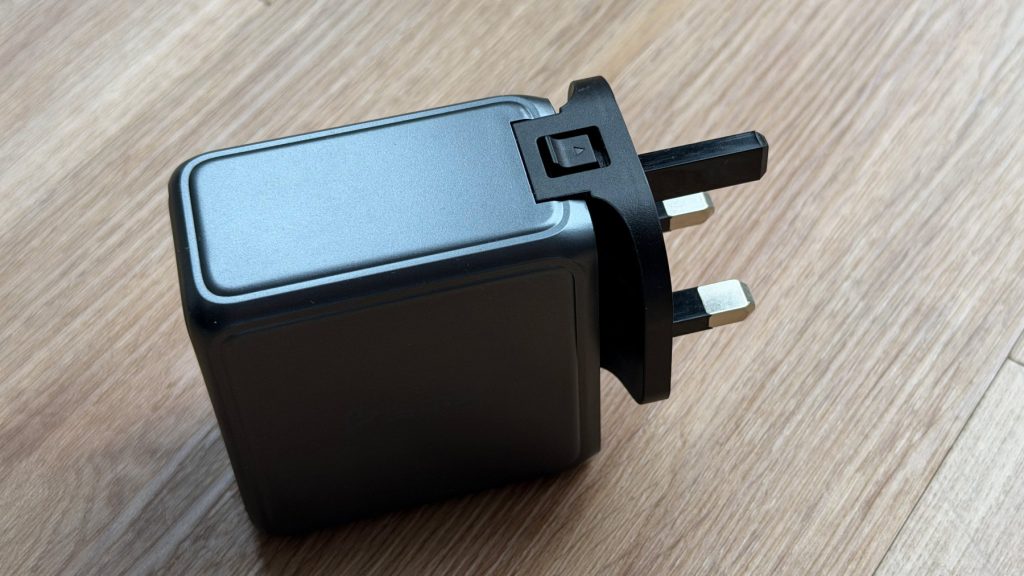
The GaNsta Pixel has folding US prongs built into the body, with the UK, EU and Australian adapters sliding on over the top. I’ve had no issues with fit in the socket, though it does have a little wobble to it if knocked. More importantly, it means the charger doubles as a travel adapter of sorts, which is one less thing to remember to pack and one less device to own.
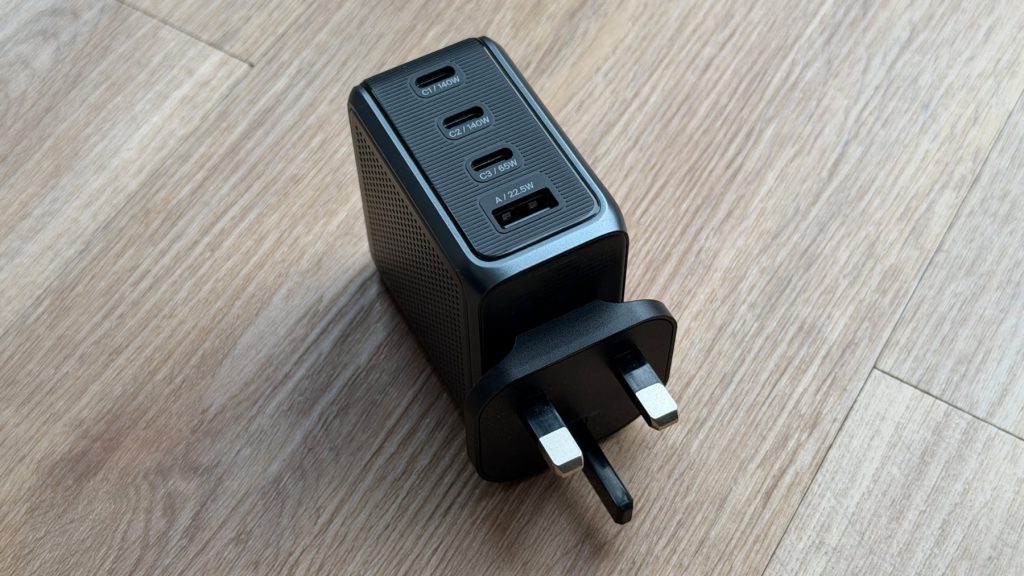
The ports sit on what becomes the bottom face of the charger when plugged into the wall, and BMX has spaced them generously. Even with all four occupied, I had no trouble getting to the middle cables, which isn’t something every multi-port charger can claim.
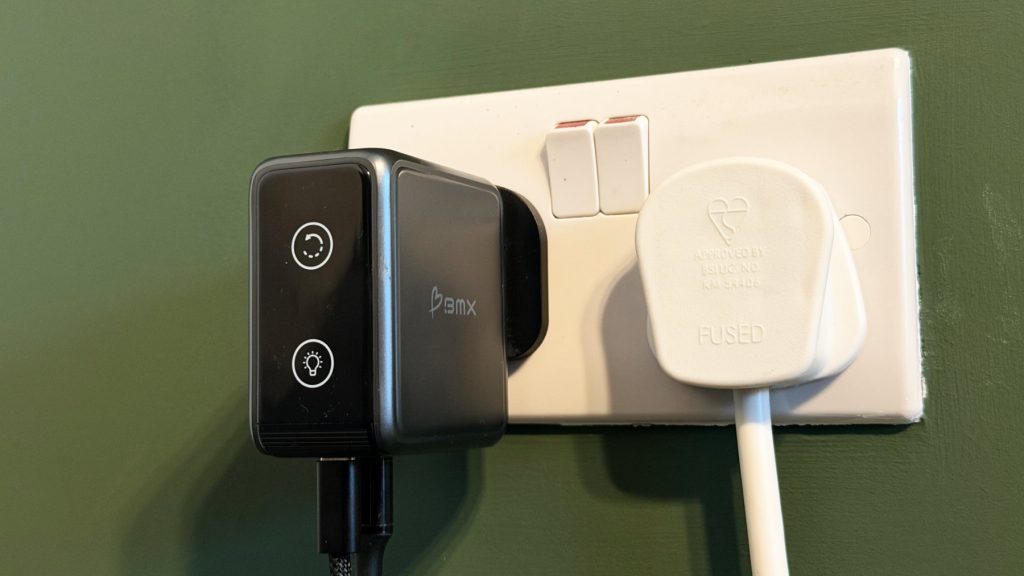
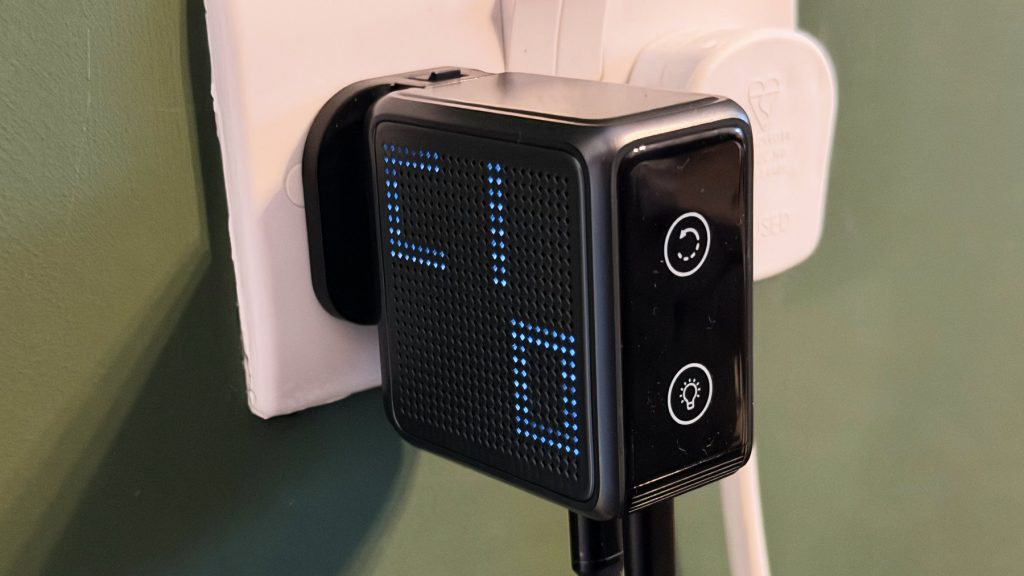
Then there’s the display, which sits on one side of the GaNsta Pixel. A long press of the button rotates it by 90 degrees, so it can be oriented correctly whichever way the charger ends up plugged in, and once rotated it’s clear enough to read. The problem is where it lives. Because the screen is only on one side, most of the sockets I’d use day to day leave it either obscured by the plug next door or facing a wall in the corner of the room. It meant that for much of my testing the Pixel’s party piece simply wasn’t visible, I’d have liked the display to be mirrored on both sides to be universally effective.
performance
Day to day, I’ve had the BMX GaNsta Pixel 140W charging an iPhone 17 Pro, an M4 MacBook Air and a Samsung Galaxy Book5 Pro 360, alongside general kit like wireless microphones and power banks. It’s handled all of it without complaint.
On paper, either of the two main USB-C ports can deliver up to 140W when used alone, using USB PD 3.1 Extended Power Range at 28V/5A. The third USB-C port tops out at 65W, and the USB-A port at 22.5W. None of my own kit asks for anything close to 140W independently, so that headroom is really there for 16-inch MacBook Pro owners and other power-hungry laptops.
It’s worth bearing in mind that the power budget is shared once you start adding devices, and it pays to know the available combinations, which BMX spells out in the manual. Fill all four ports, for example, and the split becomes 65W, 45W, 7.5W and 7.5W, so the last two ports drop to near trickle speeds. In practice, for most everyday use, I don’t see people struggling with charging speeds, but if you’re planning to run a laptop, a tablet and a phone at once and on a hurry, it’s a page worth reading.
Thermal performance impressed me for a power adapter of this size. Charging the Samsung laptop and my iPhone at the same time, the GaNsta Pixel only became slightly warm after a few minutes. Plugging devices in and out mid-charge didn’t cause any noticeable hiccups for anything already connected, and I didn’t hear any coil whine either.
The display itself is controlled by two touch buttons. A tap cycles through each port’s output and the total wattage, brightness steps between 50%, 75% and 100%, and a double-click turns it off entirely, which is handy if it ends up charging next to your bed. All sensible. What isn’t sensible is that the display goes to sleep even while devices are actively charging. I can understand it switching off when nothing is connected, and I can understand wanting the option to turn it off manually, but dropping into standby mid-charge rather defeats the point of a live readout.
I’d hoped for a bit more personality, too. There’s a startup animation when you first plug the GaNsta Pixel in, but once that’s played you’re left with the readouts and very little else. Compare it to something like the UGREEN Nexode RG, a cute little robot charger with a constant personality, and the charm runs out quickly.
summed up
As a charger, the BMX GaNsta Pixel 140W does everything you’d want it to. It handles a laptop and phone together without breaking a sweat, the ports are well spaced, the build feels solid, and the interchangeable adapters make it a useful travel companion that saves you packing a separate plug adapter. The trouble is that the GaNsta Pixel is built around its display, and that display doesn’t add much. It sits on one side where it’s easily hidden, it sleeps while devices are still charging, and beyond the startup animation it has little character of its own. For my own use, it’s simply not a reason to choose this charger over anything else.
That said, you aren’t paying much extra for it. For its base charging performance and port count, the GaNsta Pixel is no more expensive than rivals like the UGREEN Nexode Pro 160W, so it isn’t overpriced per se. The interchangeable adapters are the feature I’d actually miss and if you travel regularly it makes this a compelling option.