Klydoclock
design
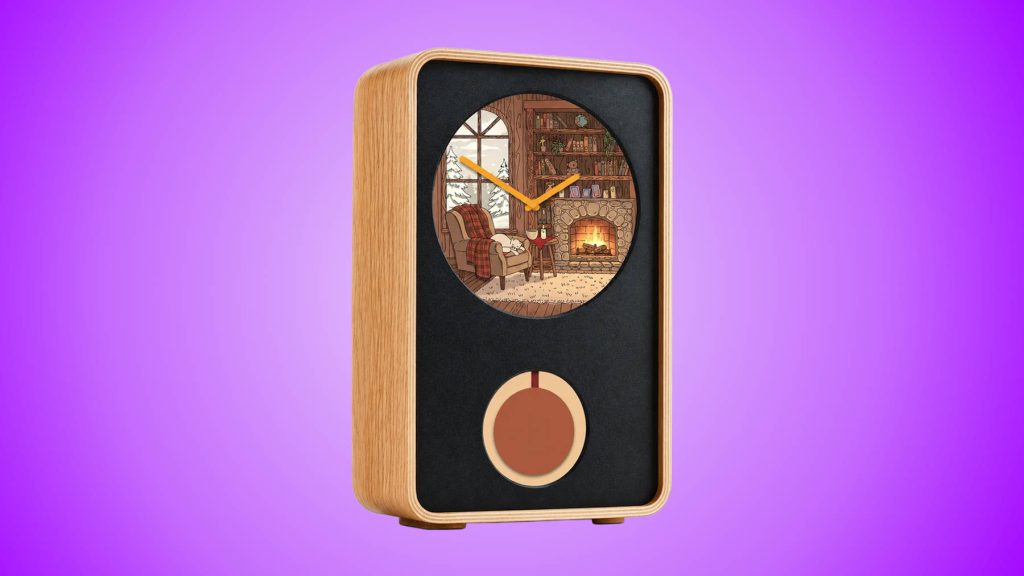
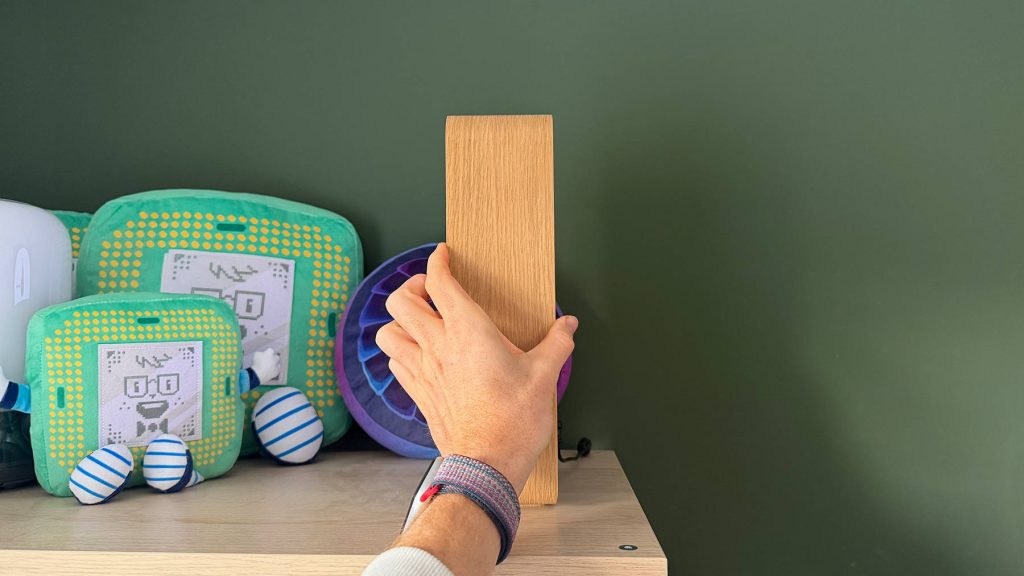
The Klydoclock takes its cues from an old mantel clock, and in the Dawn Oak finish my version came in, it sits happily on a shelf looking both modern and old-school all at once. Bent plywood wraps around a powder-coated aluminium body, with a couple of finishes to choose from. It measures 30cm tall, 18.3cm wide and 8cm deep, which is a fair bit of thickness, though understandable given the internals. It does mean wall mounting would look a little odd, so this is very much a shelf or table clock.
The clock guides you through setup step by step, and the Wi-Fi and general text input uses a menu that runs around the outside of the display. It can feel a little unusual at first in a world of vertical lists and straight lines, but I rather liked it. It’s unique, you only have to do it once, and it makes for a charming introduction to the unit. Mine also greeted me with a welcome message, which anyone giving one as a gift can set up too, I believe.
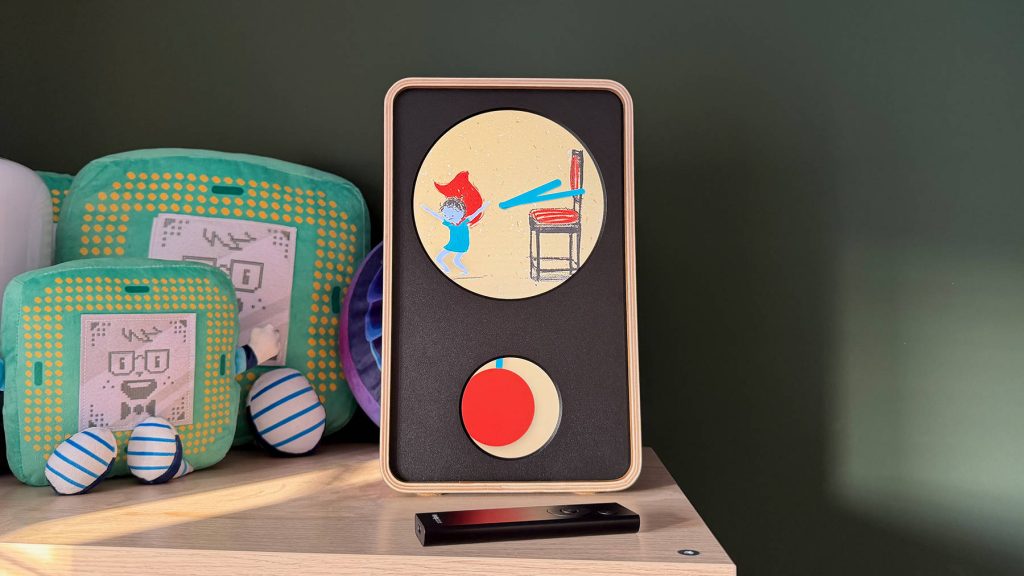
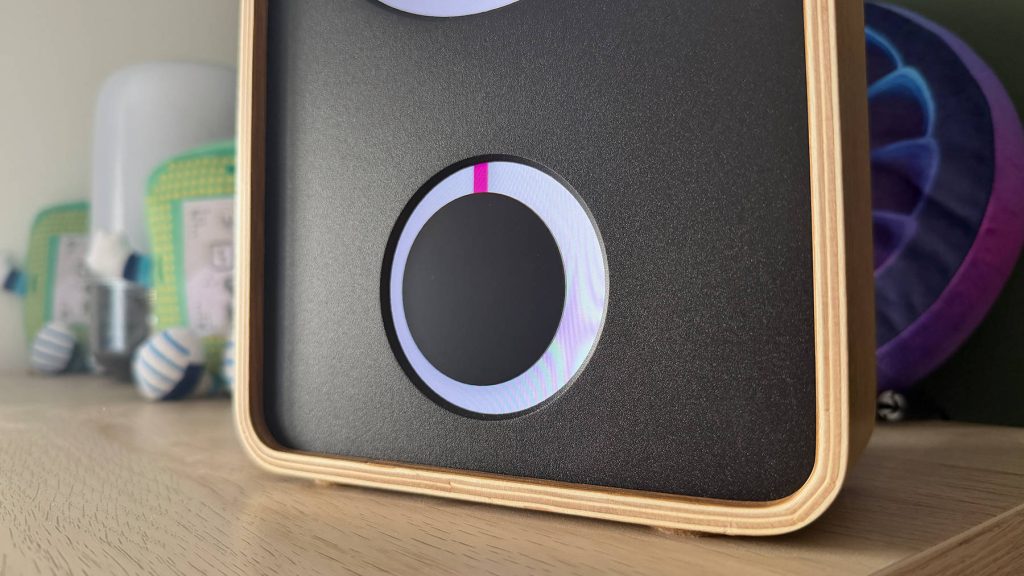
The top screen is bright and large enough to read comfortably, and the matte finish helps it look closer to a printed clock face than a typical display. The bottom screen is the one I’d like to see work a little harder. It’s the same quality finish and does look fine, and the constantly swinging pendulum is charming, but dedicating a whole second screen to only ever showing a pendulum feels a little wasteful to me.
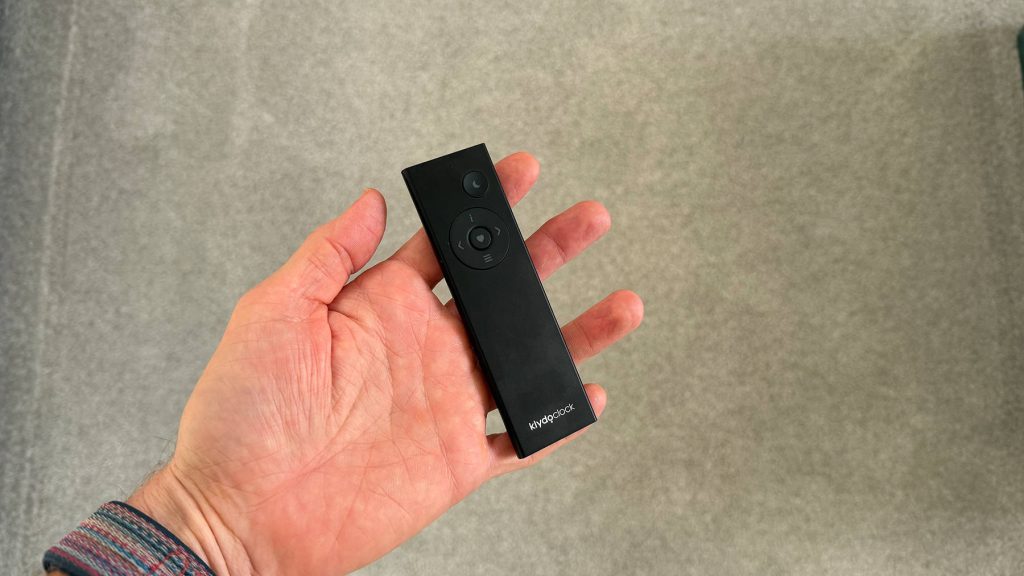
The included remote has a metal body and an Apple-like quality that feels properly premium, which was a nice surprise. I rarely pay much attention to remotes in reviews but this one really stands out.
performance
At first, I made a point of checking the Klydoclock every hour just to see what the new animation was, and watching it change never got old. I have mine set to change hourly, and with the automatic mode running through the full library, taste comes into it. I didn’t hate any of the animations, but some were far better than others, and sometimes I’d wish I could get more like the one on screen while others left me cold.
Mine sits on top of a unit in my office, just within the edge of my line of sight. If I’d spent £300 on a clock, I’d want to see it, after all. The problem I found is a lot of the animations are quite busy, fast, energetic, or a combination of the three. These had a habit of catching the corner of my eye, which can be distracting when I’m trying to focus. I found the slower, more calm and rhythmic looping animations were the most effective by far, though I’ll accept art is always subjective. Some were downright weird, too. You can favourite the ones you like and delete the ones you don’t, but I’d love the automatic feed to learn what I like over time and shape my selections.
You can take full control if you’d like and prescribe what you see, though it’ll cost you. I tried a few of the paid Collections, which cost around £6 to £8 each, and being able to pick a style is a nice change of pace. Zen is my favourite, with slow and calming movement that I could happily leave on long term. The catch is, like almost all of the Collections, it only has 12 designs, so you lose that freshness and things do get repetitive quickly. Twelve designs feels mean for a paid Collection on a product that lives and dies on variety. I’d like to see 24, 36 or even 48.
There’s sound on offer, too, though in automatic mode there’s only one chime and one bell sound for the hour, and it sounded so much like my doorbell that it caught me off guard every time. I turned it off, ultimately. This is a very modern clock with a very old-school bell, and it doesn’t match for me. A couple of extra options is hardly a big ask, as even early mobile phones had more choice. Some Collections add their own sounds, like a constant rain noise in Naturescapes, but few add custom chimes, and that’s down to the designers rather than Klydo. Even then, I couldn’t find a way to use a Collection’s chime without also loading its visuals.
The dim room mode is meant to switch to your night setting when the light sensor on the back detects darkness. I never got it working. It stayed on in a pitch-black room, and on one occasion it dropped into night mode during the day on its own and wouldn’t come back, even with the lights on. Either my unit has a faulty sensor or the feature needs ironing out. I ended up scheduling night mode instead, which you’ll want to do because the screen is very bright and lights up a room otherwise. The options are frustratingly limited here too: screen off, red, or dim red. A greyscale or low-brightness option feels like an obvious omission on what’s just a screen.
A recent software update also added Eco Mode, which turns the screen off when the clock has been left alone for a while. Mine went completely dark in the middle of the day and I thought something was wrong. I don’t really understand the thinking. A clock isn’t something you interact with often, so switching the display off for inactivity defeats the point of having one on the shelf. Any button on the remote wakes it, and you can switch Eco Mode off entirely, which is what I’d recommend, but it shouldn’t need switching off on a clock in the first place.
summed up
I really like the Klydoclock. It’s a cool concept and it’s executed well with loads of charm, just in a needlessly limited way given the freedom its construction should have. I’d love to push my own content to it, like artwork and family photos, the way you would with a digital picture frame, and API access for pairing it with something like Home Assistant would make it far more useful.
The price is steep, and you’re paying for the finish, which is admittedly very good. A Raspberry Pi with a screen and a round cover could get you something similar with more flexibility, though likely without the polish. As much as I’m enjoying having it in my office, this isn’t a flat recommendation for everyone. If you got a bonus at work, it’s the sort of thing you might invest in for lack of other, more useful options, but it isn’t something to spend normal money on. It’s the five-star hotel of clocks: you don’t need it, a three-star would do the job, but sometimes it’s nice to splash out.