Elgato Stream Deck Plus XLR Dock and Stream Deck Plus USB Hub
design
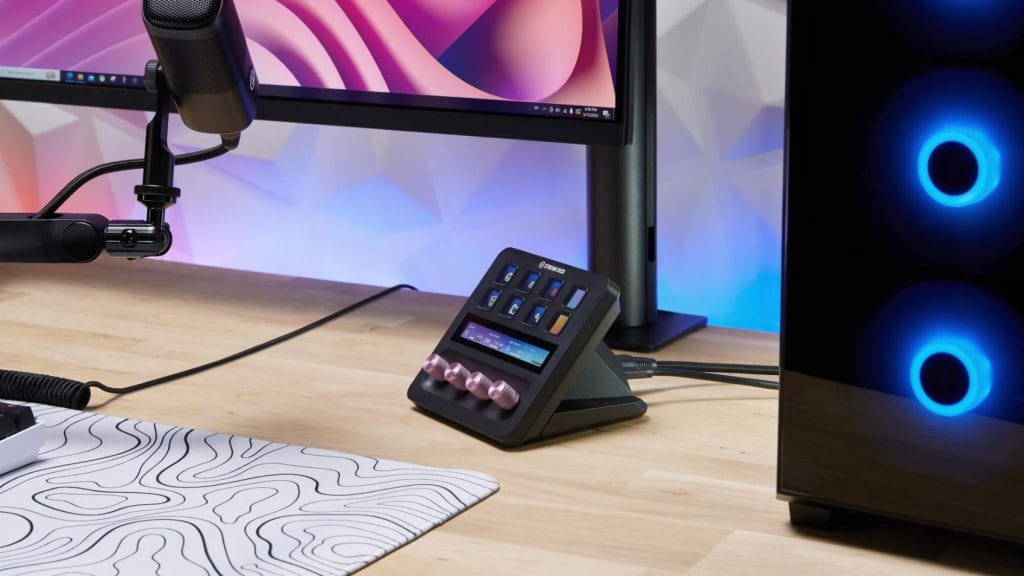
Installation is wonderfully straightforward for both add-ons. Whip out two screws from the Stream Deck Plus pedestal, slot in your add-on, reattach the pedestal to the new module, and you’re done. The whole process takes about five minutes. The main source of friction here is choosing which functionality you need, because you can’t have both and they’re particularly siloed in what they’re designed to do.
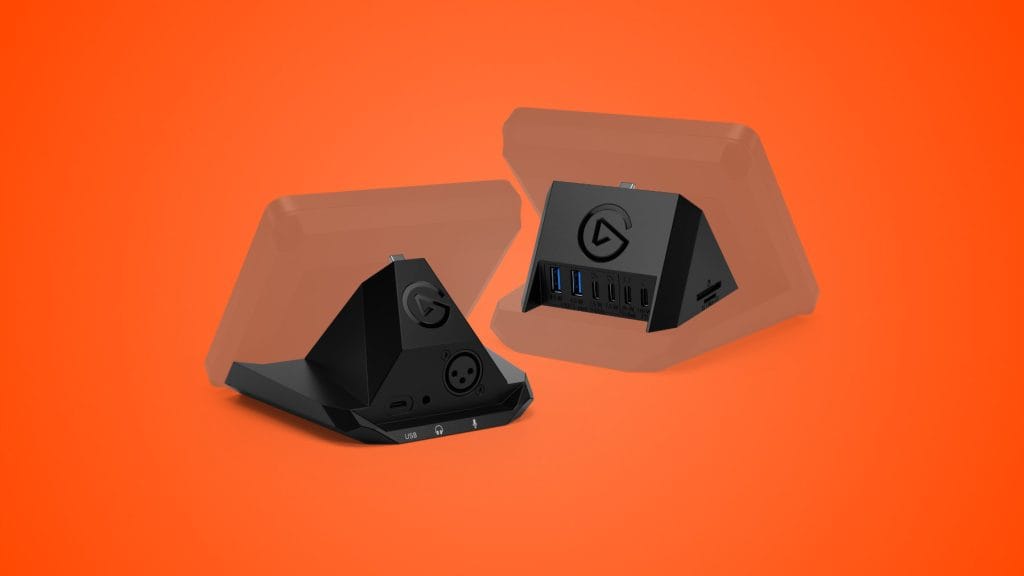
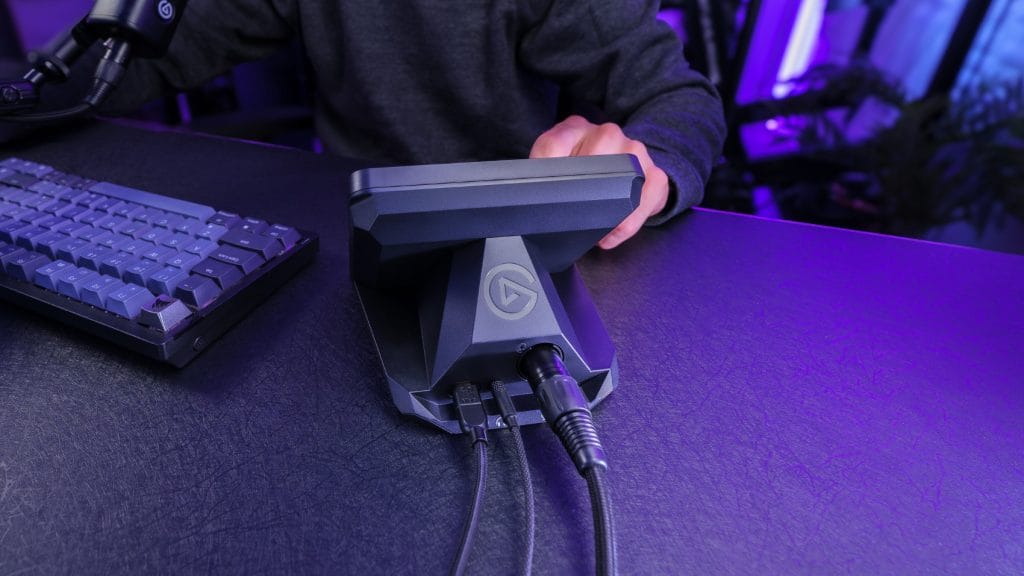
The Stream Deck XLR Dock essentially turns your Stream Deck Plus into a hybrid Wave XLR, adding an XLR input, 3.5mm headphone jack, and USB-C connection. It’s a compact piece of kit that tucks away neatly, keeping the footprint almost identical to the standard unit. There’s something satisfying about consolidating a separate audio interface into something you’ve already got on your desk, I have too many peripherals as it is. So one less box is a surprisingly big deal.
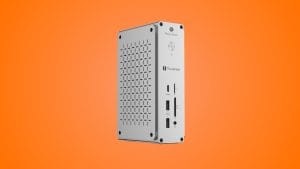
The USB Hub takes a similar approach, adding two USB-A ports, two USB-C ports, and SD/microSD card slots behind the Stream Deck Plus. Elgato being Elgato, all of the ports are aggressively labelled with their transfer rates and power delivery. It doesn’t look the most elegant but it’s a brilliant touch that’s out of sight anyway. You’ll need to supply your own power adapter if you want to charge through it, but the USB Hub is capable of delivering up to 100W of juice to a downstream device.
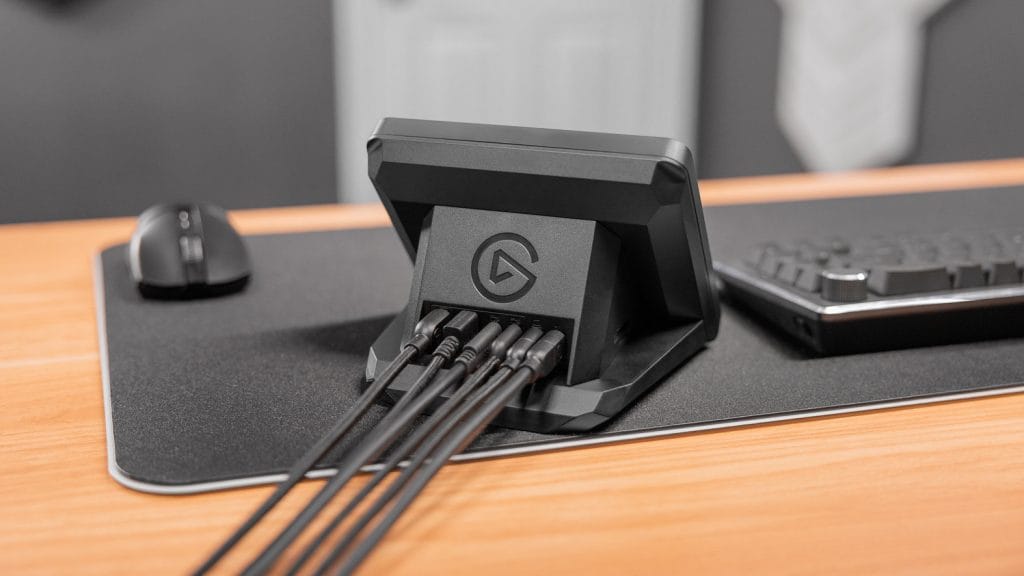
Both add-ons are fully plastic but carry the same quality as all of the other Elgato gear I’ve used before. Simple but functional with a higher-end feel to materials and overall build.
performance
The XLR Dock offers 75dB of ultra-low-noise gain, 48V phantom power for condenser mics, and Elgato’s Clipguard anti-distortion technology. All the same basic audio specs as the standalone Wave XLR. In reality that means a preamp that’s capable enough to drive gain-hungry dynamic microphones like the Shure SM7B cleanly, which puts it in respectable territory for a streaming-focused interface.
Where the Stream Deck Plus XLR Dock earns its keep is the integration with the Stream Deck Plus itself. Assign a dial to gain control and you get visual percentage feedback rather than the LED dots on the standalone Wave XLR. Push the dial to mute. Use the touch strip for real-time level monitoring. It’s all very slick, very integrated, and very Elgato. The software side requires Wave Link, which Elgato has just revamped with a complete UI and UX overhaul.
The USB Hub is a simpler proposition but does exactly what you need it to, no USB hub is particularly exciting after all. It transforms your Stream Deck Plus into a port expander with a bunch of useful ports you always seem to need one more of than you have. There are limitations here though that you should be mindful of. Combined data transfer tops out at 5Gb/s shared across all ports, which is fine for peripherals but won’t set any speed records if you’re hammering multiple devices simultaneously. If you’re looking to shift data, it’s probably still worth using an onboard port. Displays also aren’t listed as compatible devices, so while you could charge a laptop via the USB Hub, you wouldn’t be able to connect to an external display through it too.
summed up
The Elgato Stream Deck Plus add ons aren’t the most exciting products in its range, but they’re both a logical evolution for existing owners who want to consolidate their desk setup. The XLR Dock is arguably the more compelling of the two, not only is it cheaper than buying a standalone Wave XLR, integrates beautifully with the Stream Deck Plus controls, and delivers audio quality that’ll satisfy most streamers and podcasters. If you’re currently running a separate audio interface alongside your Stream Deck Plus and desk space is at a premium, this is a smart upgrade.
The USB Hub is fine but harder to recommend enthusiastically when it’s up against more dedicated devices that offer a performance bump. The lack of an included power supply, the shared bandwidth limitations, and the inability to drive a display make it feel like a solution for a fairly niche problem. If you’re genuinely short on USB ports for basic accessories and want them conveniently located behind your Stream Deck Plus, it does the job. For most people however, a standalone USB hub might serve you better for less money.