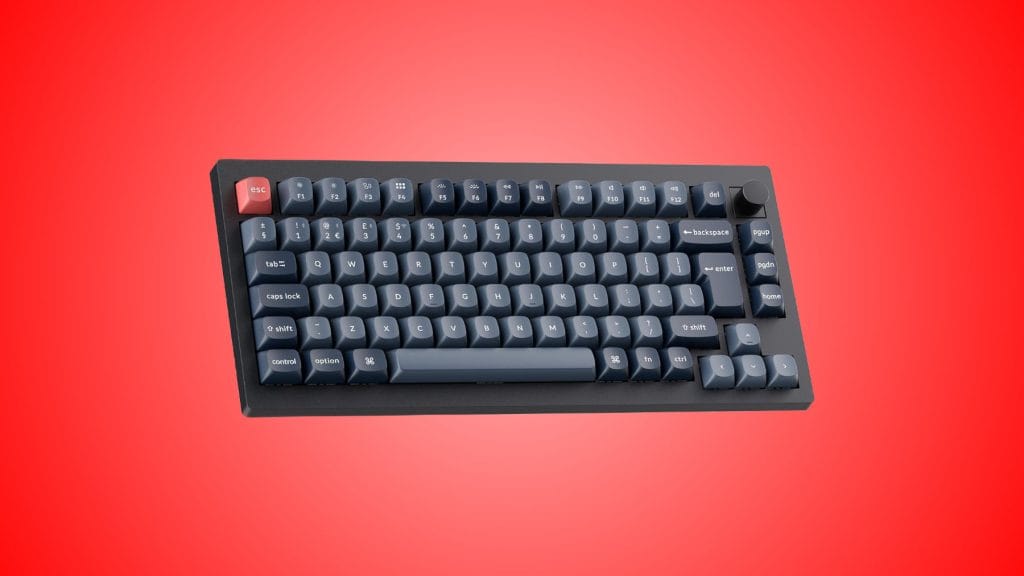
Keychron V1 Ultra 8K Wireless Custom Mechanical Keyboard
design
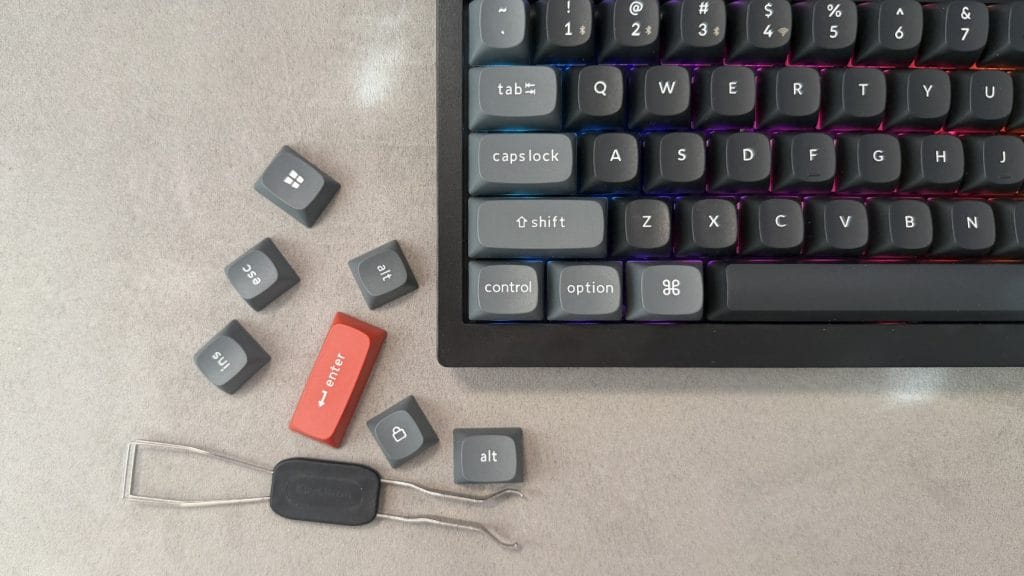
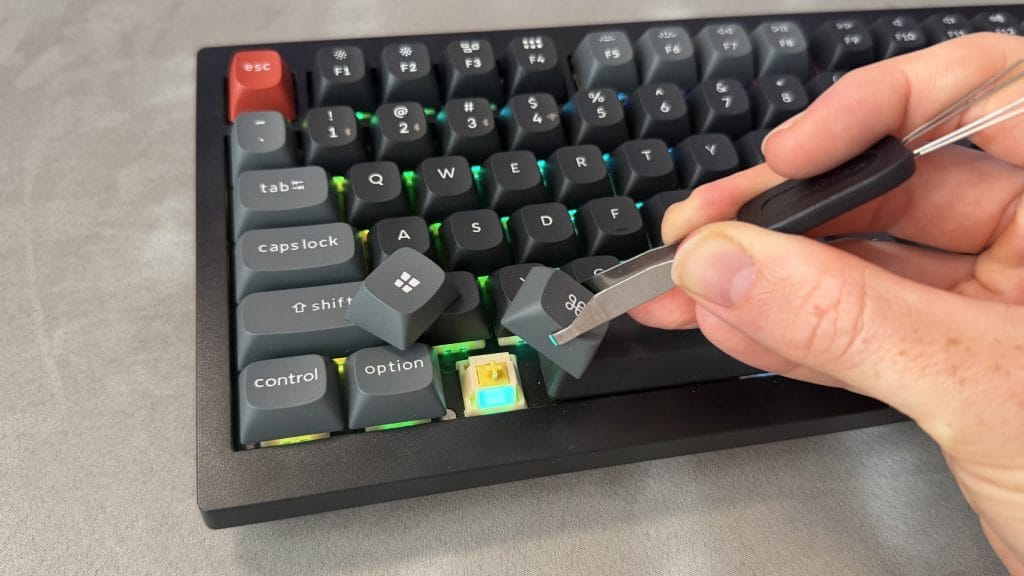
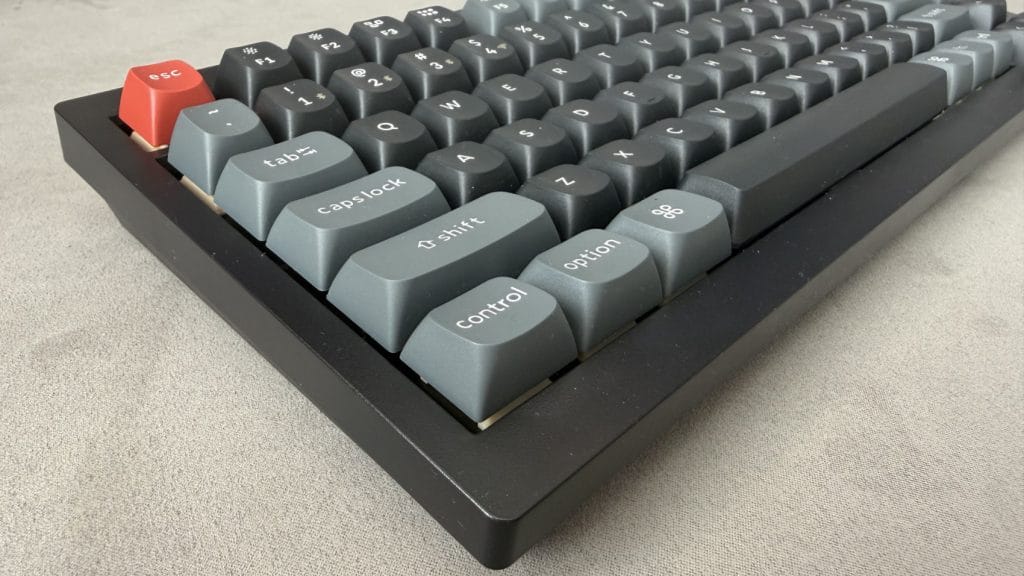
I’ll start with what’s in the box, because Keychron’s thrown in a rather generous selection of bits and bobs. You’ve got the standard bits like a keycap removal tool, a USB Type-A to Type-C cable, and an extension adapter for the wireless dongle, but that’s not all. There’s also a set of strikingly red accent keycaps for the esc and enter keys plus alternate caps for swapping between macOS and Windows. A lot of brands would expect you to choose between one platform or charger you for those extra keycaps, so it’s nice to see.
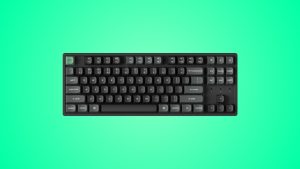
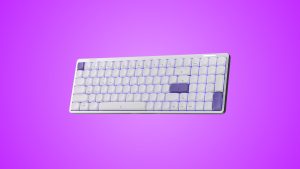
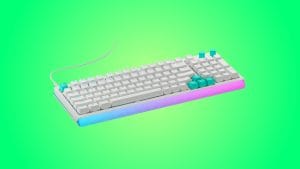
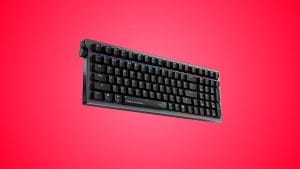
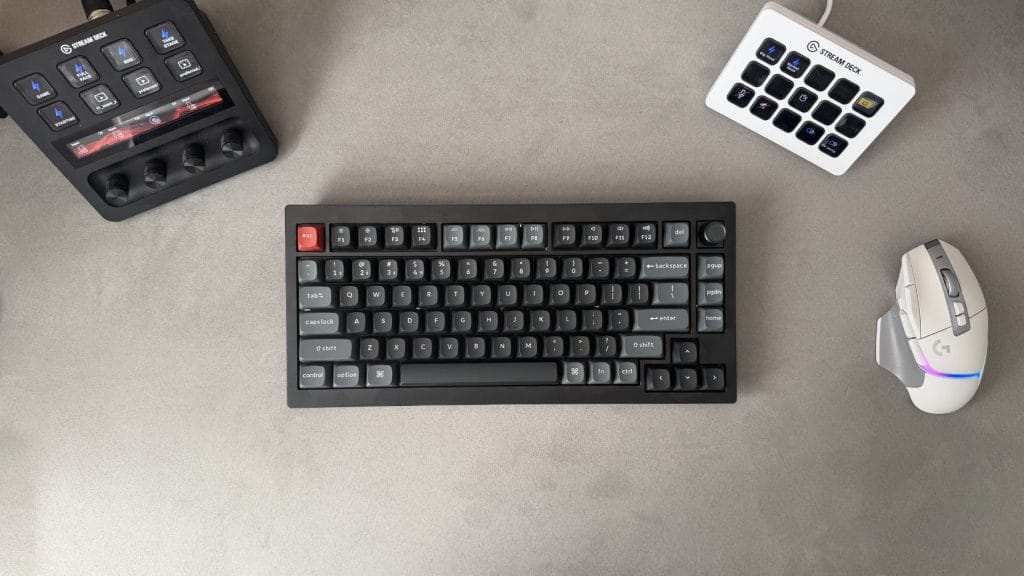
The Keychron V1 Ultra 8K only comes in one colourway, black with two shades of grey across the keycaps, and it carries quite an industrial vibe as a result. It’s a 75% layout with 82 keys including a volume dial in the top right, and you’re given a choice of three Keychron Silk POM switch options: Red (linear, 45g), Brown (tactile, 55g), or Banana (tactile, 57g). I’ve been testing the Banana variant, which sits towards the heavier end of the tactile range with an early bump. All three are hot-swappable and compatible with any 3-pin or 5-pin MX-style switch, so you’re not locked into your initial choice if you fancy a change down the line.
Build quality’s a mixed bag. The double-shot PBT keycaps are a highlight, with a reassuring thickness and a premium feel. There’s very little wobble to speak of and even the larger keys like the spacebar and enter are well supported by screw-in stabilisers that do their job without any rattle. It’s the outer frame where things get less convincing. There’s noticeable flex in the plastic shell, both along the front edge below the space bar and under any kind of twist when you pick the board up from the sides. I’m not suggesting most people make a habit of ringing out their keyboard, and I noticed this far more when fiddling with the keyboard and moving it around than I did while actually typing or gaming on it, but it’s not a great first impression.
Hanging out under the keys is one of the niftier RGB implementations I’ve come across in a while, provided you’re willing to put the time in. The V1 Ultra 8K runs a dual lighting system with standard per-key RGB working alongside what Keychron calls Mix RGB, which lets you split the board into two independently-controlled zones running different effects at the same time. There are more than 20 presets before you even start customising, and I’ll freely admit I spent a solid half an hour messing about with different combinations despite not being a particularly big RGB enthusiast. The one downside is in the keycaps themselves. Because they’re solid PBT with no shine-through legends, a lot of that lighting effort gets blocked before it reaches your eyes and it mutes the whole effect quite substantially.
performance
Keychron has all bases covered with connectivity on the V1 Ultra 8K. You’ve got 2.4GHz wireless via the included USB dongle, Bluetooth 5.3 with support for up to three paired devices, and wired USB-C. It’s also compatible with both Windows and MacOS, and switching between modes is painless with physical toggles on the top edge of the keyboard.
It runs on ZMK open-source firmware, which is a shift away from the QMK that powered Keychron’s previous wireless boards. It’s not a change most people will consciously notice day to day, but it’s the reason the brand is now able to claim a staggering 660 hours of battery life from the 4,000mAh cell. With the backlight off that works out to about 27 and a half days of continuous use. I’d love to tell you I ran it all the way down to verify that, but the truth is I barely saw the percentage move during testing and it charged back up quickly when plugged in, so I’m inclined to take Keychron at its word.
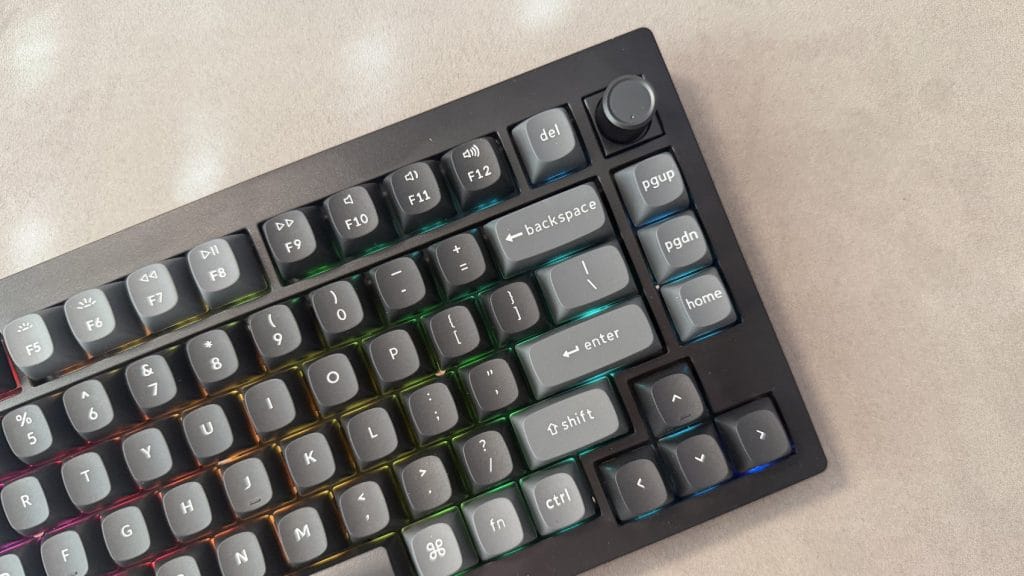
The headline spec is of course the 8,000Hz polling rate, which works across both wired and 2.4GHz modes. If I’m being completely honest though, nobody outside of the very top tier of esports professionals is going to be able to tell the difference between 8K and the 1,000Hz you’ll find on most other boards. You’re not suddenly going to suddenly get better at Fortnite because you now have a higher polling rate, trust me. It’s impressive that this level of polling rate is available at this price though, and you can toggle it on the fly through the Keychron Launcher web app if you want to dial it back and ease any potential CPU overhead.
Speaking of the Launcher, I’m a big fan of the web-based approach. No downloads or extra bloatware sitting in your system tray, you just open Chrome, Edge, or Opera, plug in the USB-C cable, and away you go. It was snappy, easy to navigate, and loaded with options for remapping keys, setting macros, tweaking RGB, and adjusting the polling rate. Any changes you make get saved to the keyboard’s onboard memory too, which means your customisations carry across devices and connection modes without needing the app running.
So, how does the Keychron V1 Ultra 8K actually feel to type and game on? For gaming and general productivity, the answer’s pretty great. Those Banana switches have their tactile bump positioned early in the keystroke, firing about halfway through the 3.4mm total travel, and in practice that makes them feel more responsive and lighter on the fingers than the 57g actuation force would suggest. Over longer sessions my fingers naturally learned to lift off before bottoming out on every press, which kept fatigue in check. While gaming I never felt like my inputs were lagging behind, N-key rollover meant simultaneous keypresses all registered cleanly, and I didn’t run into any dropped keystrokes or connectivity hiccups across any of the three modes.
The gasket mount and polycarbonate plate combine with multiple internal foam layers to produce a sound that’s rounded and pleasingly muted. It’s not my favourite sounding keyboard but it’s a grown-up voice and shouldn’t cause too many harsh looks if you’re planning on using it in a shared space.
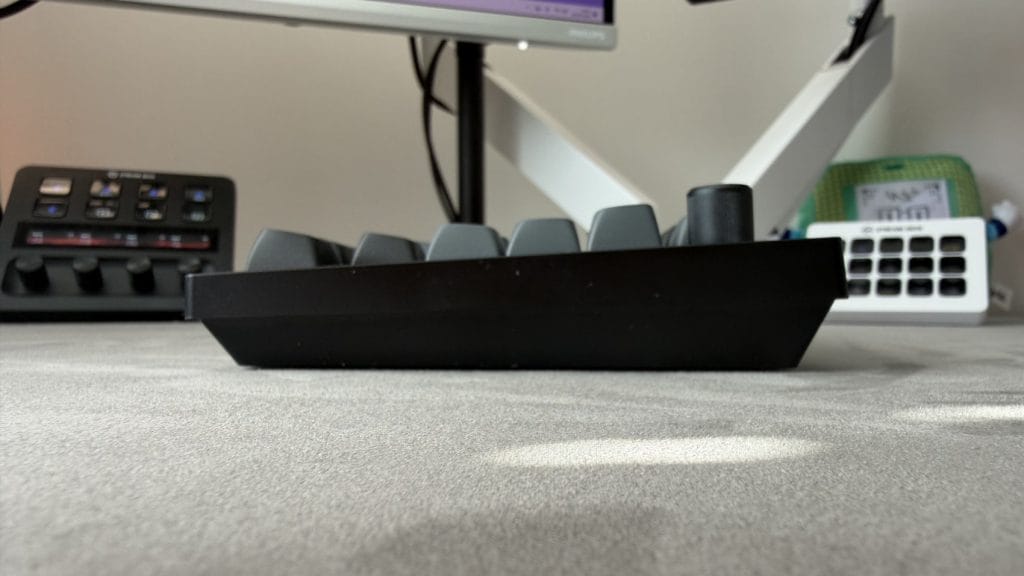
The problem, for me at least, is all of those internal layers stack up to make the Keychron V1 Ultra 8K a rather tall board. I’m perhaps more sensitive to it than others given I usually daily drive a low-profile keyboard and a MacBook Air, but even accounting for that bias, this felt loftier than most I’ve tested. The front edge presents quite a cliff and even without the adjustable feet extended I found my wrists needing to lean back in a way that wasn’t entirely comfortable over longer sessions. There’s no wrist rest included in the box, though Keychron sells silicone and resin options separately and I’d say it’s well worth considering if you go for this board and intend to do much non-gaming work on it.
Typing specifically was a bit of a mixed bag. For Discord conversations, general browsing, and day-to-day productivity it was entirely fine. For longer, more dedicated writing sessions I found the sculpted OSA keycaps combined with that tall profile a harder combination to get on with. Each cap has a noticeable dip that works brilliantly for keeping your fingers anchored on WASD during gaming, but starts to get in the way when those same fingers are trying to fly around the keyboard knocking out paragraphs. It was far from unusable, I still maintained my usual overall typing speed at 113wpm, but my accuracy dropped to 92% compared to the 96% I typically hit.
summed up
The Keychron V1 Ultra 8K is a difficult board to argue with based on value alone. It packs 8K polling, tri-mode connectivity, gasket mount construction, hot-swappable switches, a dual RGB system, and a battery life measured in weeks into a $114.99 package. That’s a lot for not a lot. There are compromises, the plastic case introduces a strong level of flex and the tall profile combined with those sculpted keycaps means it’s better suited to gaming and general use than it is to marathon writing sessions. Only coming in black is a shame too, though the industrial look will suit plenty of setups.
But for the price, this is a remarkable amount of keyboard that stacks up well against alternatives. Keychron’s managed to trickle down a feature set that was reserved for boards comfortably north of $200 not that long ago, and while the V1 Ultra 8K isn’t going to be mistaken for a premium product in the hand, it sounds like one, it performs like one, and it’ll outlast most of them on a single charge. If you’re after a do-everything wireless mechanical keyboard and you don’t want to spend a fortune, it’s going to be pretty hard to beat.