AOC GAMING Q27G4ZD QHD QD-OLED Gaming Monitor
design
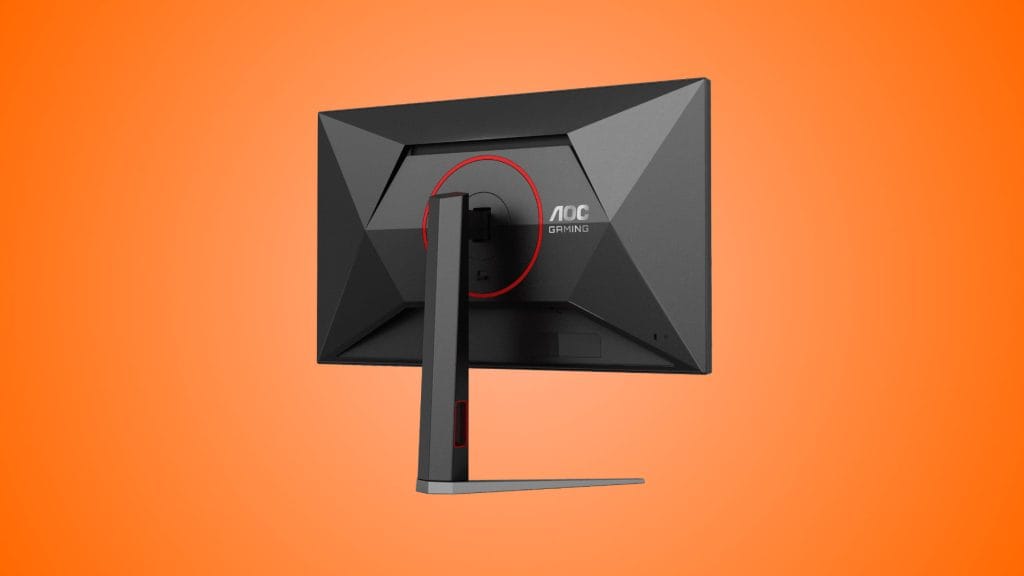
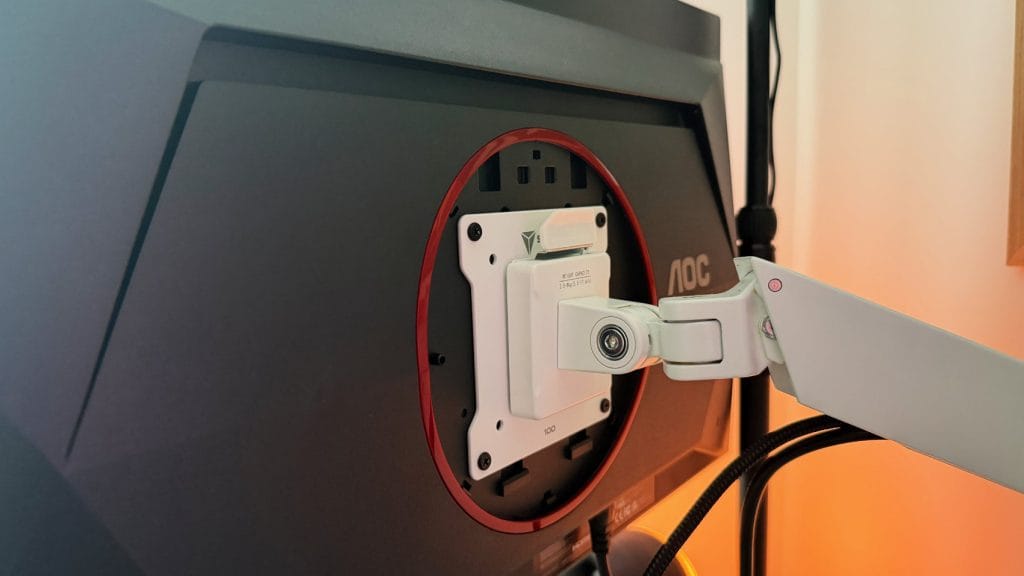
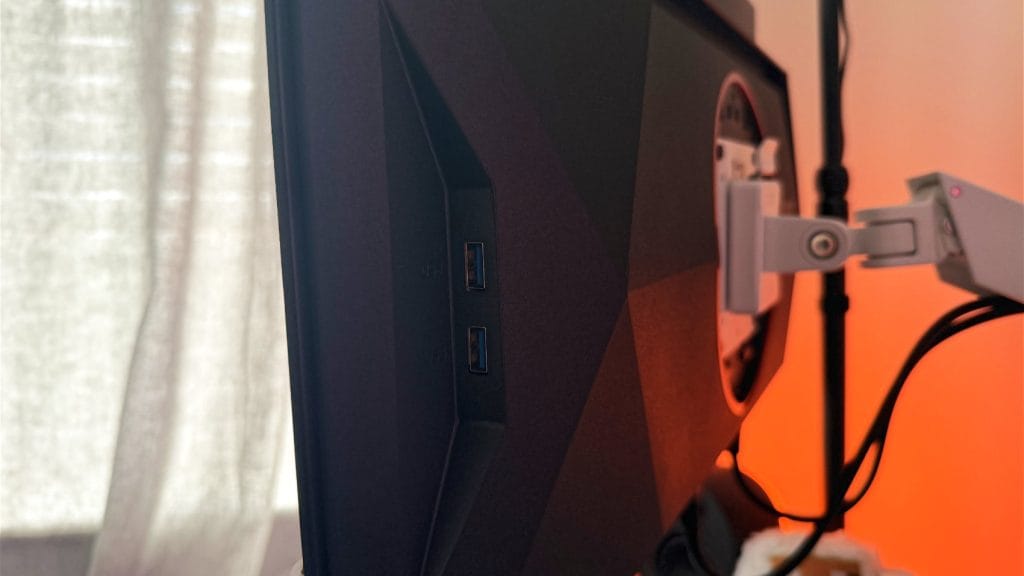
The AOC GAMING Q27G4ZD doesn’t try to be flashy, and that works in its favour. It’s a pretty grown up looking monitor, even if it carries the gaming moniker. The chassis is largely black plastic with angular styling across the rear panel and what’s becoming a trademark subtle red trim around the cable management hole and VESA mounting point. It’s a refreshing change from the aggressive gamer aesthetics that are still rife through the monitor market.
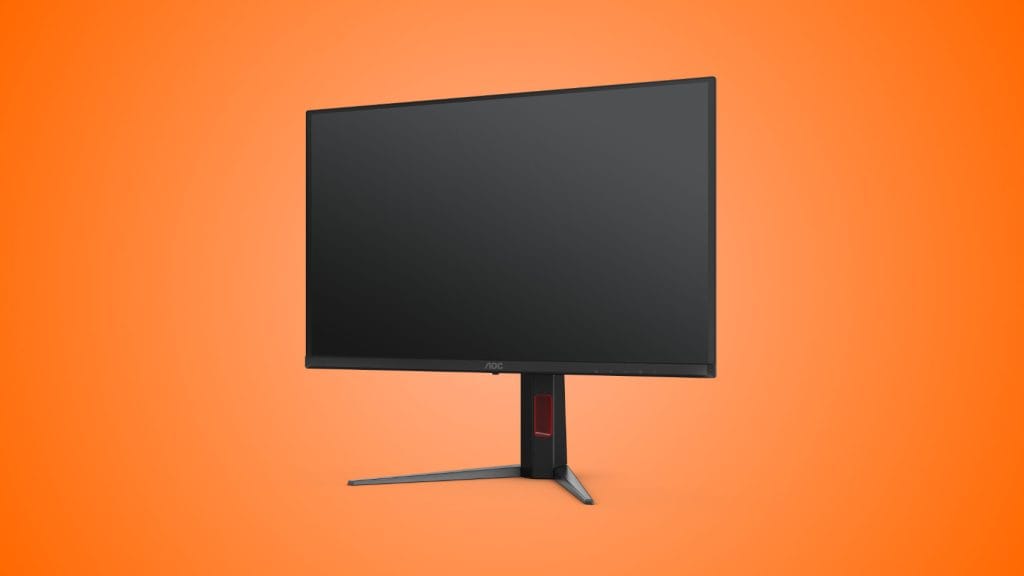
The stand itself is solid, with full ergonomic adjustment including 130mm up and down, -5° to 23° of tilt, 30° swivel in either direction, and a 90° pivot into portrait mode. Movements are firm with no wobble or play, and the overall build quality doesn’t feel like corners have been cut despite the lower price point. That said, it uses the tree root base design, which is by far my least favourite option. It’s the kind that extends well forward out and across your desk with chunky feet. If you’re anything like me that’s an immediate annoyance. I much prefer flat pedestal-style bases where you can at least reclaim that footprint for a Stream Deck, headphone stand or whatever else is competing for desk real estate. If you’re planning to use a monitor arm anyway like I did, the Q27G4ZD supports 100mm VESA mounting so this is a non-issue.
One thing that does stand out, and unfortunately not in a good way, is the bezel situation. Both the physical bezels around the edge of the case and the digital borders around the active display area are noticeably large for a monitor in 2026. The panel itself is technically 26.5 inches, not the 27 the headline marketing callouts suggest, and the combination of the physical frame and the inactive border around the panel edge makes the AOC GAMING Q27G4ZD look miles away from any monitor you place alongside. I appreciate the need for some spare pixel rows to allow for refreshing and avoiding burn-in, but this is one of the more aggressive bezels I’ve seen in recent times.
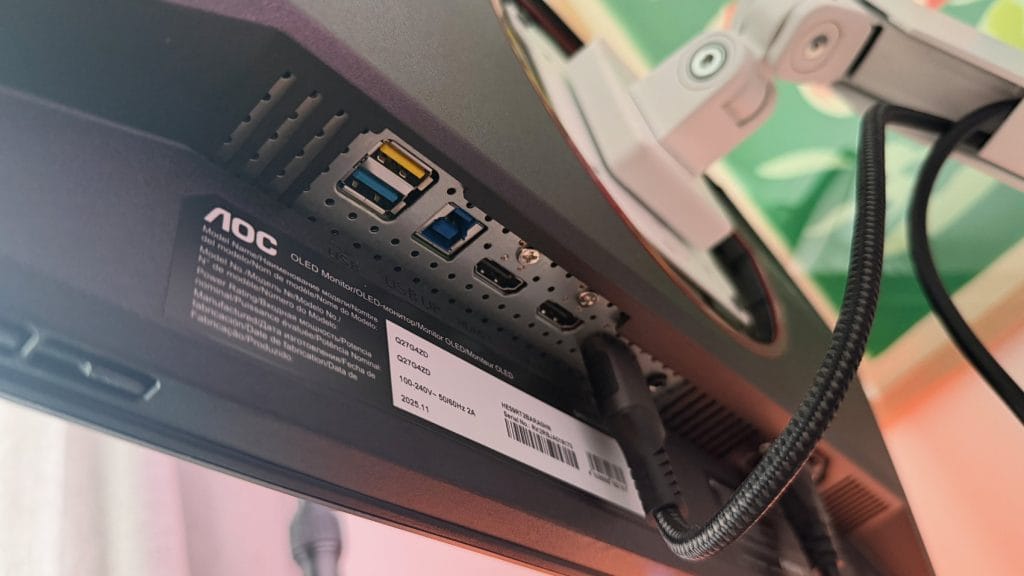
Connectivity includes two HDMI 2.1 ports and a single DisplayPort 1.4, along with a 3.5mm headphone jack. There’s also a four-port USB 3.2 hub, with two USB-A ports mounted on the right side of the panel for easy access and two more underneath alongside a USB Type-B upstream connection. At this price point, the USB hub is a nice bonus, though I’d have liked at least one of these ports to be USB-C instead of all USB-A.
performance
The AOC GAMING Q27G4ZD runs a QHD 2560×1440 resolution at up to 280Hz over DisplayPort. Response times are quoted at 0.03ms GtG, which is the typical figure you’ll see across QD-OLED panels and without running your own specific tests the practical result is motion clarity that’s effectively flawless. It supports both G-Sync and FreeSync for tear-free gaming, and it carries DisplayHDR True Black 400 certification.
Gaming on the Q27G4ZD is, in a word, excellent. The QD-OLED combines that smooth motion with a panel that delivers punchy contrast, vibrant colour and inky black depth. Input lag is imperceptible and the overall experience is exactly what you’d expect from a top Samsung QD-OLED panel, because that’s precisely what this is. The same panel technology that powers monitors costing two or three times the price is doing the heavy lifting here. Text clarity at normal viewing distances wasn’t an issue in my testing. The colour fringing that QD-OLED panels are sometimes criticised for wasn’t something that registered as a problem during regular desktop use.

HDR performance is, as is so often the case, a more nuanced conversation. The DisplayHDR True Black 400 certification means you’re getting the complete black levels that OLED is famous for, and anyone jumping over from a standard IPS or VA panel will notice an immediate and dramatic improvement. Highlights have a real punch to them, dark scenes have moody depth, and the overall HDR experience at this price is excellent. It’s worth noting, though, that the Q27G4ZD lacks a variable brightness mode, which limits its ability to deliver the kind of eye-searing HDR highlights you’ll find on higher-end OLEDs. Peak brightness tops out around 450 nits regardless of content, whereas more expensive panels can push brighter on smaller highlight areas. For the money, it’s more than acceptable, but if you’re specifically chasing top-spec HDR performance, there are monitors that do it better (at considerably higher cost).
The OSD display is about as fiddly but detailed as any other monitor I’ve tested, though the AOC GAMING Q27G4ZD does have an irritating habit of prompting you to run a pixel refresh process. This is pretty standard for OLED panels, but the implementation here is overbearing and downright annoying. The prompt appears frequently, the refresh process itself is lengthy, and there’s no clear indication of when it’s actually finished. If you accept its request the monitor appears to switch off, and you’re left guessing when it’s safe to turn it back on and resume what you were doing. The notification itself is also an aggressively large pop up over the middle-right of the screen, if you’re mid firefight at the time, it’s not what you need getting in the way.
The way the Q27G4ZD handles ambient light is also worth mentioning. In a room with controlled or subdued lighting the Q27G4ZD looks fantastic, but the sharp cross-lighting from a nearby window in my office quickly washed-out the panel and left it with a noticeable purple hue. It’s still perfectly usable under those conditions, but you’ll get the best results with the curtains closed or in an evening gaming session. Much like the pixel refresh pop-up this is a pretty common QD-OLED characteristic rather than anything specific to this monitor, but it’s worth bearing in mind if your desk sits next to a window.
summed up
The AOC GAMING Q27G4ZD presents one of the most compelling arguments for OLED gaming on a budget right now. At £419.99, you’re getting a Samsung QD-OLED panel that delivers image quality, motion clarity and colour performance that sits comfortably alongside monitors costing much more. The USB hub, fully adjustable stand, and three-year warranty (with burn-in coverage) all add extra value to a package that already punches well above its weight.
It’s not perfect, of course. The bezels are prominent and larger than you’d expect in 2026, the stand takes up more desk space than it should, and the panel refresh implementation is rough and irritating. The Q27G4ZD has stripped away the extras to put a top-tier QD-OLED panel within reach of a much wider audience, and on the metrics that actually matter, picture quality and gaming performance, it delivers. If you’ve been waiting for OLED to become affordable, this is the monitor that makes the case.