
Logitech G325 LIGHTSPEED Gaming Headset
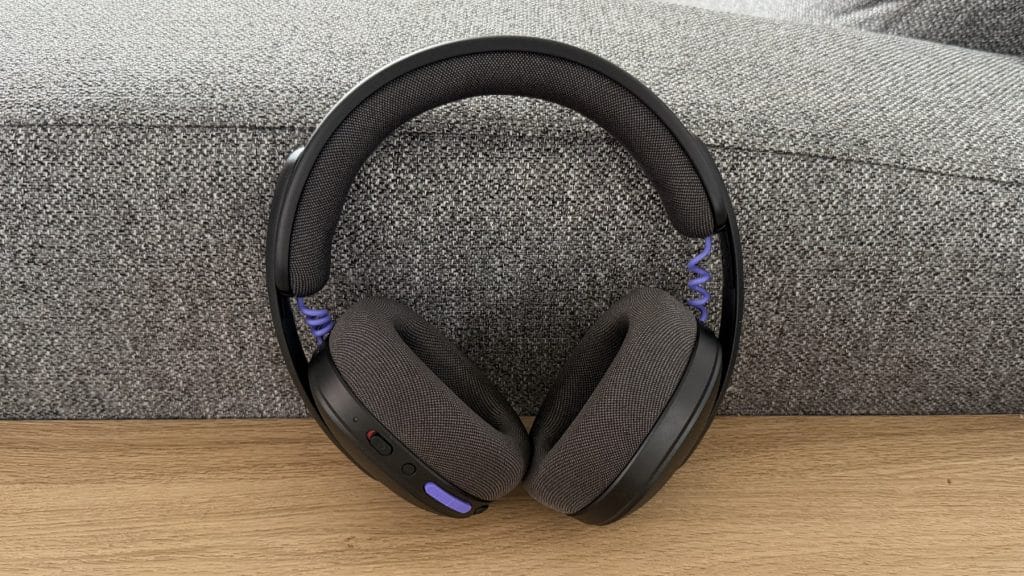
design
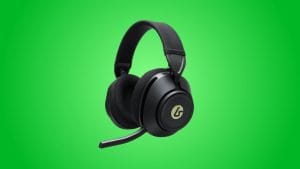
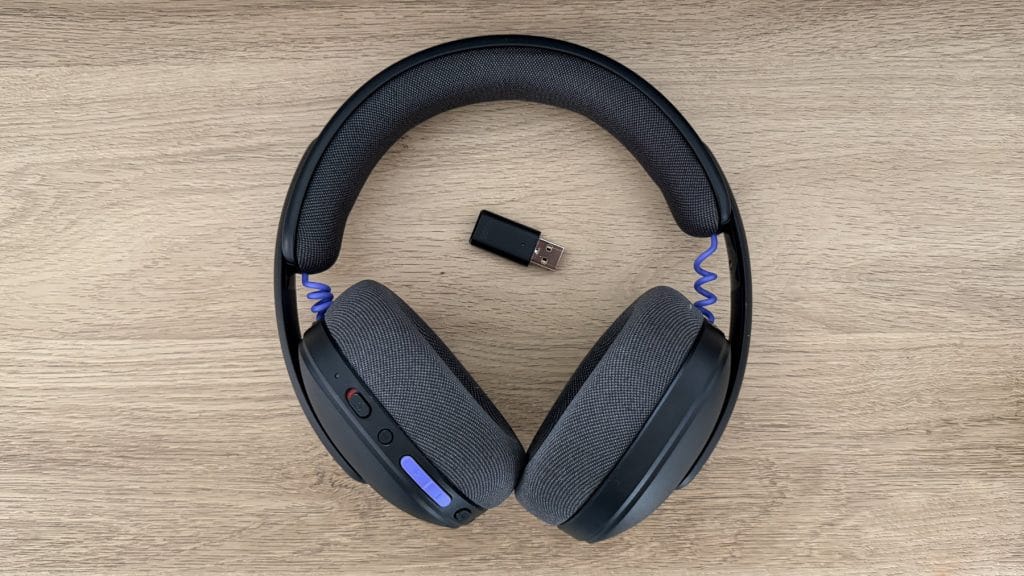
The Logitech G325 LIGHTSPEED comes in three colourways: black, white, and lilac. All are largely flat coloured but feature accents on the volume buttons and the wires connecting the cups to the headband, with the lilac sporting orange highlights and the white going for mint green. Interestingly, Logitech has opted for purple accents on the black model I’ve been testing, which is a surprisingly non-neutral choice for what would typically be the “safe” option. The overall aesthetic is still restrained enough that I’d happily wear any of them on a commute or in an office though.
Out of the box the first thing you notice when picking up the Logitech G325 LIGHTSPEED is how little there is to notice. At 212g, it’s particularly light, and I found I’d stop noticing I was wearing it after fifteen minutes or so. The construction is predominantly hard plastic, which contributes to that featherweight feel but does leave it feeling less premium than pricier alternatives. There’s a slight flex to the headband that some might interpret as cheap, though I’d argue it’s intentional, allowing the G325 to conform to different head shapes without excessive clamping pressure and hold up well to a little movement in a backpack.
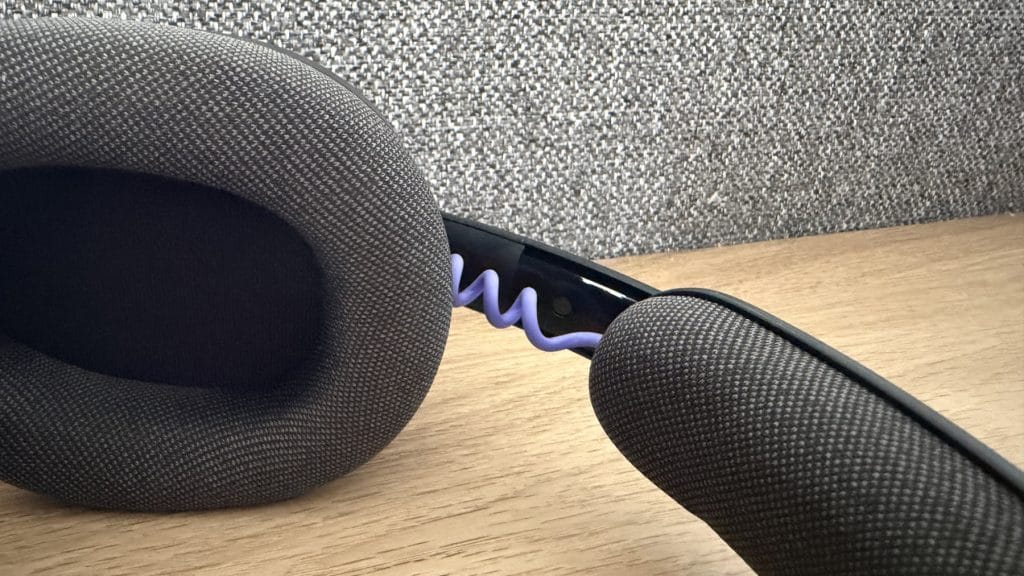
The cushioning throughout is notably squidgy, more so than most headsets I’ve tested recently, and wonderful as a result. The headband padding is almost gel-like and has real give to it, while the dual-layer memory foam earcups are similarly forgiving. Logitech has covered everything in a soft, breathable knit fabric that sits comfortably against skin, though if you’re sporting facial hair you may notice a slight scratch from the ear cups. Nothing dramatic, but worth noting when compared to microfibre or microsuede options. The fit isn’t overly clamped and I found it sits quite lightly on my head. It’s comfortable when you’re static but the whole thing is light enough that the G325 moved around a little during a jog, with a slight rattle somewhere near the left earcup. If you’re considering this for exercise, particularly cardio, know what you’re getting.
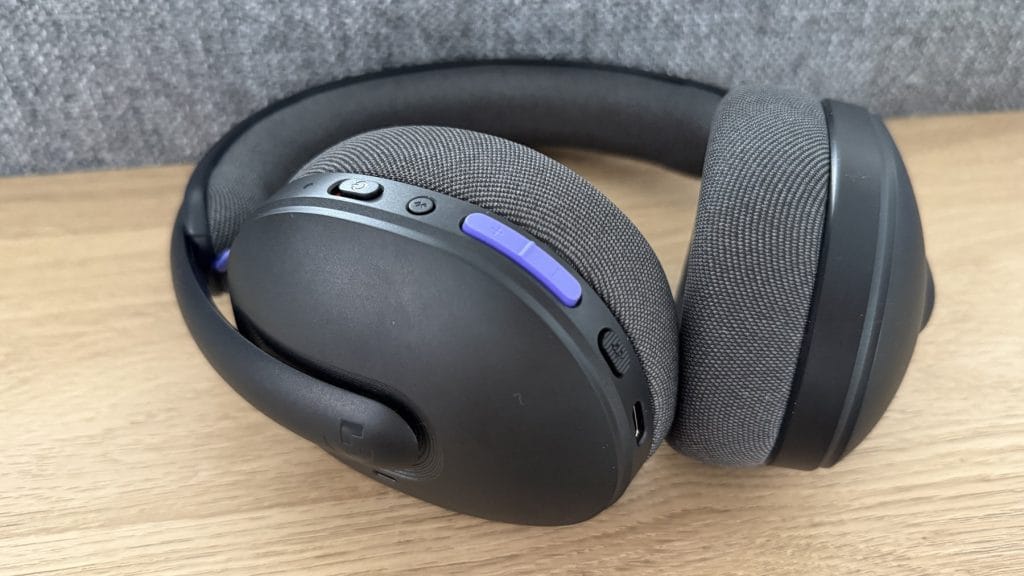
All controls live on the left earcup: a power slider, Bluetooth pairing button, volume rocker, and mic mute. There’s no volume wheel here, which takes some adjustment if you’re used to the tactile satisfaction of a scroll, but the button placement becomes intuitive quickly enough.
performance
Logitech calls the G325 a gaming headset, but it never gave me those vibes, so it was my office where I did most of my testing and it’s a home I can see a lot of people giving it. Switching from my MacBook Air’s built-in speakers to the G325 via LIGHTSPEED mid-sentence during a YouTube video, I was genuinely surprised at how much fuller the audio became. Voices had depth they simply didn’t have through the laptop, and there’s a warmth to the overall sound signature that made extended listening more pleasant. It’s not going to blow away anyone with a dedicated audio setup, but then again, audiophiles aren’t spending £69.99 on a wireless headset either.
The 32mm drivers handle the 24-bit audio competently, delivering clear highs and adequate mids. Bass is definitely present but won’t rattle your skull, which is probably the right call for a headset pitched at this price point. Logitech makes no spatial audio promises, but I still ran my usual directional audio tests anyway and found the left, centre, and right distinction perfectly clear and noticeable. Front-to-back differentiation was less convincing, and vertical positioning was essentially non-existent, but didn’t expect it from stereo drivers at this tier.
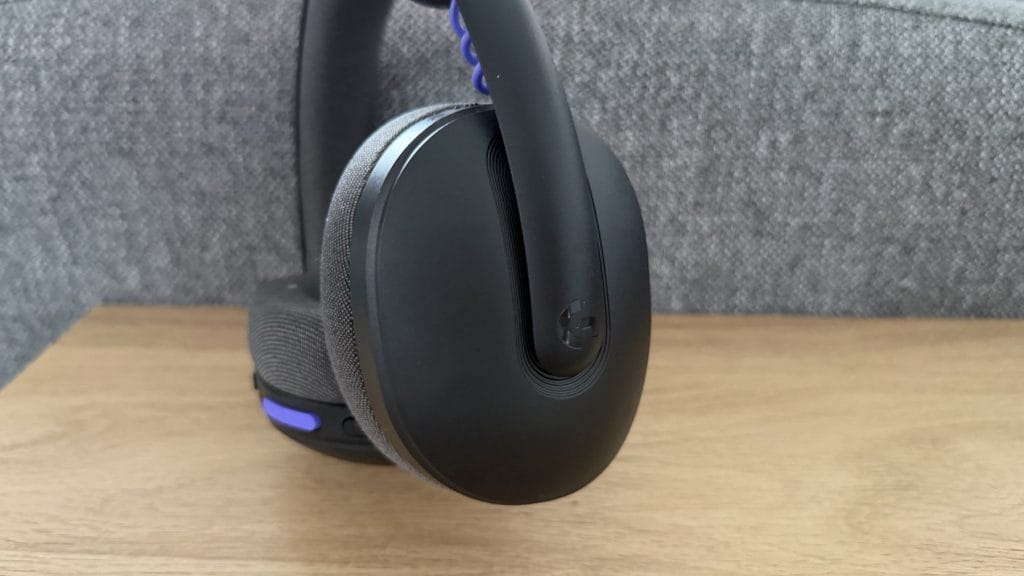
The microphone is where things don’t quite stack up so well. Logitech’s beamforming approach, with dual mics built into the earcups and AI-powered noise reduction, is convenient in that you never have to think about positioning a boom arm or worry about looking a little daft with one sticking out all the time. The trade-off is quality and it’s noticeable. Recording voice notes for WhatsApp, I found the audio slightly degraded compared to just using my iPhone’s speakerphone mic normally. On desktop for Teams calls and Discord chats it’s fine, perfectly intelligible, but if you’re thinking about streaming or any scenario where mic quality actually matters, you’ll want to look elsewhere.
The G325 offers two connection methods; you can use Bluetooth or you can connect via the LIGHTSPEED USB dongle. It’s not a small adapter, mind you, it’s considerably longer than a lot of Logitech’s other receivers and sticks out 3cm or so from your device. Something to be mindful of if you’re planning to use this with a laptop. You also can’t have both Bluetooth and LIGHTSPEED active simultaneously. It’s one or the other, switched via button press. Annoyingly too, the headset will likely report it’s connected to your device even if you switch to the opposite connection method. I wondered why I wasn’t getting sound through from my Mac when it said was connected – I’d forgotten to hit the button to switch back to LIGHTSPEED.
Similarly frustrating is the software situation, which isn’t specific to the G325 and more my plea to Logitech itself. The clue is in the name, but the Logitech G325 LIGHTSPEED is part of the brand’s G gaming range and therefore needs GHub for any customisation. The Logi Options+ app, which supports more office-based gear like the K980, was already installed on my laptop but doesn’t recognise the G325 so I’d need to download a second app to fiddle with basic settings. Why? Surely one app with two different areas would make everyone’s life easier.