Vantrue Nexus N4S Dashcam Review
design
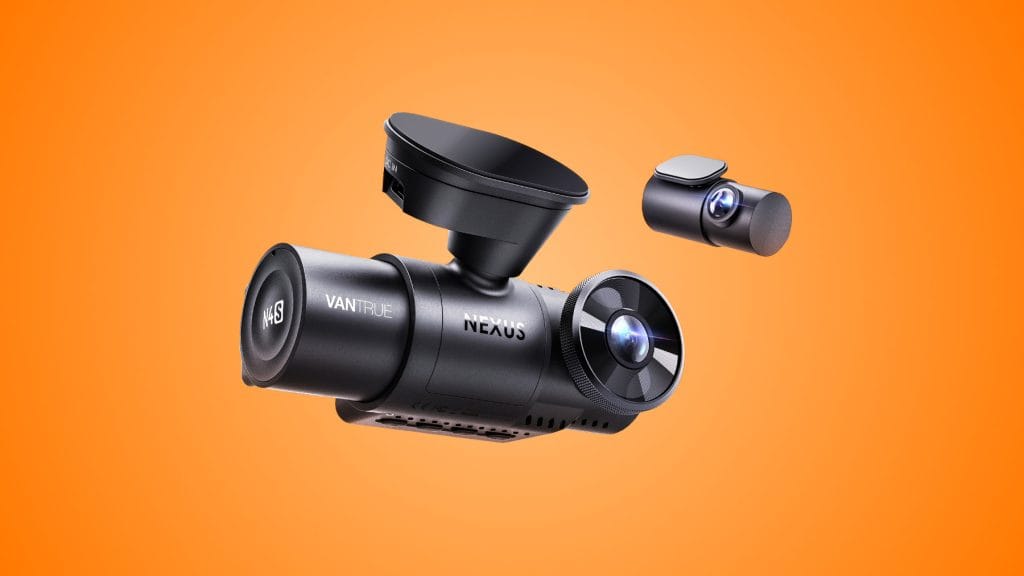
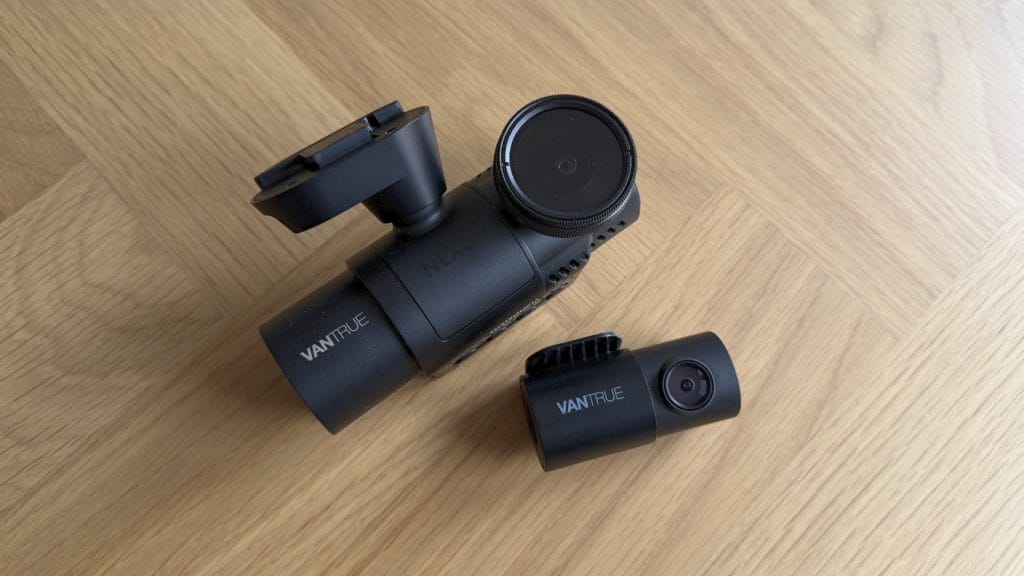
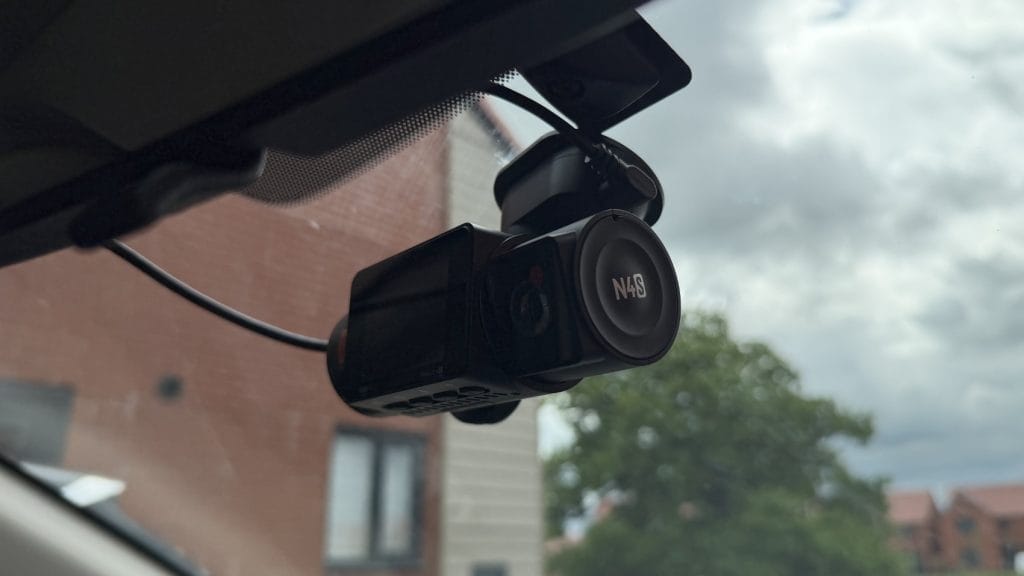
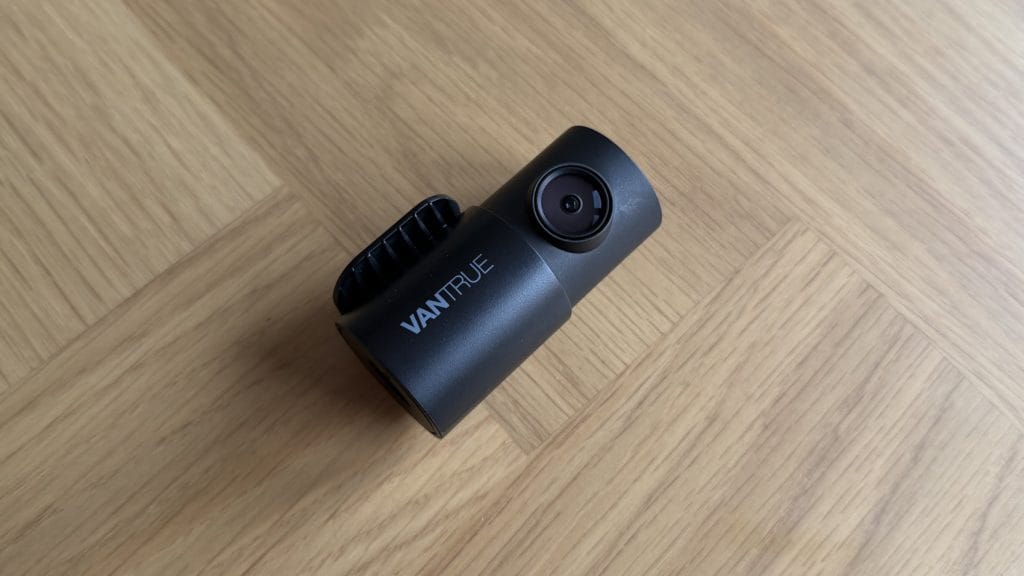
The Vantrue N4S is my first full-time dash cam experience and out of the box it wasn’t the form factor I was expecting. This is a chunky unit and properly wide. The main unit houses the front-facing camera, a cabin-facing camera with four IR LEDs, and a reasonably-sized screen, and it makes little effort to hide any of it. If you’re hoping to tuck this discreetly behind your rear-view mirror and forget about it, you may struggle. In my Mazda 3, it sat noticeably on the windscreen with no real way to conceal it entirely. The rear camera, by contrast, is compact and unobtrusive, a welcome counterpoint to the front unit’s presence.
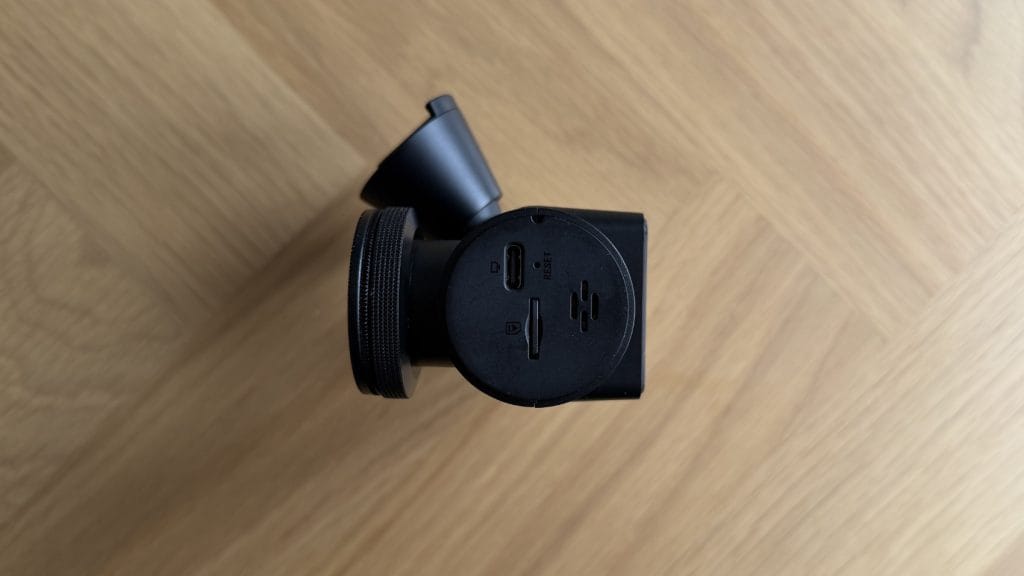
Build quality on the Vantrue Nexus 4S is solid enough. The body feels well-assembled and the buttons are intuitive to navigate. There’s a 2-inch IPS screen on the back that handles settings and offers a live preview, though in practice I found myself rarely using it once the initial setup was done. It’s small enough that reviewing footage on it isn’t really viable, and the app handles everything you’d want to check on the move anyway.
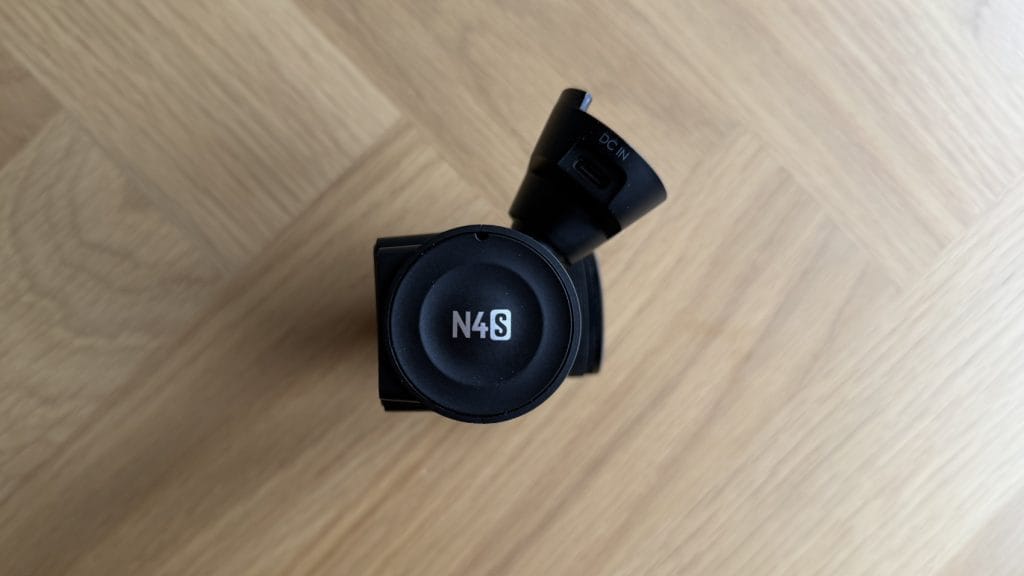
The magnetic mount is super simple to install and noticeably secure. An adhesive pad sticks to your windscreen, the magnetic base clips onto it, and the camera snaps on and off magnetically. In fact, it’s almost a little too good because once it’s on, it is on. That’s reassuring from a stability standpoint, the camera isn’t going to go flying when you drive over a bump, but it creates a problem if you ever need to reposition or remove it. It took me the better part of an hour with various tools and materials to cleanly remove the pad and its residue from the windscreen when uninstalling. There is zero chance of repositioning this pad once it’s down, it’s a single-use affair that needs to be destroyed to be removed. Vantrue does include a second set of adhesive pads in the box, which I appreciate, though I’ll admit I’m now mildly terrified of using them given the ordeal of removing the first. A plastic trim tool for tucking away the cable and some small cable clips round out the box contents.
The USB cable to connect the rear camera cable is reasonably chunky but generous in length, giving you plenty of routing options and the included car charger was perfectly fine in my testing. If you’d rather hardwire it, Vantrue will sell you an add-on kit for that but it’ll cost you another £25-30.
performance
After a few weeks of having the Nexus 4S quietly go about its work attached to my windscreen, I was curious to see the quality of what it’d been capturing. In general, it’s pretty good; though there are a few caveats. Front camera footage from the N4S is sharp and clear in daylight, with particularly strong contrast and good colour. Running at 1440p (the sensible default, as the higher 1944p mode introduces strange 4:3 aspect ratio distortion), everyday driving footage looks crisp and detailed. It’s another paid add-on, but the CPL filter I was testing with does a good job of taming windscreen reflections and boosting overall clarity, and I’d consider it a worthwhile addition.
Where things get more nuanced is licence plate legibility and Vantrue’s boasted PlatePix technology. This is marketed as an AI-enhanced plate capture mode, and on paper it sounds like a welcome differentiator. In practice, I found it underwhelming and probably wouldn’t have known it was there. Plates on vehicles at any real distance tended to fall victim to either a lack of detail, or what I can only describe as AI garble. That familiar smeared, almost alien look you get on text when software tries too hard to reconstruct detail that the sensor hasn’t really captured. In still frame captures it was particularly noticeable, PlatePix snapshots weren’t meaningfully clearer than standard captures when the vehicle wasn’t right up close. For plates on a car directly in front at a traffic light it’s perfectly crisp and clear. For anything at a moderate distance or back, I wouldn’t rely on it as a step above what a good quality dash cam delivers without the AI enhancement.
The high contrast that makes daytime footage punchy becomes a double-edged sword in more challenging lighting. At sunrise, sunset, or in areas with heavy shadow, the Vantrue N4S is prone to losing detail in the darker areas of the frame. In some situations where a low sun was tucked behind a building it was almost too dark to make out anything more than a looming black lump. It’s not a dealbreaker, but it’s worth bearing in mind if your regular driving involves a lot of those low-sun periods.
Night performance is a stronger story. The front camera handles darkness well, delivering usable footage with good detail retention under streetlighting and in residential areas. The cabin camera is genuinely impressive at night (one of the few places I’ll give the STARVIS 2 sensors full credit), the four IR LEDs flood the interior with enough invisible light to produce clear, detailed footage in complete darkness. If you’re a rideshare driver or anyone else who needs reliable cabin footage around the clock, this is where the Vantrue Nexus 4S definitely earns its keep.
The rear camera is a more complicated picture, though admittedly one that will likely vary depending on your car. Mounted internally on the Mazda 3’s low-angle rear screen, I found image quality strangely impacted. I’m not entirely sure why, the raw quality is clearly there but there’s just something off about it. It may well be the combination of reflections and heating lines, it could just be the low angle of the glass itself, but there was a distracting quality to the video. Again, plates weren’t particularly legible except when following closely, making the rear camera more of an incident and context recorder than a detail capture tool. It’s also worth noting the rear camera is IP67 waterproof and can be mounted externally, a nice advantage for van or truck owners if you have a way of running the cable out there, though for most car users it’ll sit behind glass.
The Vantrue app connects over 5GHz Wi-Fi and transfers clips quickly enough, no complaints on speed. The app itself, however, is pretty barebones and not an overly polished experience. Navigating your recorded footage is one long, undifferentiated camera roll with no way to search, filter by date, or mark favourites. I had loop recording set to one-minute clips, which meant scrolling through an overwhelming grid of tiny video thumbnails to find anything specific. For a camera at this price, some basic clip management tools would go a long way.
I may have had no issues with the car charger connection, but things are less straightforward when attempting to power it indoors to download clips. When connecting the Vantrue N4S to power or my laptop via a USB cable, it refused to recognise any USB-C to USB-C option I tried. USB-A to USB-C worked without issue every time, but USB-C to USB-C specifically was completely ignored. I tested multiple cables and bricks/machines but the result was consistent, the dashcam simply wouldn’t respond. Odd.
One other quirk that kept catching me off guard: the N4S appears to trigger itself randomly with phantom voice commands. Over six weeks of testing, the camera took nine screenshots that nobody asked for and didn’t have an obvious reason. I assume road noise or the radio was occasionally being misinterpreted as voice input. It’s not a serious issue, but it is a slightly unnerving surprise when you’re driving in silence and your dash cam suddenly fires off its shutter sound.
summed up
The Vantrue Nexus 4S is an entirely capable three-channel dash cam that does the core job well. Front and cabin footage is reliably good, the STARVIS 2 sensors do the job you’d hope at night, and the sheer coverage of having three cameras running simultaneously gives you a level of documentation that simpler two-channel systems can’t match. The GPS logging and 1TB storage support all point to a camera built for long-term, set-and-forget use.
But it’s not without frustrations. PlatePix doesn’t deliver the meaningful upgrade over standard capture that the marketing suggests, the app needs more thought put into it, and that adhesive mount is a genuine pain point if you ever need to move or remove it. The USB-C compatibility issue is puzzling, the phantom voice triggers are a nuisance, and the front unit’s size means this isn’t a subtle install on most cars. The question is whether those frustrations outweigh the raw video capture experience. Realistically? They probably don’t.
The Vantrue Nexus N4S is best suited to drivers who specifically want three-channel coverage, rideshare drivers, taxi operators, fleet vehicles, or anyone who values having cabin footage alongside front and rear recording. If you don’t need that interior camera, a quality two-channel system might serve you better at a lower price and in a more compact package. For those who do want the full triple-camera setup at under £250, the N4S is a solid option that gets the fundamentals right, even if it falls short of being exceptional.