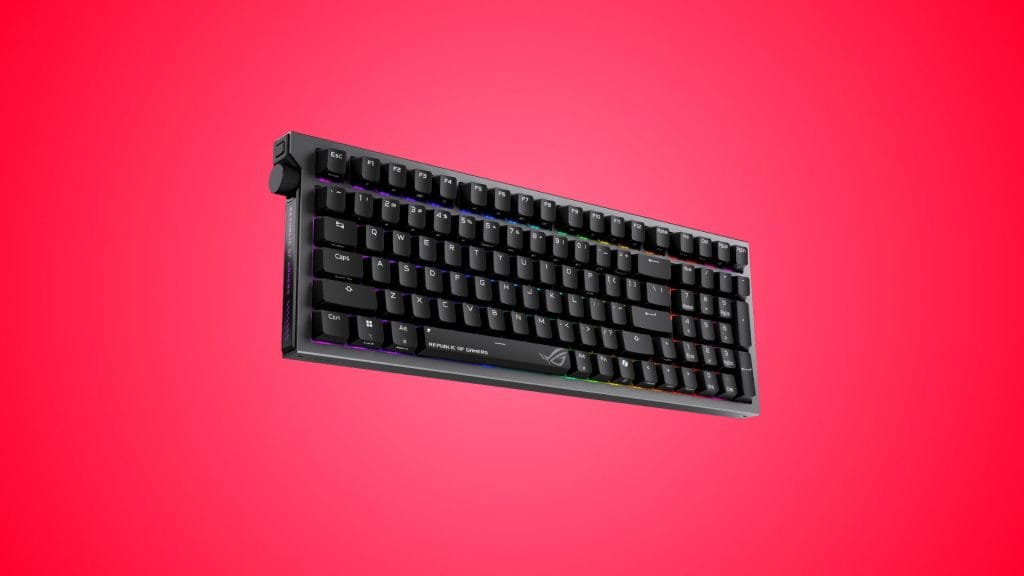
ASUS ROG Strix Morph 96 Wireless Gaming Keyboard
design
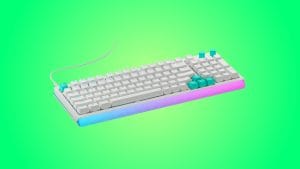
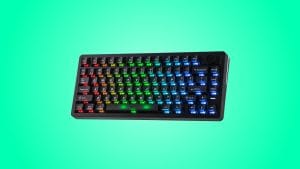
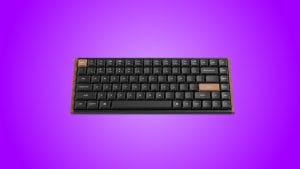
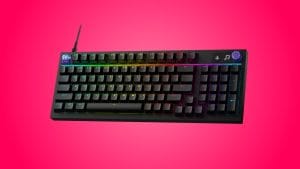
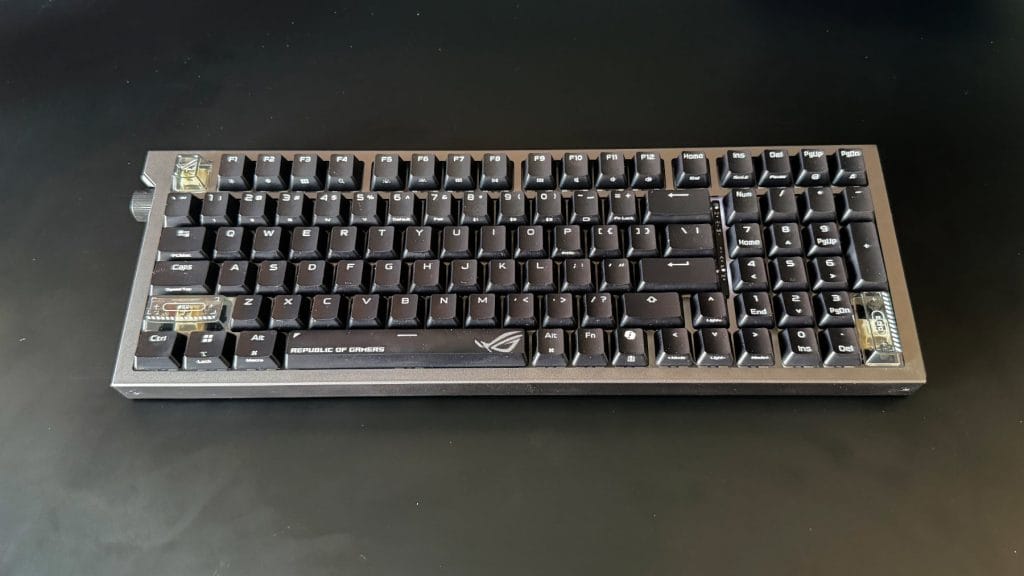
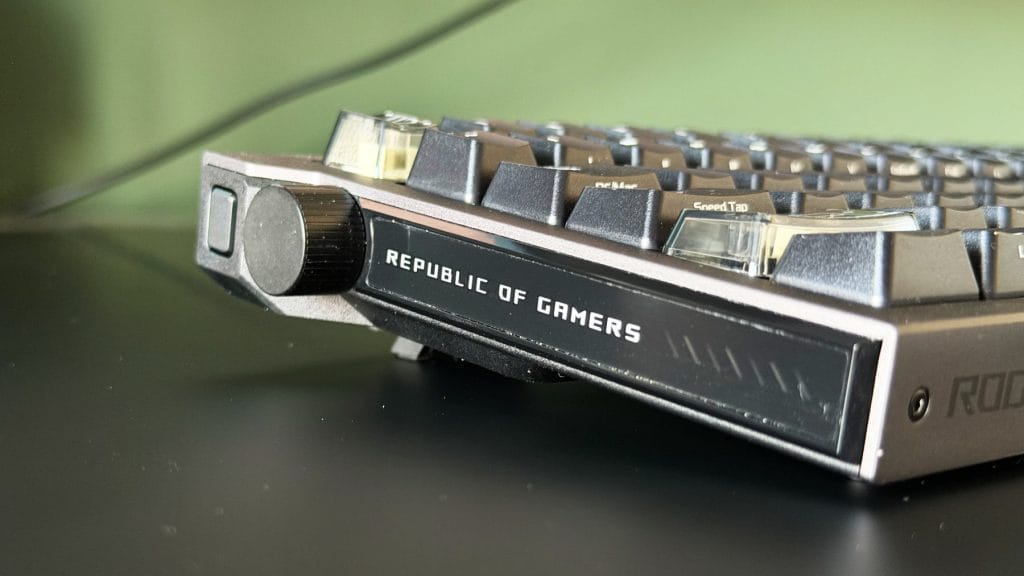
Picking the ASUS ROG Strix Morph 96 Wireless up for the first time, there’s a bit of twist through the chassis under strain that’s a little surprising given the brushed metal top plate. Worth remembering, though, that it’s the base doing the flexing rather than the plate, and the base is plastic underneath that finish. Planted on a desk, none of that matters. It sits solid, doesn’t budge under aggressive typing or gaming, and a little over a kilogram, there’s enough heft that it isn’t going anywhere. The exposed Torx screws along the top and the ROG lettering running up the side give it a fairly industrial look, backed up by its dark theming, with the board only coming in black for now.
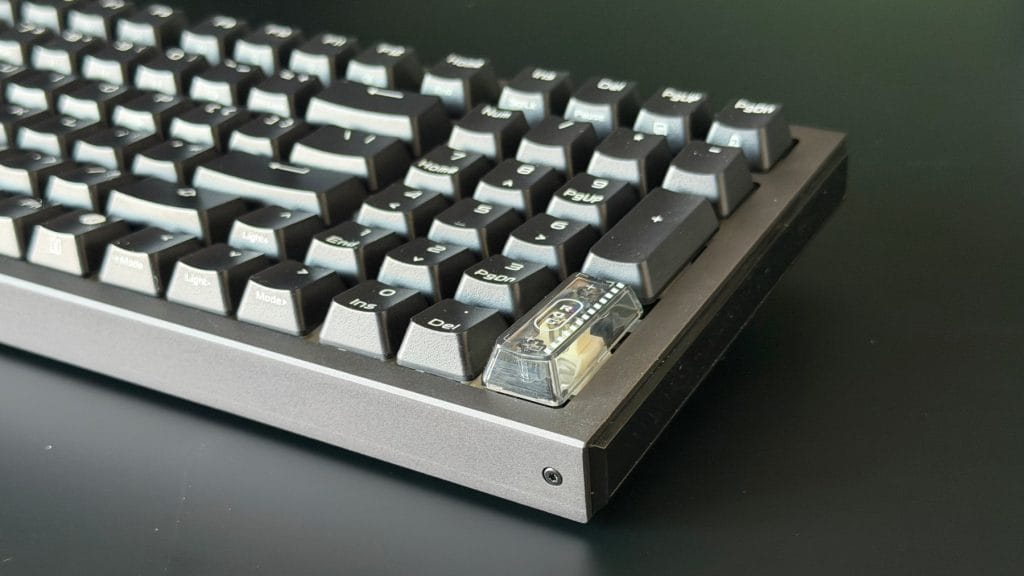
The doubleshot ABS keycaps feel fine out of the box, textured enough to grip properly during fast typing, and a couple of weeks in there’s no visible shine or wear to report. Worth flagging, though, that ABS is the material more prone to that kind of shine over time than PBT, which the pricier Strix Scope II 96 Wireless uses instead. Nothing to suggest it’s inevitable here, just something worth keeping an eye on. There’s per-key RGB, as you’d expect, and despite those solid black keycaps it’s surprisingly eyecatching with plenty of brightness and saturation. ASUS throws in a handful of transparent ROG branded keycaps, which is always appreciated, and it’s opted for dual labeled caps rather than dedicated Mac replacements.
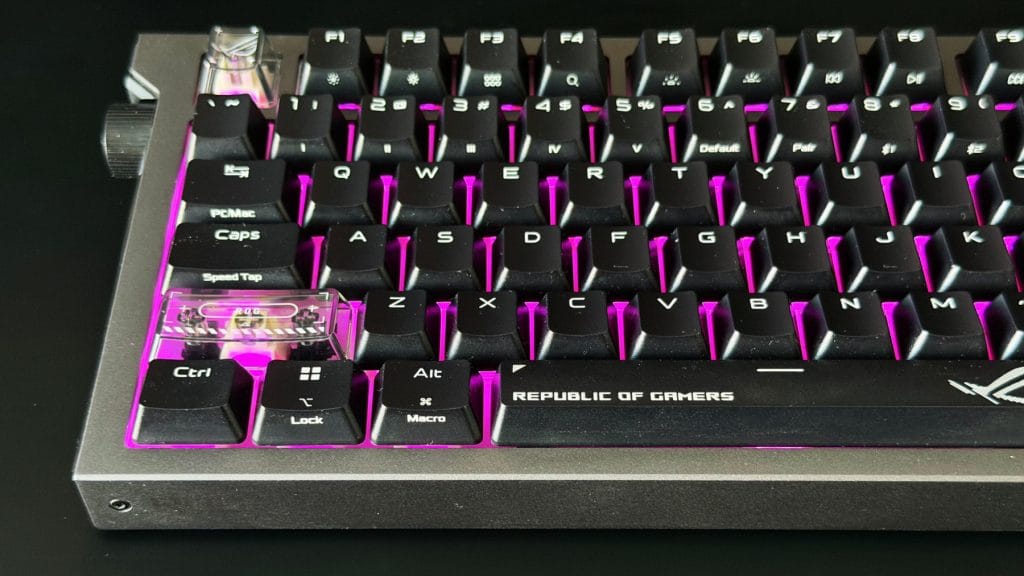
On the 96% layout itself, don’t go in expecting a dramatic desk space saving. It’s not appreciably smaller than a full-size board once you account for the number pad, and the offset arrow keys squeezed in alongside it take a session or two to stop bumping into by accident. That said, it never felt particularly cramped in my couple of weeks’ testing, and the trade-off of keeping every key from a 100% board in a marginally tighter footprint is one plenty of people will happily take.
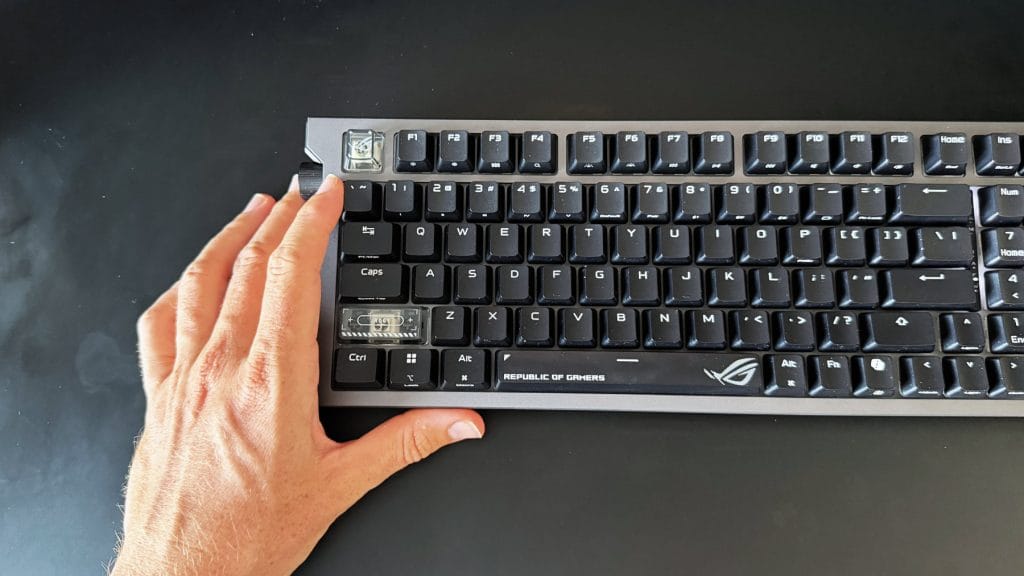
The real letdown here, however, is the side mounted control knob. The scroll action feels loose and imprecise, with enough play before a turn registers that fine adjustments are hard to make with any confidence. Its placement will suit some hands better than others too. Anyone with a habit of resting a hand along the bottom left corner between bursts of typing, as I do, will find themselves nudging the volume up or down without meaning to, sometimes by a fair amount given how loose the wheel is. Now I’ll admit that ROG isn’t to know where I choose to park my hand, and you can disable the wheel or change its behaviour in Gear Link, but losing the functionality feels like a shame when a tighter wheel would have been the better fix. There’s a reason most boards tuck a wheel like this out of the way in the top right.
performance
Fitted with the linear ROG NX Snow V2 switches, rated at 40gf actuation force and a 1.8mm actuation point, the Strix Morph 96 Wireless types about as neutrally as a mechanical board can. There’s no standout character to the feel, nothing that immediately jumps out as distinctive, and in a market full of switches chasing a specific sensation, that neutrality is almost a feature in itself. I didn’t find they feel quite as heavy as the numbers on paper suggest either. Long writing sessions pass without any noticeable finger fatigue, and gaming feels responsive without demanding an adjustment period.
Acoustically, it’s louder and closer to a clicky switch’s character than expected from something linear, though nowhere near unpleasant or likely to annoy anyone nearby. The gasket mount and dampening foam do their job on stabiliser rattle too, mostly. Every key bar the spacebar feels tight and controlled, but the spacebar itself has a touch of looseness the rest of the board doesn’t share.
Connection reliability across all three modes, wired, Bluetooth and the 2.4GHz Omni Receiver, was untroubled throughout testing, with no dropped inputs or noticeable latency in any of them. The Omni Receiver’s ability to run a mouse and keyboard off the same dongle is particularly welcome, it’s tech we’ve seen from Logitech for years though it’s still missing from the likes of Keychron. ASUS quotes up to 590 or so hours of battery life over 2.4GHz with the RGB lighting off, dropping to around 100 hours with standard RGB engaged.
Speed Tap, ASUS’s answer to faster counter-strafing, releases the previous key input the instant a new one is pressed, which is a niche nice to have but narrow compared to true Hall Effect switches. If adjustable actuation points and rapid trigger are what you’re actually after, there’s not much reason to stop here. Both the Keychron K3 HE and the Epomaker HE108 offer that depth of customisation at accessible prices these days, and if that’s the itch you’re trying to scratch, go Hall Effect rather than treating Speed Tap as a substitute.
Gear Link, ASUS’s new browser based configuration tool, works fine day to day but feels thin next to the software some dedicated keyboard brands offer. A wired connection and a Chromium based browser are both required to access it, no Safari support here, though that’s true of most web based configuration tools right now. Remapping and macro support cover the basics without much depth, and the whole tool leans noticeably towards Windows. There’s no way to find MacOS specific actions like Spotlight or the emoji picker when remapping keys, and switching to a wired connection flipped the OS profile back to Windows from Mac every time. Oddest of all, there’s no way to customise the side lighting bar at all. It just pulses green constantly while plugged in, presumably to indicate charging, which feels like a strange oversight on a board that otherwise lets you fiddle with everything else.
summed up
Taken entirely on its own, the ASUS ROG Strix Morph 96 Wireless is a competent keyboard. The typing feel is comfortable, the connection across all three modes never faltered, and the full disassembly and hot-swap process is as straightforward as ASUS claims, right down to the extra translucent keycaps thrown in the box. Taken against the rest of the field, though, it’s harder to get excited about.
The knob is a clear miss, awkward for anyone who rests a hand near it and imprecise even for those who don’t, and the software doesn’t stretch far enough to back up the customisation angle ASUS is leaning on. Set alongside boards like the Keychron K3 HE or the Epomaker HE108, both of which offer proper Hall Effect switches at accessible prices, the Strix Morph 96 Wireless doesn’t do enough to earn a spot ahead of them on a desk. It plays it safe, and it shows. This is a board built for someone who wants to pick up a wireless mechanical keyboard and get on with it, rather than someone chasing real modding depth or the sharpest possible gaming edge.